12 | PXC 550
Product overview
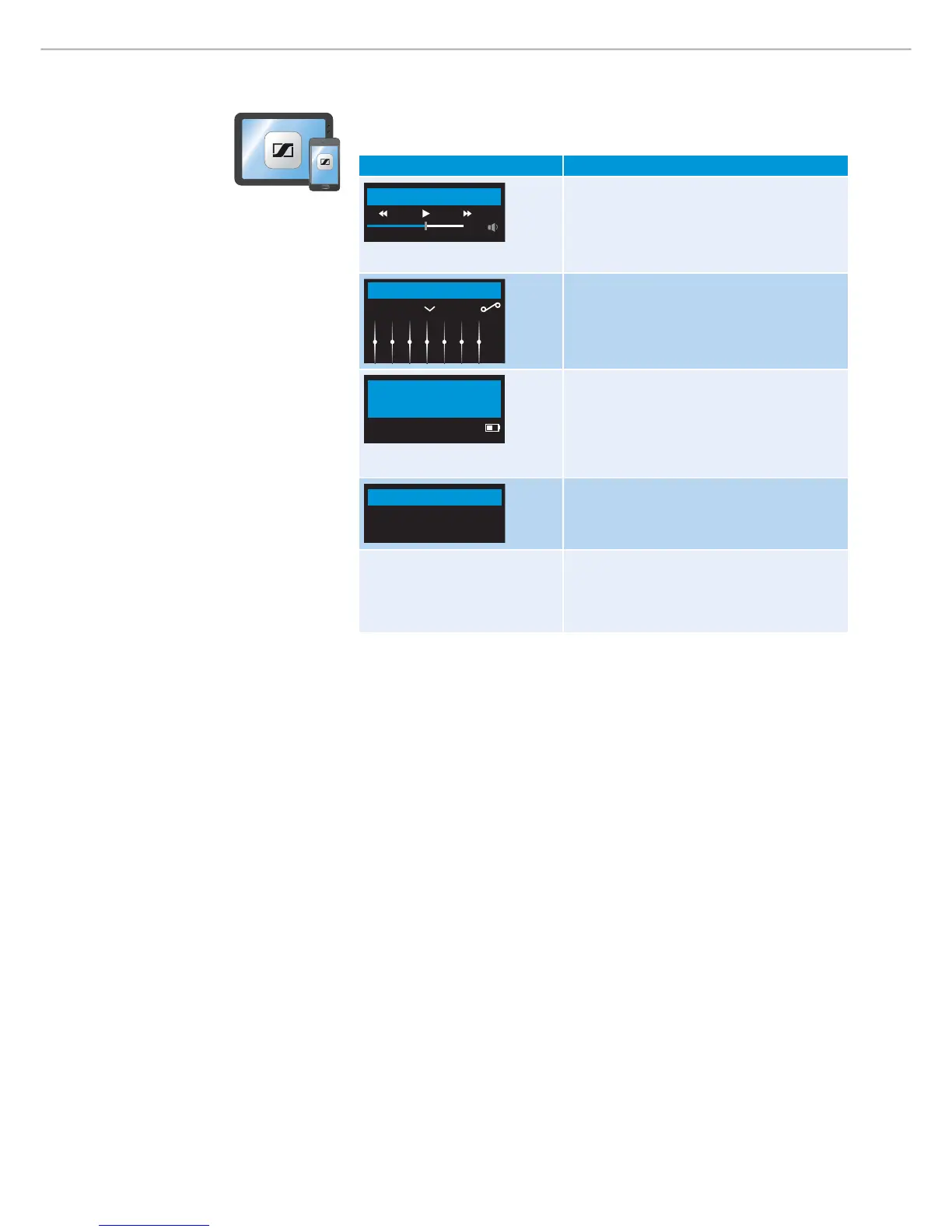
Overview of the Sennheiser CapTune app
The appearance of the app varies depending on the device and operating system
used, but the functions are identical.
Function Details
0:32
Music Player
Music Player
Playlists
Local media contents
Streaming services
EQ
Neutral +
Sound adjust ment s
Equalizer
Effects
Sennheiser SoundCheck
Connection settings
Bluetooth / NFC / USB
Audio
PXC 550
Specific functions of t he PXC 550
Connection and charge status
Bluetooth
NFC
USB Audio
My Profiles
Sports
Home
Profiles
Customize profile settings
Special features
Change voice prompt language
Use tones or voice prompts for
confirmation signal
Overview of voice prompts and tones
By factory default, voice prompts are activated in English.
From the CapTune app, you have the option to use voice prompts or tones as
response signal when performing tasks. If voice prompt is active, you can replace
the default language with one of the supported languages from the selection.








 To Next Page