PXC 550 | 31
Using the headphones
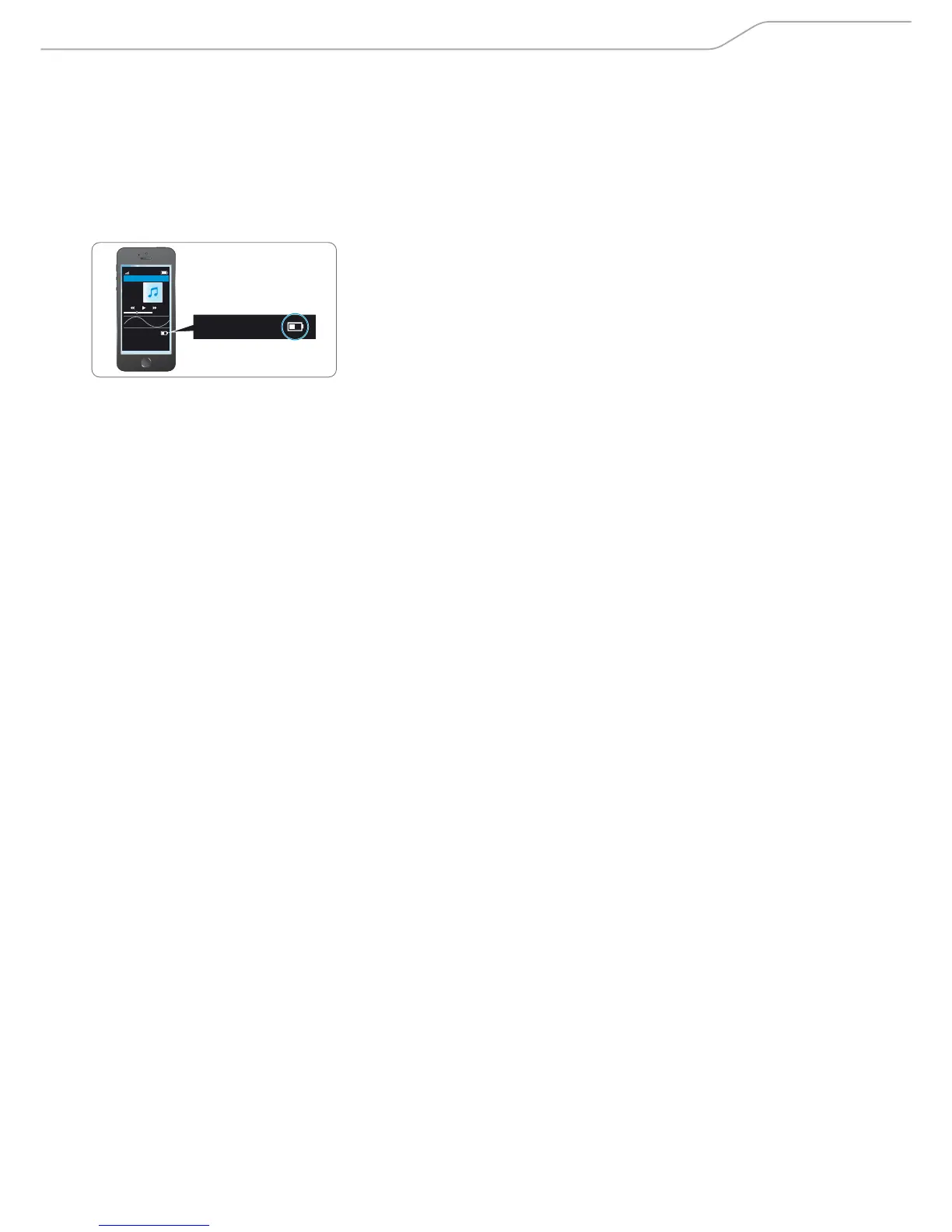
Checking the remaining bat t ery life from the the
Sennheiser CapTune app
The Sennheiser “CapTune” app displays the charge status of the rechargeable
battery:
X Pair (Connect) the PXC 550 and the device installed with the Sennheiser
“CapTune” app (see page 16).
X In the app, tap on “PXC 550 N”.
The settings of the PXC 550 appear. The current battery charge status is displayed.
Music Player
Title
Album
0:00
EQ
PXC 550
PXC 550












 To Next Page