32 | PXC 550
Listening to music
Listening to music
The music functions mentioned in the subsections are only available if the head-
phones and the smartphone are connected using Bluetooth wireless technology
or the USB cable. Some smartphones may not support all functions.
Listening to music wirelessly
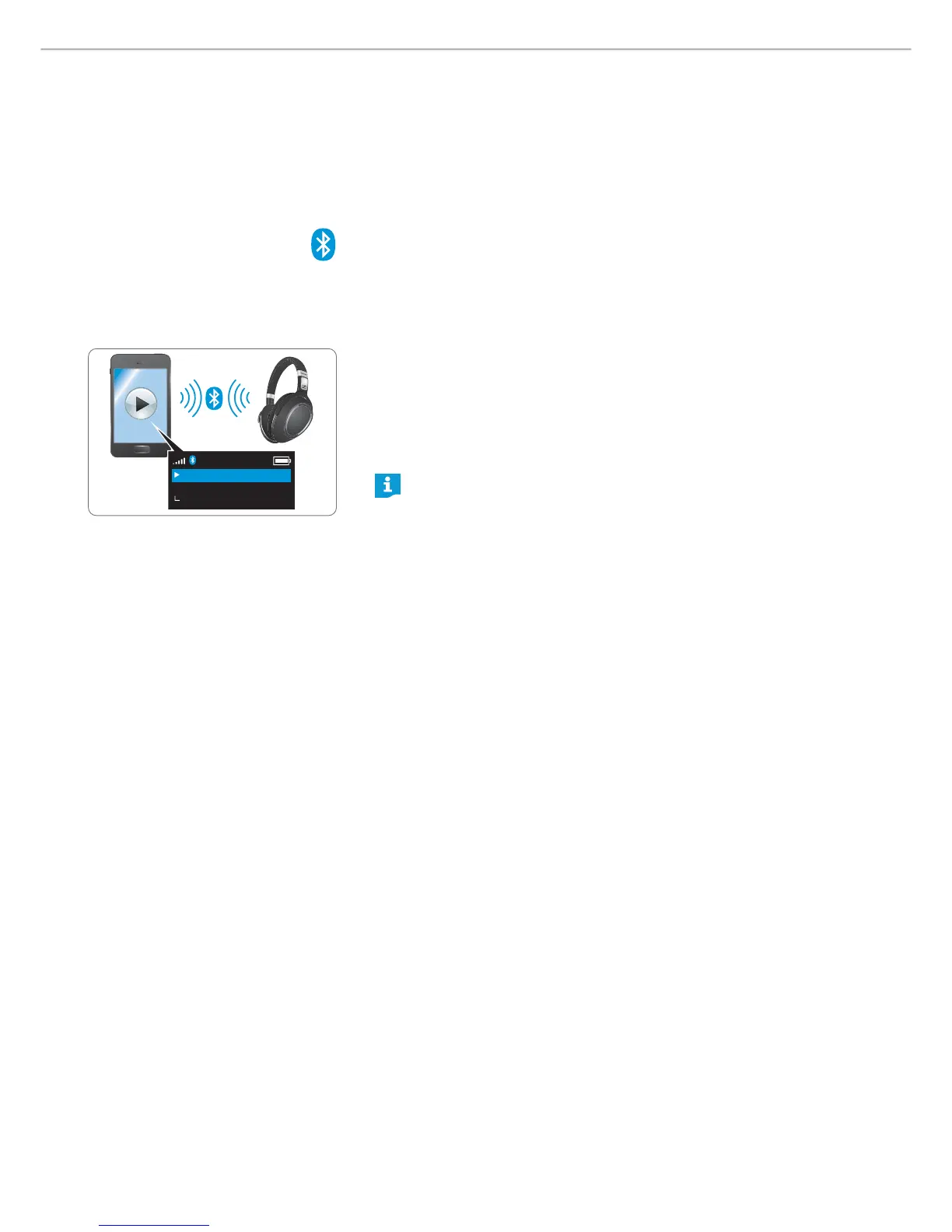
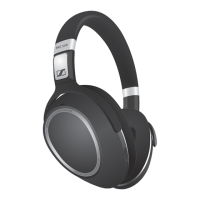
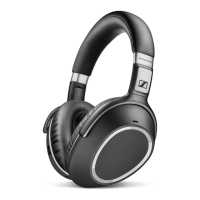
When connected via Bluetooth, you can use the PXC 550 as the output and input
device for your audio device.
If you audio source supports the aptX® audio codec, the PXC 550 will automat-
ically play your music wirelessly in stunning aptX® audio quality. If you audio
source does not support the aptX® audio codec, your music will be played in
normal audio quality.
X Make sure that the PXC 550 and the mobile phone are connected wirlessly
(see page 16).
X Start playing music on your mobile phone.
X Select “Play to Bluetooth device” from the menu.
X Select “Sennheiser PXC 550” from the list.
The music is now played through the PXC 550.
If the instructions provided do not work, proceed as described in the
instruction manual of your mobile phone/Bluetooth device.
Sennheiser PXC 550
Play to Bluetooth device
Play




 To Next Page