20 | PXC 550
Getting started
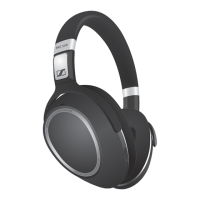
Connecting the PXC 550 headphones to a digital audio
source using the USB connect ion cable
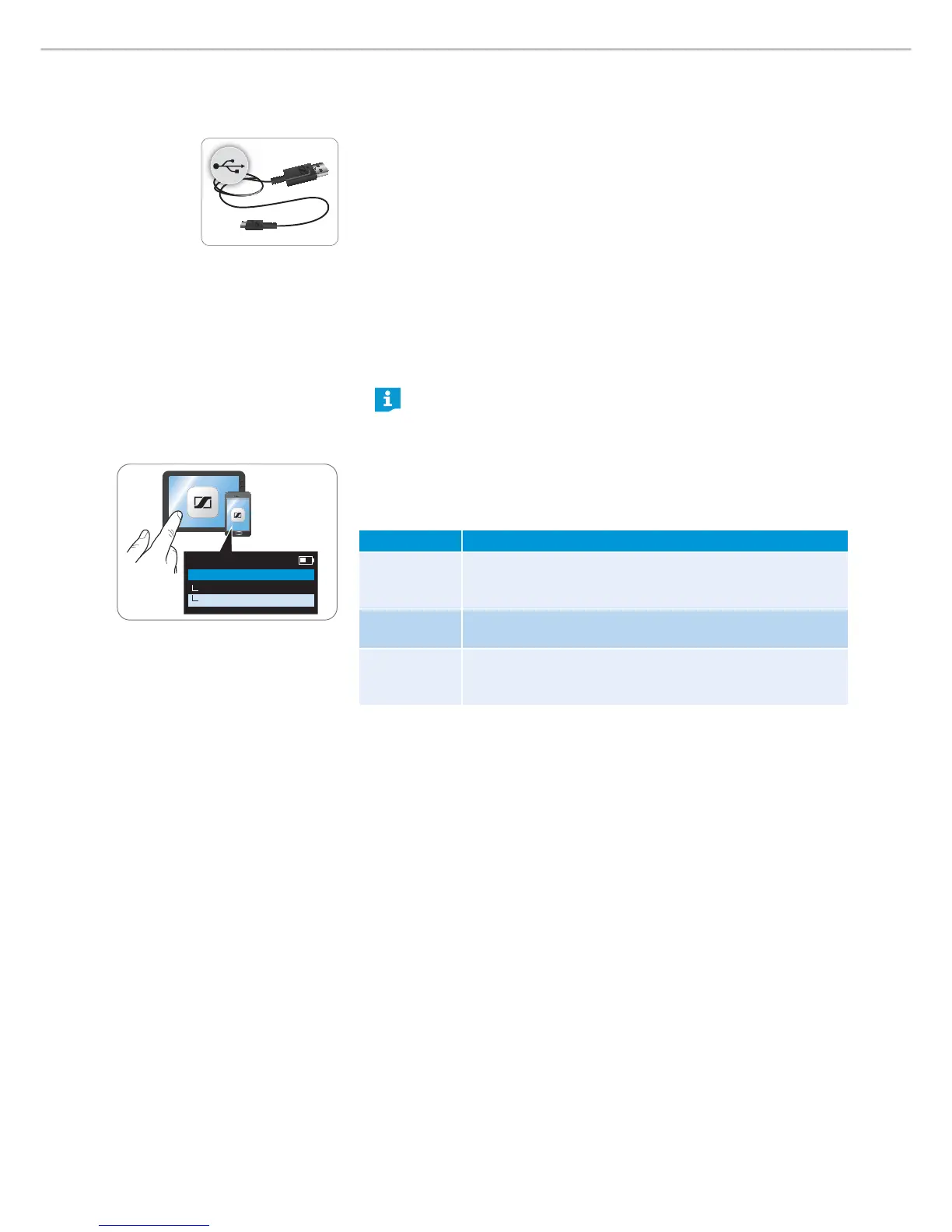
You can use the USB cable to listen to a media player on your computer or make
soft calls. The PXC 550 accepts digital audio files via USB (at least USB 2.0)
and its high-quality digital-to-analog converter converts them to analog. The
PXC 550 supports USB Audio Class 1 and USB Audio Class 2.
Using the Sennheiser “CapTune” app, you can configure as well as deactivate the
USB Audio functions (see page 20):
USB Audio – USB Audio Class 1:
Bit depth/sample rate of
16 bit/48 kHz, can be used with all standard USB
audio devices and operating systems
USB Audio – USB Audio Class 2:
Bit depth/sample rate of up to 32 bit/192 kHz, can can be used with USB
audio devices for high-resolution audio and with Apple OS X operating
systems (from version 10.6.4)
If you want to connect the USB cable and deactivate all wireless connec-
tions, switch the Bluetoooth wireless connection off from your
headphones, see page 26.
Activat ing/ deact ivat ing and configuring USB Audio
For more information on USB Audio, see page 28.
X Tap on “USB Audio”.
Switch Function
“USB Audio
Off”
USB Audio is deactivated;
when the USB charging and connection cable is connected,
only the rechargeable battery is being charged
“USB Audio” USB Audio Class 1;
bit depth/sample rate of 16 bit/48 kHz
“USB Audio
High Quality”
USB Audio Class 2;
bit depth/sample rate of up to 32 bit/192 kHz (a driver is
required for Windows)
USB Audio
PXC 550
USB Audio
USB Audio High Quality




 To Next Page