PXC 550 | 29
Using the headphones
Activat ing/ deactivat ing the room experience
Activating or deactivating the room experience is only available during calls on
the PXC 550 headphones connected to a smartphone using Bluetooth or USB
cable. You can also activate or deactivate the room experience voice-quality
enhancing feature from the Sennheiser CapTune app.
The room experience ensures enhanced call comfort when communicating, .
The voice quality of the caller is reproduced very naturally, making long calls or
frequent calls more comfortable and less tiring.
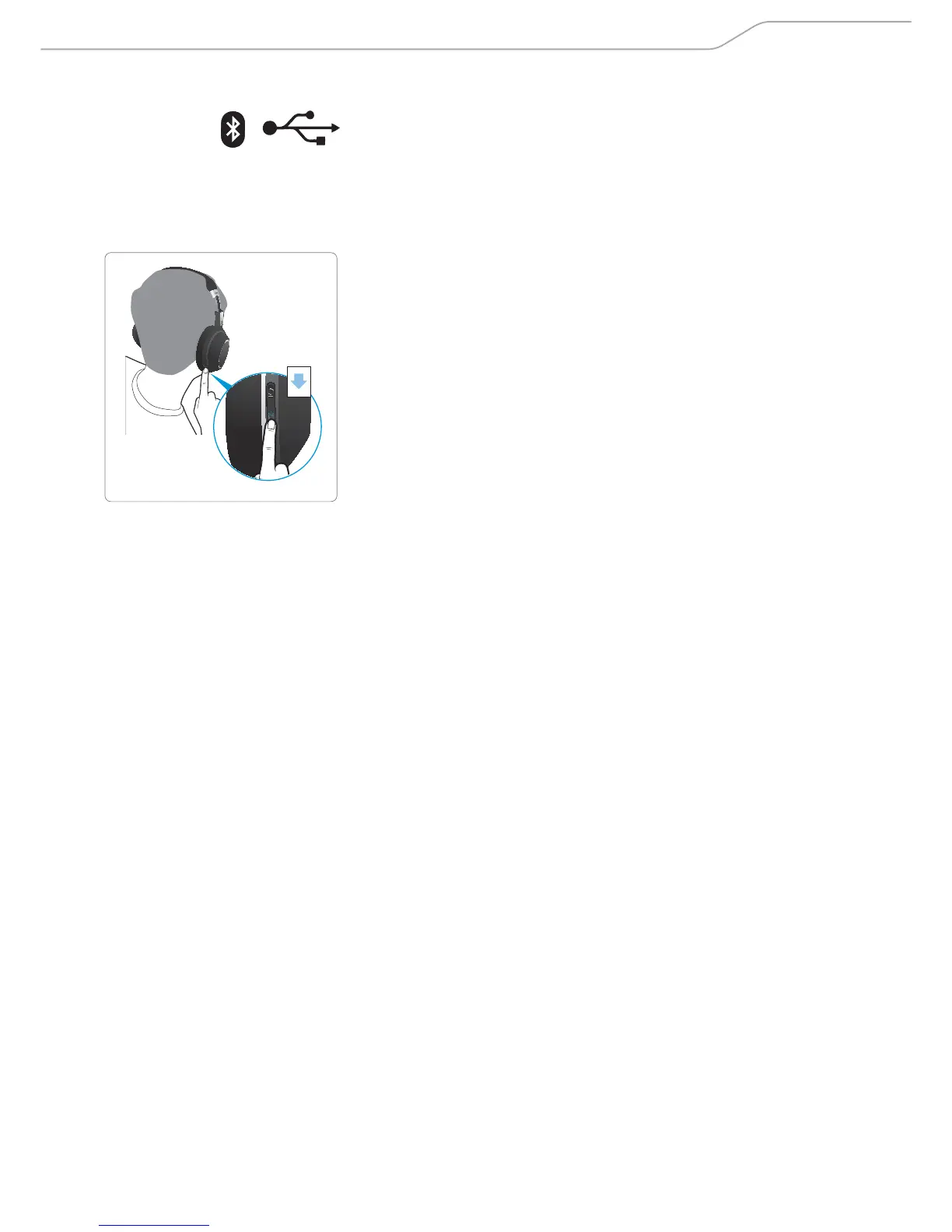
X Press the Sound mode button.
The room experience toggles between on and off.
1x










 To Next Page