34 | PXC 550
Listening to music
Controlling music playback using the PXC 550
The PXC 550 allows you to control music playback from a device connected via
Bluetooth or USB. It may be that not all control functions of your device are
supported.
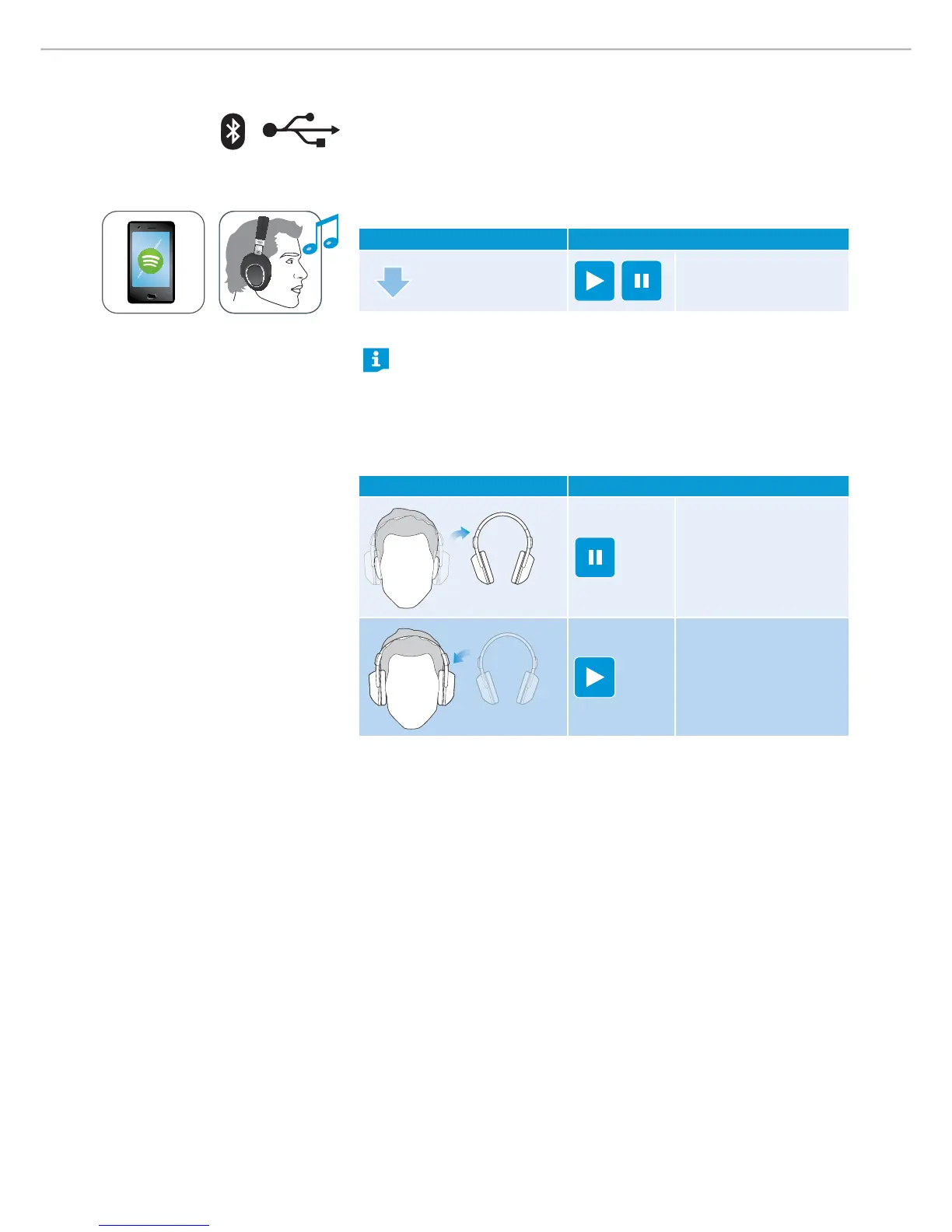
Playing/ pausing music
X
Briefly tap on the control panel.
Gesture Function
1x
Plays or pauses music
X Wearing/removing headphones.
Smart Pause is a feature that enables the headphones to respond to
gestures such as pausing music when the headphones are taken off the
head, or play back when they are worn back.
By factory default, Smart Pause is inactive. For the headphones to
respond to these gestures, ensure that Smart Pause is activated from
the CapTune app.
Gesture Function
Pauses the music
Plays back the music





 To Next Page