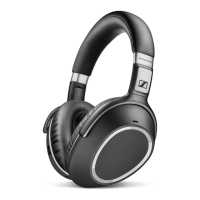
44 | PXC 550
Care and maintenance
Resetting to default factory sett ings
CAUTION
Loss of all settings!
If you reset the PXC 550 to the factory default settings, all of your personal
settings will be deleted.
X If necessary, write down your settings in order to be able to recreate them
after the reset.
In order to reset the PXC 550 to the factory default settings, you require the
Sennheiser “CapTune” app.
X Connect the PXC 550 via Bluetooth to the device which has the Sennheiser
“CapTune” app installed (see page 16).
X In the app, tap on “PXC 550”.
The settings of the PXC 550 are displayed.
X Tap on “Factory Reset” and confirm the confirmation prompt.
The PXC 550 is reset to the factory default settings, which causes all active
Bluetooth connections to be lost. The PXC 550 restarts.
X Connect the devices again, if necessary (see page 16).
PXC 550
Factory Reset
CapTune




 To Next Page