Advanced functionalities
Activating Emergency Manoeuvres
The land now and abort landing buttons are always available on the control bar.
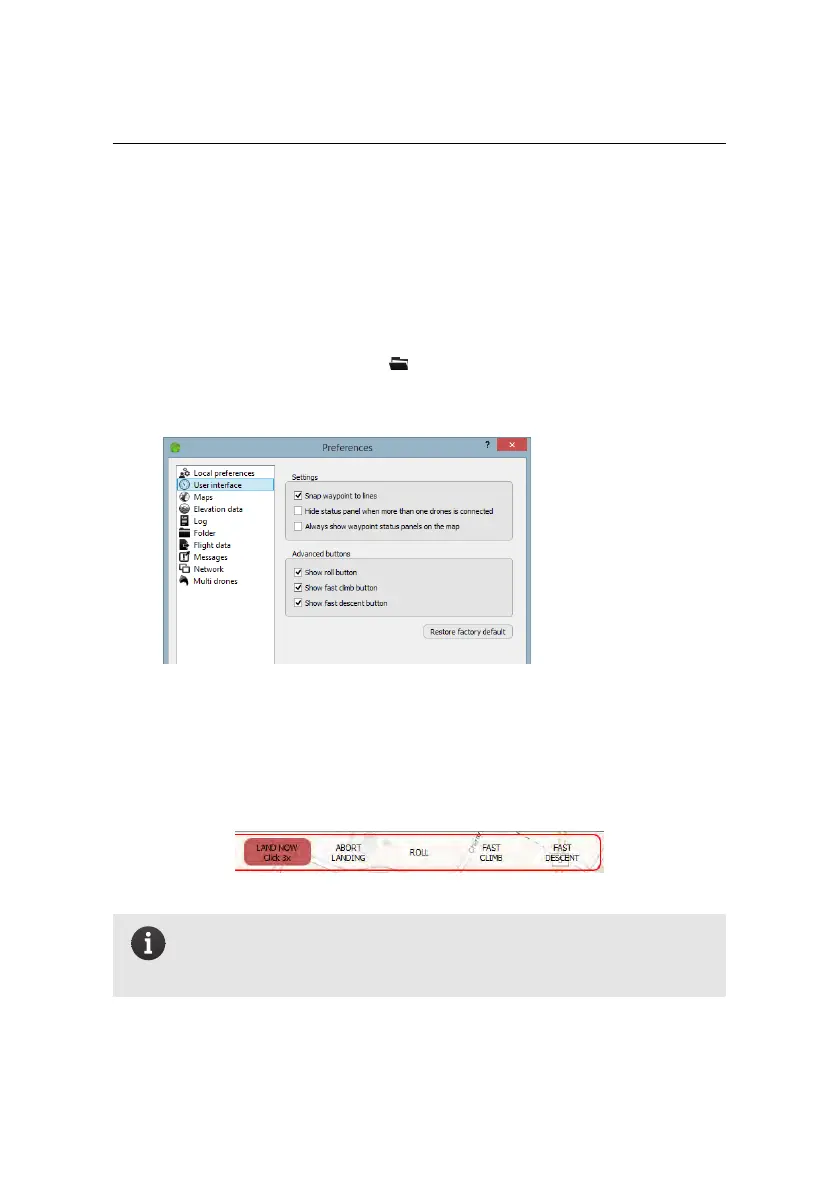
To activate the roll, fast climb and descent features:
1. Choose Preferences from the File menu.
2. Choose the User interface pane.
3. In the Advanced buttons panel, check the manoeuvres you want to activate
and click OK.
Buttons that trigger the manoeuvres are added to the Control Bar:
Note: To trigger the ’land now’ manoeuvre, click the land nowbutton
3 times in quick succession (within half a second).
A landing can only be aborted in the absence of critical failure.
100



 To Next Page