Executing a flight
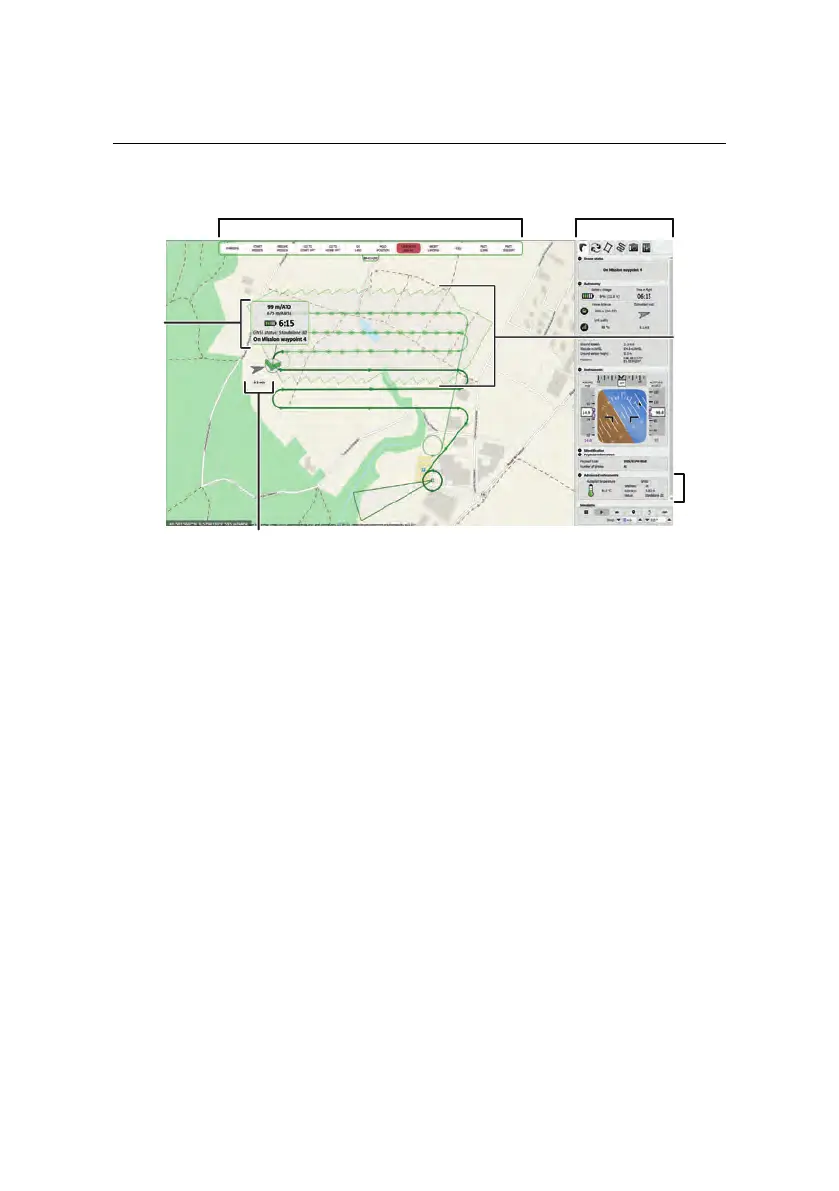
Control Bar
Status
Flight Monitoring Tab
Wind speed and direction
Estimated
Panel
Picture
Footprint
GNSS
Status
4.5 In-flight monitoring and control
You can monitor and control your drone while in-flight through eMotion using the
Map Area and the Flight Monitoring tab in the Sidebar.
The Map Area displays the current position of your drone, updated live as the
drone executes its flight. A small arrow and infobox show the speed and direc-
tion of the wind as measured by the eBee RTK. The Status Panel that follows the
position of the drone displays basic flight information including battery charge,
flight time and altitude, both above the take-off location (ATO) and above mean
sea-level (AMSL). This same information is reproduced in the Flight Monitoring
tab, along with other useful flight data You can find GNSS status, level of accu-
racy, GNSS signal strength and the number of visible satellites in the Advanced
instruments section at the bottom of this panel.
57



 To Next Page