Advanced functionalities
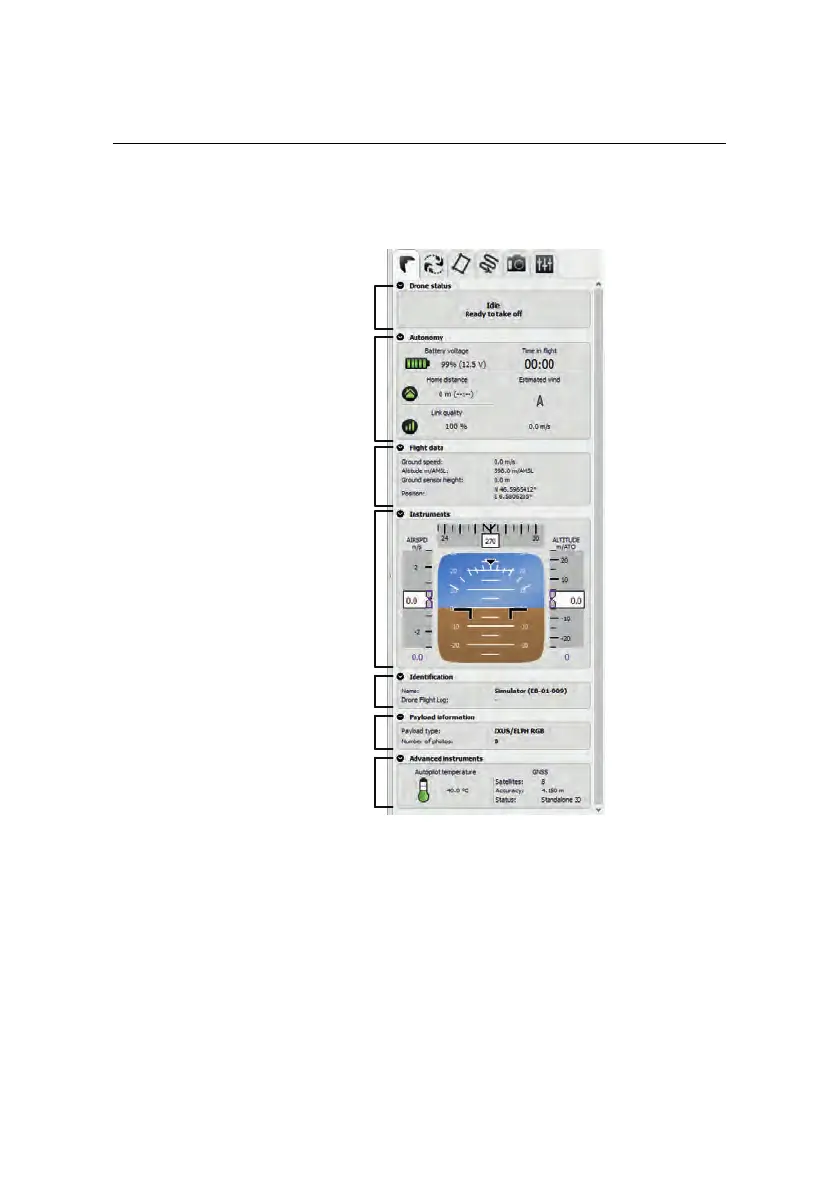
7.4 Flight Monitoring tab
Drone status
Instruments
Identification
Autonomy
Flight data
Payload information
Advanced
Instruments
The Flight Monitoring tab can be used to monitor the eBee RTK during a mapping
mission and is the default tab that is displayed when you click anywhere on the
map area that does not have a symbol. The tab is split into the following sections:
• Drone Status: The status of the plane keeps you informed on what the
drone is currently doing. This can include mission actions such as ‘Taking
photo’ or ‘Going to waypoint’ as well as warning or failure messages such
112



 To Next Page