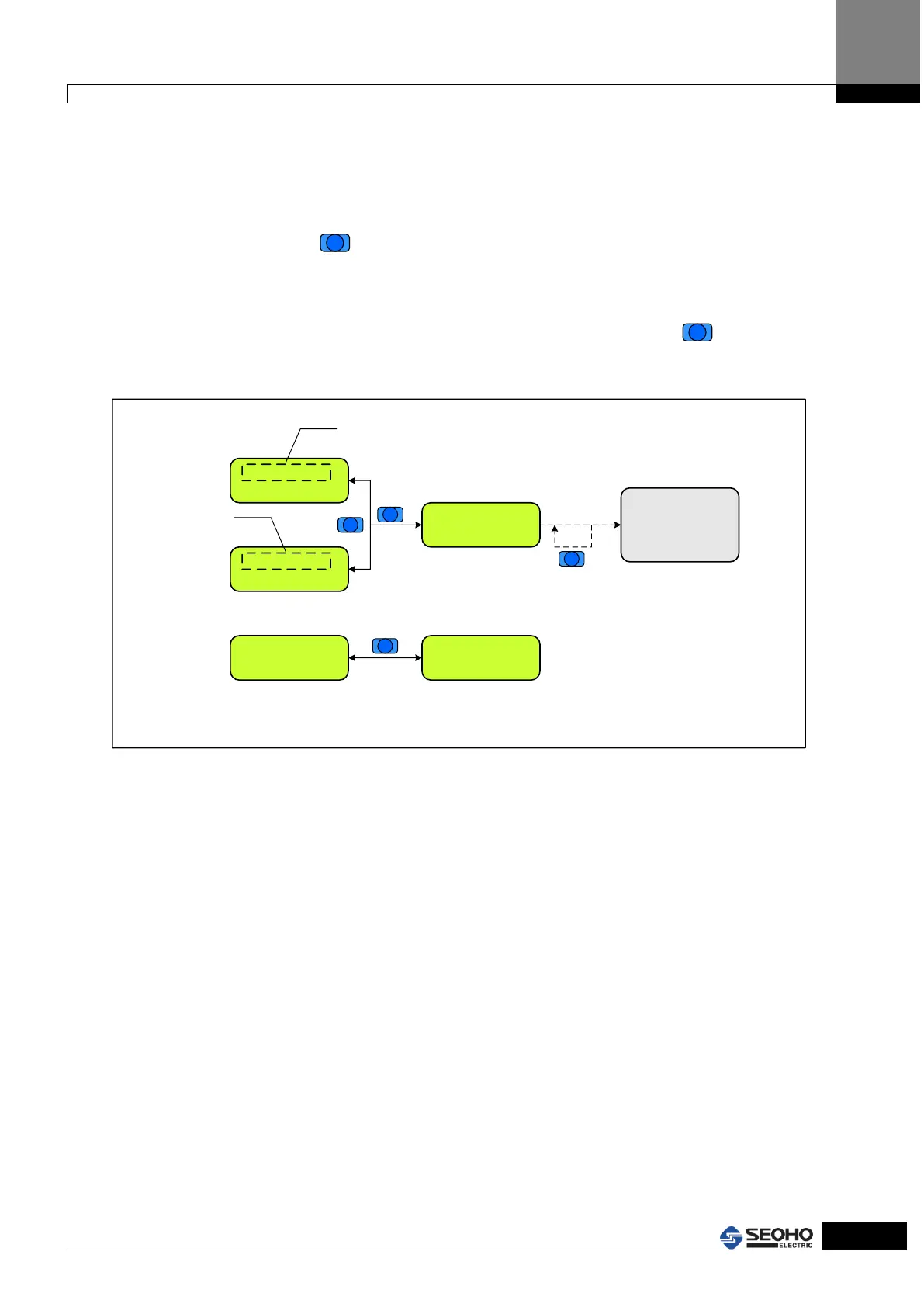
4.8 Usage of MENU key (Error, Warning occurrence and Power Supply status)
MENU key is used to return to the normal screen when error or warning occurs. And it is
also used to indicate the current status of the Power Supply. Refer to Figure 4.9
In cases of error or warning, the source of the trouble is indicated.
Push the "MENU" button,
and return to the normal screen then correct the relevant
parameters or remove the occurrence source by checking the status of Power Supply.
If the occurrence source is not removed, the error or warning sign appears every 10
seconds while operating KEYPAD. In this case, hit the "MENU" button,
and then it
will return to the last setting screen. Refer to Figure 4.9 for KEYPAD operation.
MENU
ERR [P.08.01]
P.8.1 DI 3_Func
blink
Display the
warning (W8)
Change the
corresponding parameter
value to fix the warning.
[0] Motor Speed
0 rpm
MENU
The Error screen will be displayed again if
the corresponding parameter is not fixed
within 10 seconds. In this case, if the user hit
the MENU Key, it will return to the last
working screen. .
MENU
* Drive Status *
Drive Ready
Display the current status of inverter
ERR [Warning]
W8 Drive Disable
blink
P8.01 is set wrong
MENU
return the previous screen
that are displayed before
Error occurs.
[0] Motor Speed
0 rpm
Display the current status
of inverter if you push the
MENU Key in anywhere
Figure 4.9 Checking Error, Warning and Power Supply status by using Menu key



 To Next Page