Figure 4.4 Status of Digital input Figure 4.5 Status of Digital Output
4.5 Main Menu Page[4] Fault Record
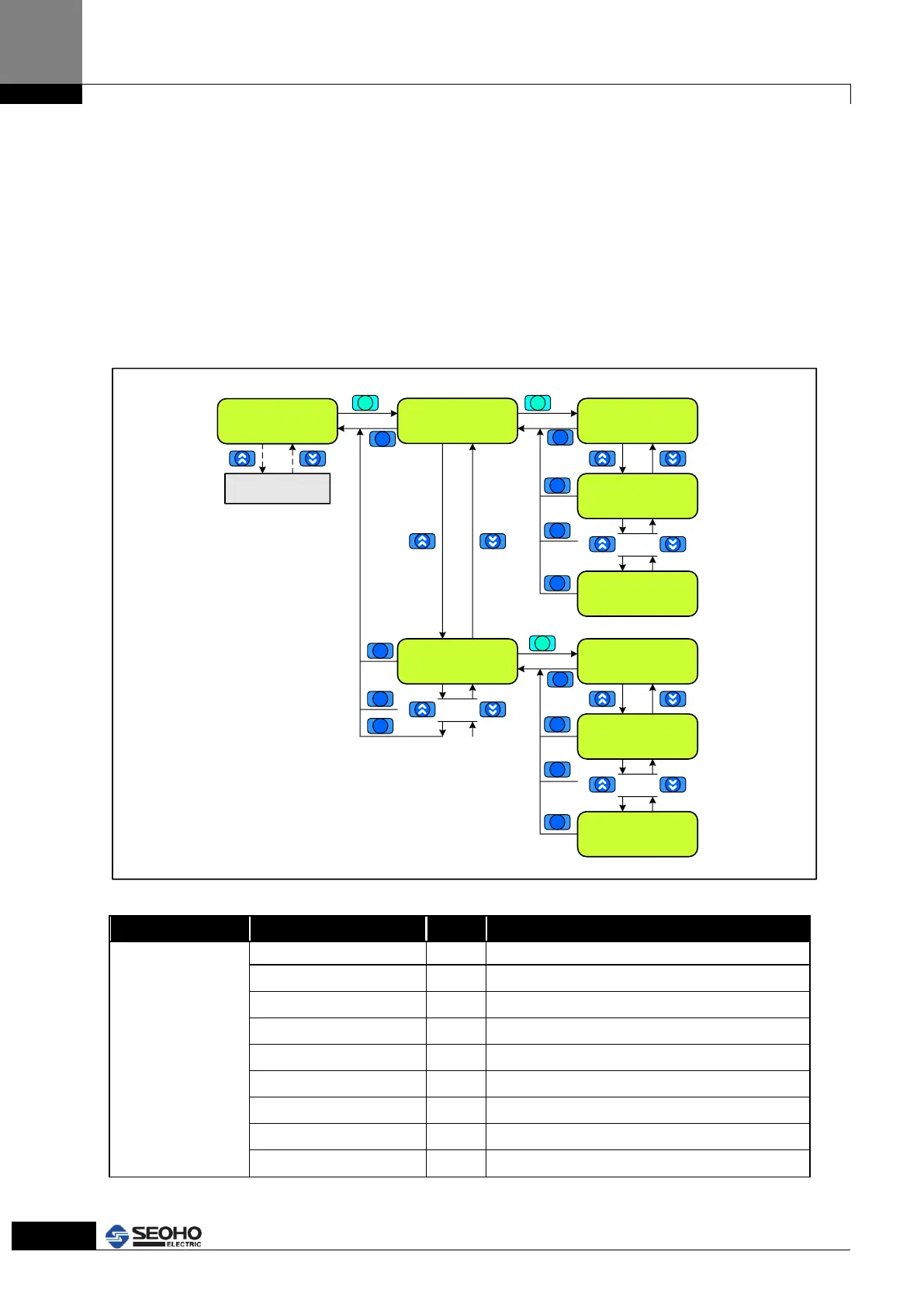
In M4 Fault record page, users can monitor the number of Faults, Fault code and
operation status when it occurs. Total 9 Faults are saved from Record(1) to the last
occurred Fault
If Faults are occurred more than 9, the earliest Fault record is erased. Refer to Figure 4.6
for KEYPAD usage and the setting instruction.
Total Fault = 9
Record (1)
[1.1] Fault Code
3
[1.1] Motor Sel
Motor (1)
.
.
.
[1.11] M. Volt
380Vrms
Main Menu Page
M4 Fault Record
Main Menu Page
M0~M6
Total Fault = 9
Record (2)
[2.1] Fault Code
4
[2.1] Motor Sel
Motor (1)
.
.
.
[2.11] M. Volt
380Vrms
.
.
.
ESC
ENTER
ESC
ESC
ESC
ENTER
ESC
ESC
ESC
ESC
ENTER
ESC
ESC
ESC
ESC
Figure 4.6 “M4 Fault Record” Menu Page
Total = x
(x : Total occurred
Faults number)
Record (y)
y : occurred order
y=1~9
1 = the newest
occurred Fault
Fault details (Refer to the Fault Code table)
Ignore ( for motor control)
Ignore ( for motor control)
Ignore ( for motor control)
Ignore ( for motor control)
Indication of output frequency
Ignore ( for motor control)
Ignore ( for motor control)
Indication of DC link voltage.



 To Next Page