6.3.1Setup of the communication
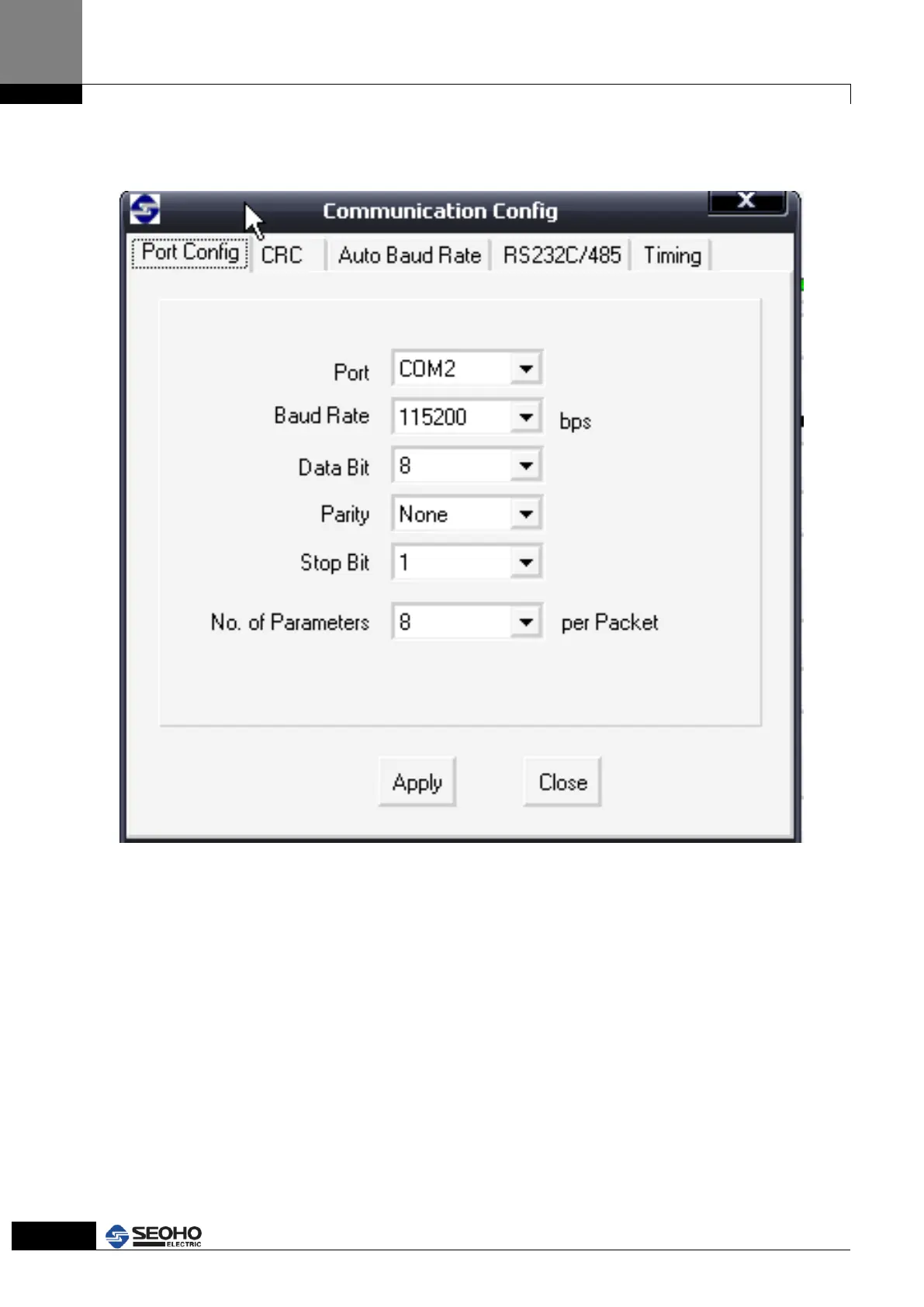
You can see as follows when click “Configure + Communication Configure” menu.
Figure 6.10 Communication setup window
It need to change “COM port “if have another port on your notebook computer. But
other one is no need to change. You can use default value except for special case. If
without serial port on the notebook, you can configure by use USB to Serial converter.
After change, once click “Apply” for it.



 To Next Page