6. Monitoring & Management Software
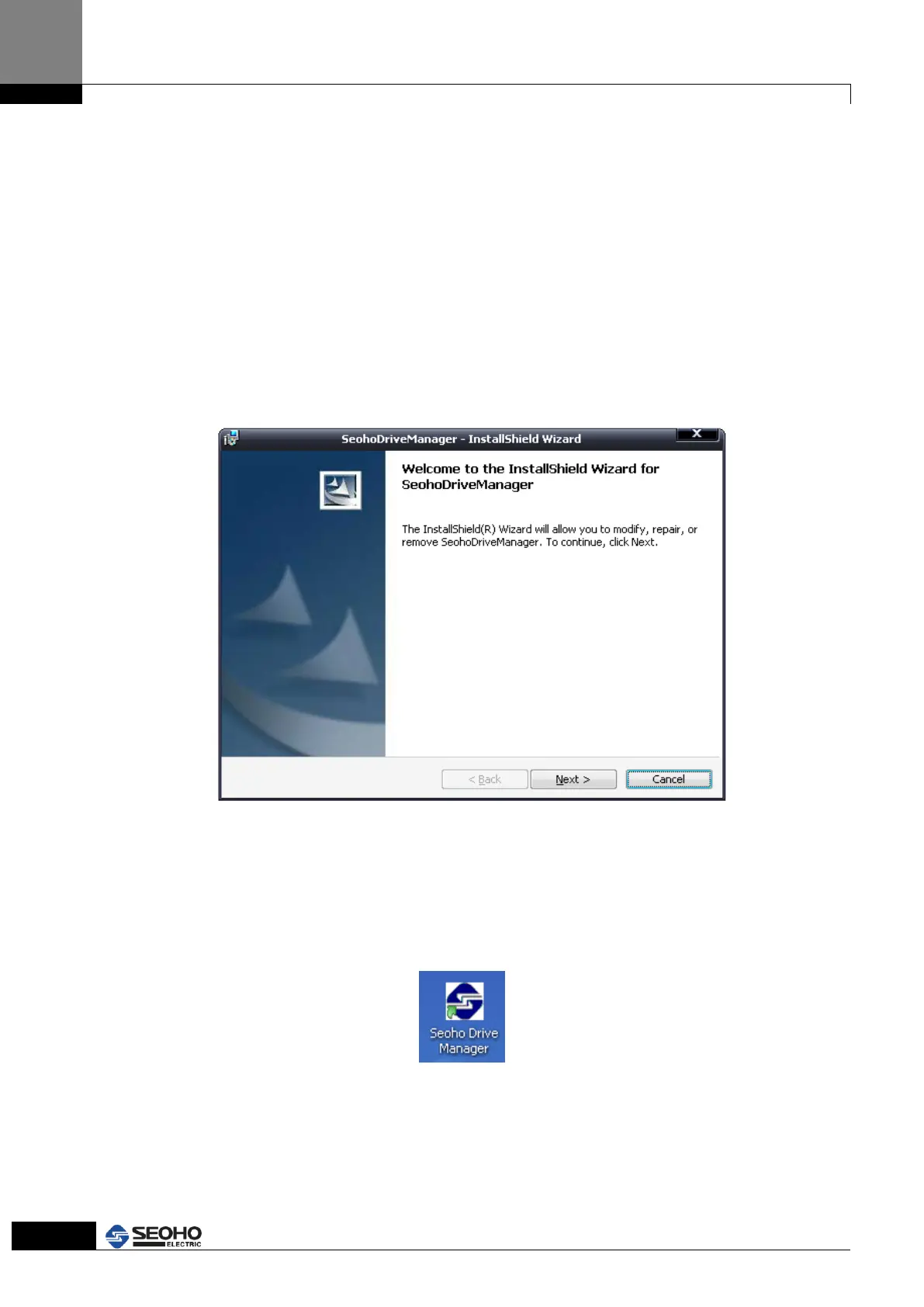
6.1 Installing New Software from a Disc or USB Memory
Simply insert the CD or USB Memory in your computer's optical disc drive or USB socket.
In most cases the software installer will open automatically. If not, double-click the disc
icon on your desktop and in the resulting window, look for a file with the “setup.exe” in
the “DriveManager” folder. Double-click the file to open the setup and follow the
onscreen instructions to install the software. Monitoring software will quickly install into
computer.
Figure 6.1 Software installation
6.2 Execution
Click the “Seoho Drive Manager” icon on your desktop screen.
Figure 6.2 Execution icon on desktop screen



 To Next Page