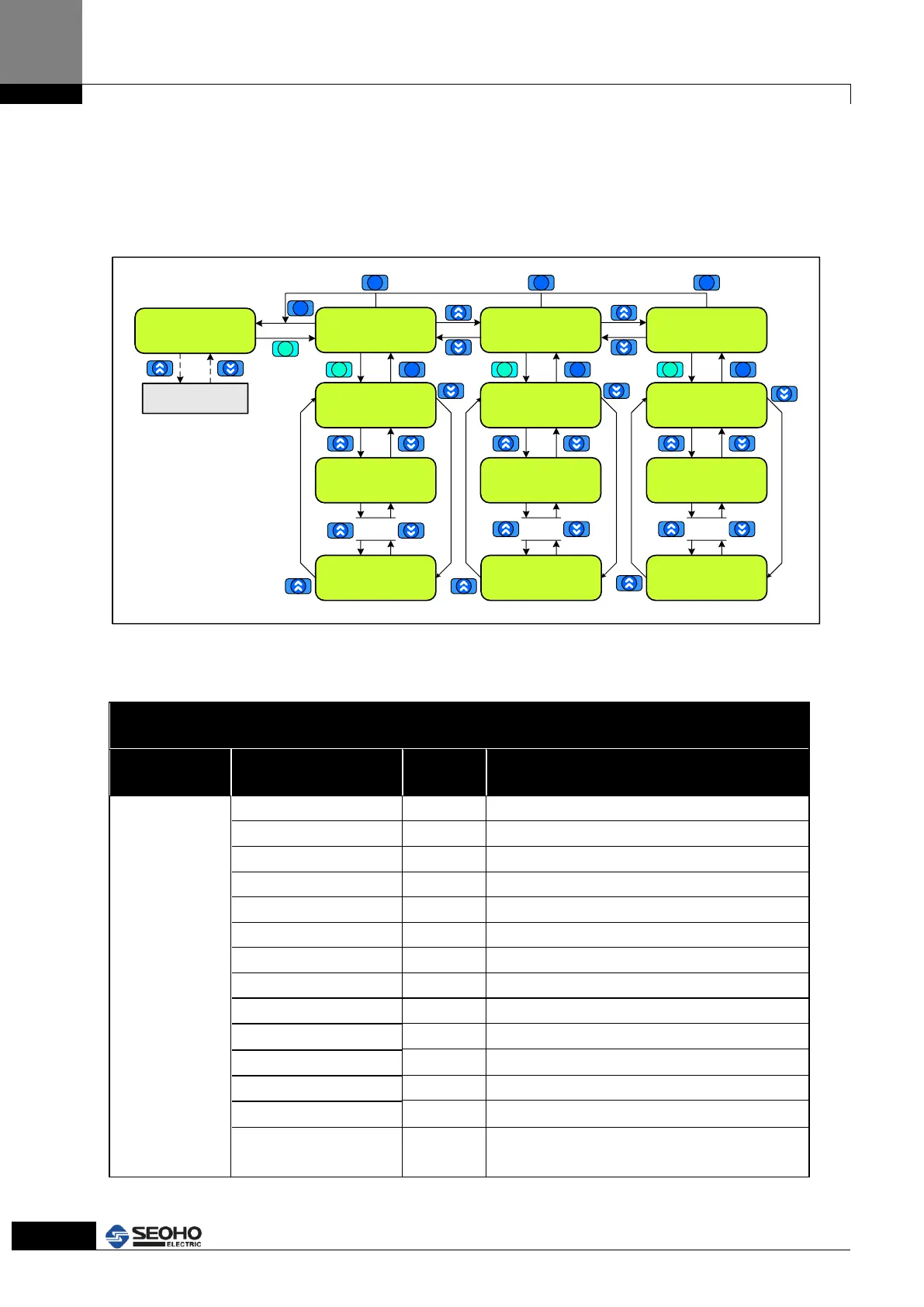
Figure 4.2 Key Flow
4.4 Main Menu Page[1] Drive Monitor
In M1 Drive Monitor Page, it allows to monitor the operation status of Power Supply, I/O
reference status and setting information.
Main Menu Page
M1 Drive Monitor
M1 Drive Monitor
[0] OP Status
M1 Drive Monitor
[1] Terminal I/O
[0] DI [8. . . . . . .1]
00000000
M1 Drive Monitor
[2] Drive Info
[0] Motor Sel
Motor (1)
.
.
.
[1] DO [3 . 1]
000
[4] Analog Out 1
0.000mA
[13] Temperature
[1] Out Freq
0.00 Hz
.
.
.
[1] Cntl Method
SL Vect Spd
[8] Software Option
[0] Motor Speed
0 rpm
.
.
.
Main Menu Page
M0~M6
ESC
ENTER
ESC ESC ESC
ENTER ENTER ENTER
ESC ESC ESC
Figure 4.3 Main Menu Flow
M1 Drive Monitor Menu Page
Do not use(for Motor control)
Indication of output frequency
Indication of DC Link Voltage
Indication of Output Current
Indication of Output Voltage
Indication of motor Torque
Do not use(for Motor control)
Do not use(for Motor control)
Indication of Input Power
Indication of Output Power
Indication of the Power Supply temperature of
heat sink



 To Next Page