LISST-200X User’s Manual LISST-200X Operation Details Page 51
7. Offloading and Deleting Data Files from Internal Memory
Data collected using the LISST-200X is stored on the internal data logger. This section
describes how to offload and delete files from the internal data logger.
• Connect the instrument to the computer and establish
communication in the LISST-SOP200X program. (see
Step-by-Step Procedure: Establishing Communication
with the LISST-200X)
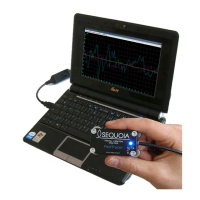
.LISST-SOP open and
communicating with
LISST-200X.
• Select Download Data From LISST or Delete Data
From LISST from the LISST menu or click on the
offload or erase icons in the toolbar. This will
open up a window showing the data files currently
stored onboard the instrument.
Shows a list of files
currently stored
onboard the instrument
• Select individual or multiple files to delete or offload
(by holding down either shift or ctrl). Press ‘OK.’
Select files to delete or
offload
• A dialog box with either confirm the files to be deleted
or ask you to select a location on your computer to
offload the files to. After pressing ‘OK’ the files will
then be offloaded or deleted.
Files are offloaded or
deleted



 To Next Page