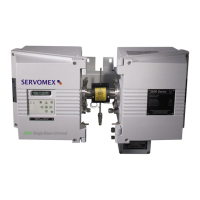
01440D Light Industrial Gas Analyser Service Manual. 2.13
2.11 Replacing the Led Front Panel display (2553-7332)
1. Remove the front panel PCB’s, reference sections 2.9 and 2.10.
2. Undo the four corner screws on the LED module to replace.
2.12 Replacing the infra-red Interface PCB (01415930)
1. Remove the two M4 screw holding down the interface PCB, 01415930.
2. Carefully ease the interface from the pin connectors on the transducer PCB.
3. Disconnect the connectors that go between the interface PCB to the control
panel PCB.
4. Installation is the reverse of the removal process.
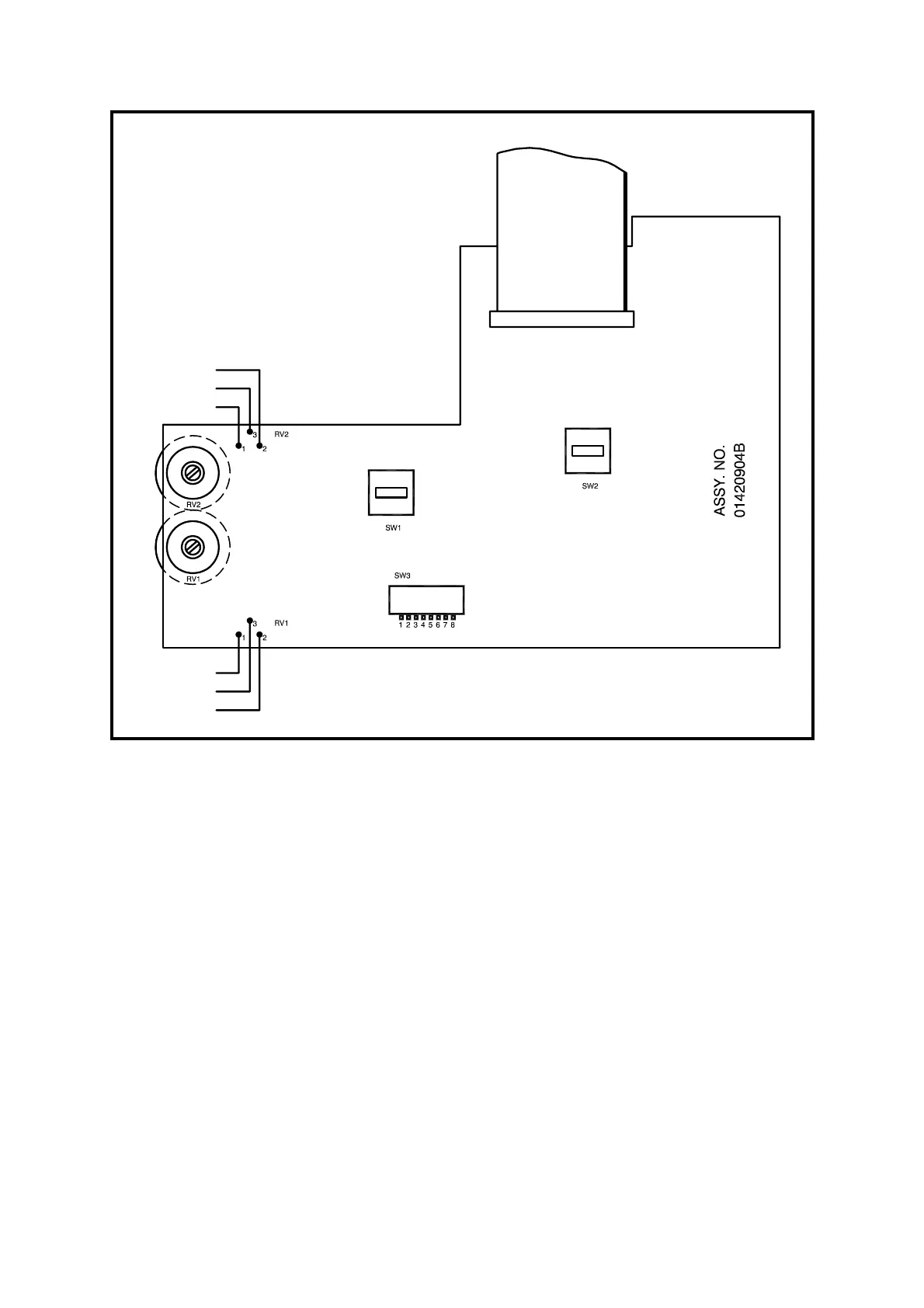
Figure 2.4 Component Layout, Front Panel PCB (01420904B)
RED
RED
ORANGE
ORANGE
BROWN
BROWN



 To Next Page
 Loading...