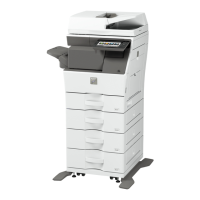
Note: Before solving the problem, print the Print Quality Test Pages. From the control panel, navigate to
Settings > Troubleshooting > Print Quality Test Pages. For non‑touch‑screen printer models, press
to
navigate through the settings.
Action Yes No
Step 1
a Check if the printer is using a genuine and supported toner
cartridge.
Note: If the cartridge is not supported, then install a
supported one.
b Print the document.
Is the print mottled?
Go to step 2. The problem is
solved.
Step 2
Check the printer for leaked toner contamination.
Is the printer free of leaked toner?
Go to step 3. Contact your
dealer.
Step 3
Check the status of the imaging unit. From the control panel,
navigate to:
Status/Supplies > Supplies
Is the imaging unit near end of life?
Contact your
dealer.Contact your dealer.
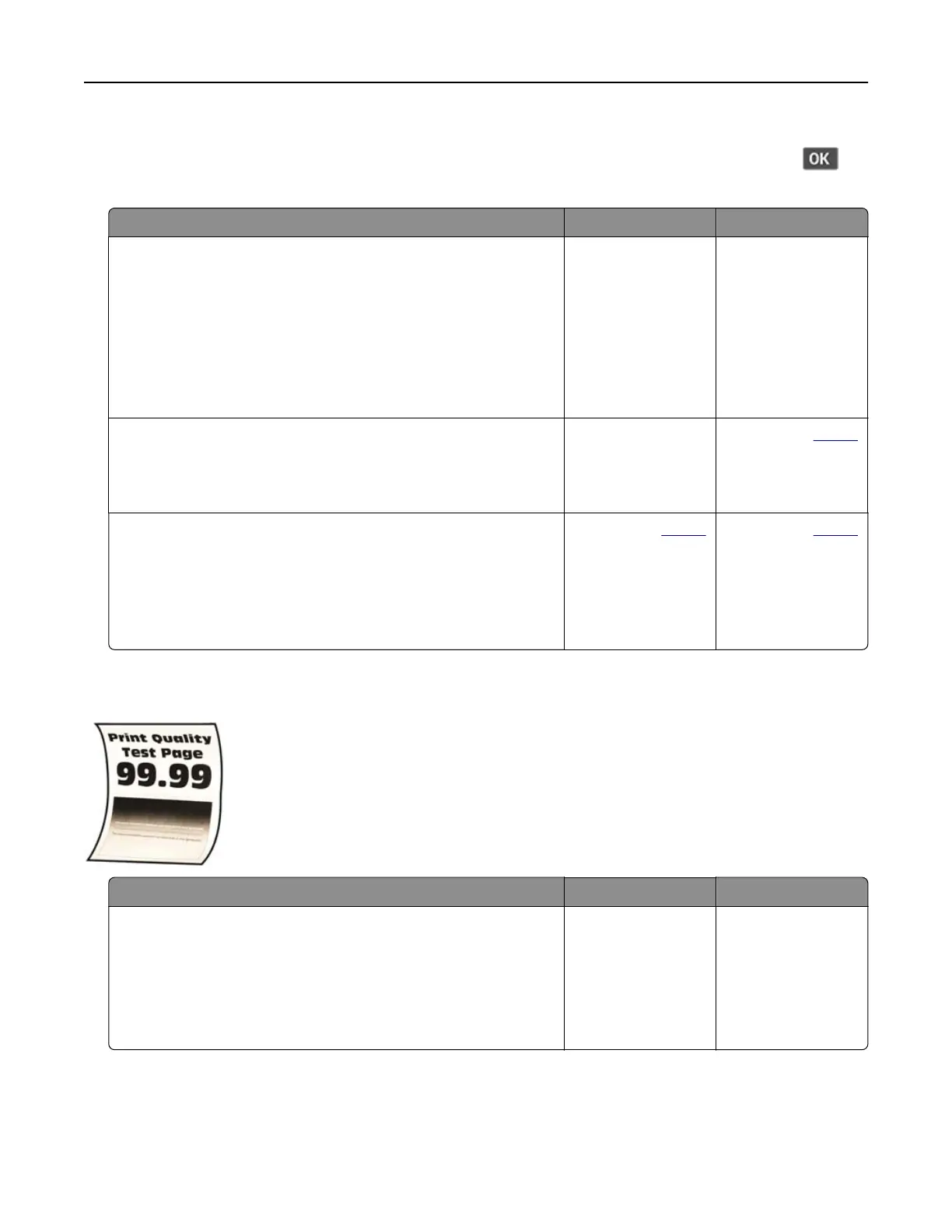
Paper curl
Action Yes No
Step 1
a Check if the paper loaded is supported.
Note: If paper is not supported, then load a supported paper.
b Print the document.
Is the paper curled?
Go to step 2. The problem is
solved.
Troubleshoot a problem 164


 To Next Page