MX-M350/M450 N/U SIMULATION 9 - 49
Operation/Procedure
(Scanner mode selection)
1) Select the number corresponding to the scanner mode to be
adjusted with 10-key. (Select one of 1 - 9.)
2) Press [START] key.
(Gamma adjustment)
1) Enter the gamma level with 10-key.
2) Press [START] key.
The greater the adjustment value is, the greater the gamma is,
resulting in a higher contrast.
Operation/Procedure
(Copy mode selection)
1) Select the number corresponding to the copy mode to be
adjusted with 10-key. (Select one of 1 - 16.)
2) Press [START] key.
(Sharpness adjustment)
1) Enter the sharpness level with 10-key.
2) Press [START] key.
The greater the adjustment value is, the greater the sharpness is.
∗ SPF1: DSPF front surface (CCD)
∗ SPF2: DSPF back surface (CCD)
Operation/Procedure
1) Enter the sharpness level with 10-key.
2) Press [START] key.
The greater the adjustment value is, the greater the sharpness is.
Default: 3 (Normal), 1 (Halftone)
46-27
Purpose Adjustment
Function
(Purpose)
Used to adjust the gamma (density gradient) of the
network scanner mode.
Item Picture quality
Item
Set
range
Default
1 OC_Fine.HT Fine text (Half-tone) (OC) 0 - 127 64
2 OC_SFine.HT Super fine (Half-tone)
(OC)
3 OC_UFine.HT Ultra fine (Half-tone) (OC)
4 SPF1_Fine.HT Fine text (Half-tone)
(SPF1)
5 SPF1_SFine.HT Super fine (Half-tone)
(SPF1)
6 SPF1_UFine.HT Ultra fine (Half-tone)
(SPF1)
7 SPF2_Fine.HT Fine text (Half-tone)
(SPF2)
8 SPF2_SFine.HT Super fine (Half-tone)
(SPF2)
9 SPF2_UFine.HT Ultra fine (Half-tone)
(SPF2)
10 CIS_Fine.HT Fine text (Half-tone) (CIS)
11 CIS_SFine.HT Super fine (Half-tone)
(CIS)
12 CIS_UFine.HT Ultra fine (Half-tone) (CIS)
46-31
Purpose Adjustment
Function
(Purpose)
Used to adjust sharpness of the copy mode.
Item Picture quality
SIMULATION 46-27
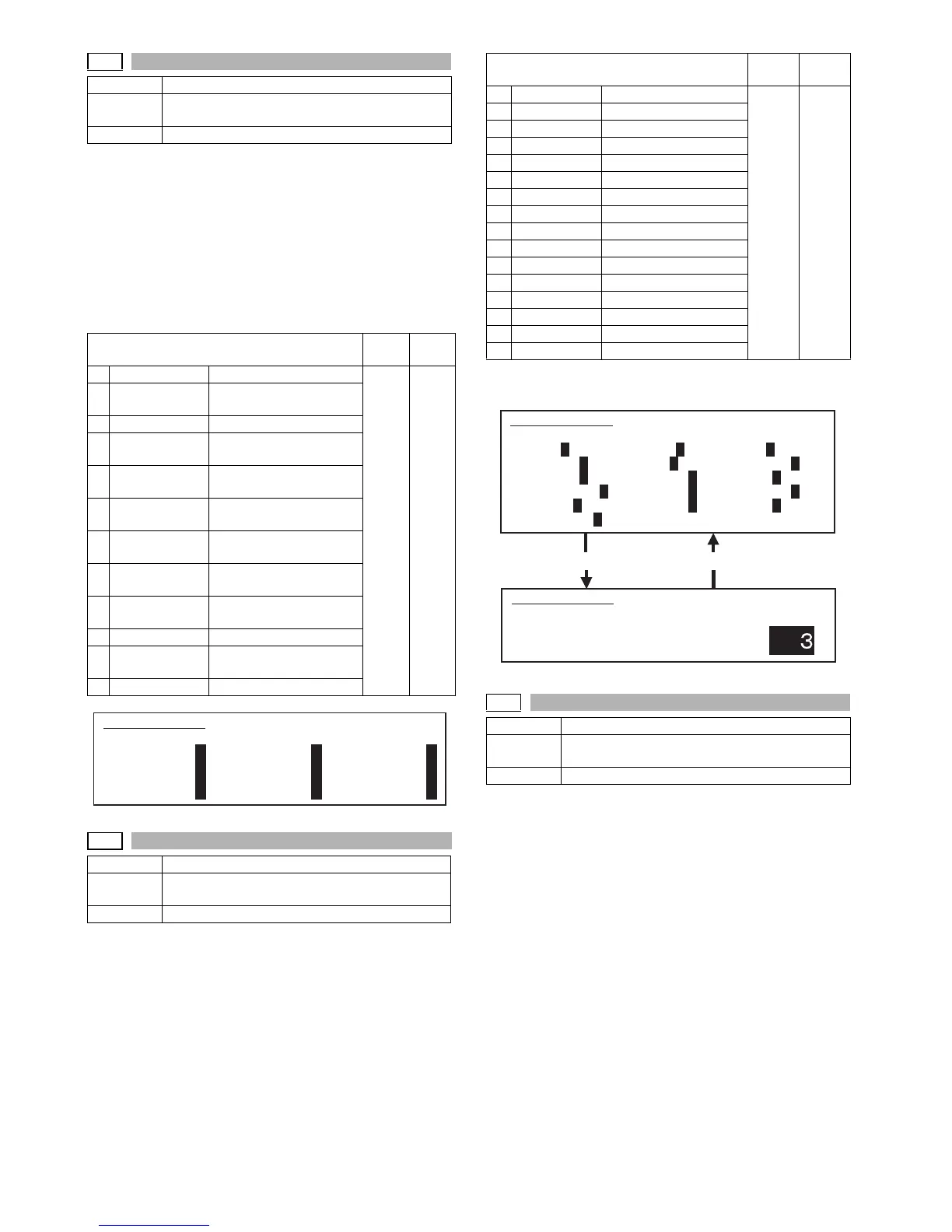
GAMMA SETUP(SCANNER). SELECT 1-12, AND PRESS START.
1.OC_Fine.HT 64 2.OC_SFine.HT 64 3.OC_UFine.HT 64
4.SPF1_Fine.HT 64 5.SPF1_SFine.HT 64 6.SPF1_UFine.HT 64
7.SPF2_Fine.HT 64 8.SPF2_SFine.HT 64 9.SPF2_UFine.HT 64
10.CIS_Fine.HT 64 11.CIS_SFine.HT 64 12.CIS_UFine.HT 64
Item
Set
range
Default
1 OC_AE AE mode (OC) 1 - 5 3
2 OC_CHARA Text mode (OC)
3 OC_MIX Text/Photo mode (OC)
4 OC_PHOTO Photo mode (OC)
5 SPF1_AE AE mode (SPF1)
6 SPF1_CHARA Text mode (SPF1)
7 SPF1_MIX Text/Photo mode (SPF1)
8 SPF1_PHOTO Photo mode (SPF1)
9 SPF2_AE AE mode (SPF2)
10 SPF2_CHARA Text mode (SPF2)
11 SPF2_MIX Text/Photo mode (SPF2)
12 SPF2_PHOTO Photo mode (SPF2)
13 CIS_AE AE mode (CIS)
14 CIS_CHARA Text mode (CIS)
15 CIS_MIX Text/Photo mode (CIS)
16 CIS_PHOTO Photo mode (CIS)
Press [START] key. Press [SYSTEM SETTINGS] key.
46-39
Purpose Adjustment
Function
(Purpose)
Used to adjust sharpness of the FAX mode.
Item Picture quality
SIMULATION 46-31
SHARPNESS LEVEL SETUP. SELECT 1-16, AND PRESS START.
1.OC_AE 3 2.OC_CHARA 3 3.OC_MIX 3
4.OC_PHOTO 3 5.SPF1_AE 3 6.SPF1_CHARA 3
7.SPF1_MIX 3 8.SPF1_PHOTO 3 9.SPF2_AE 3
10.SPF2_CHARA 3 11.SPF2_MIX 3 12.SPF2_PHOTO 3
13.CIS_AE 3 14.CIS_CHARA 3 15.CIS_MIX 3
16.CIS_PHOTO 3
SIMULATION 46-31
SHARPNESS LEVEL SETUP. INPUT VALUE 1-5, AND PRESS
START.
1.OC_AE



 To Next Page