179
F-CODE MEMORY BOX
This section explains how to store memory boxes for various types of F-code communication.
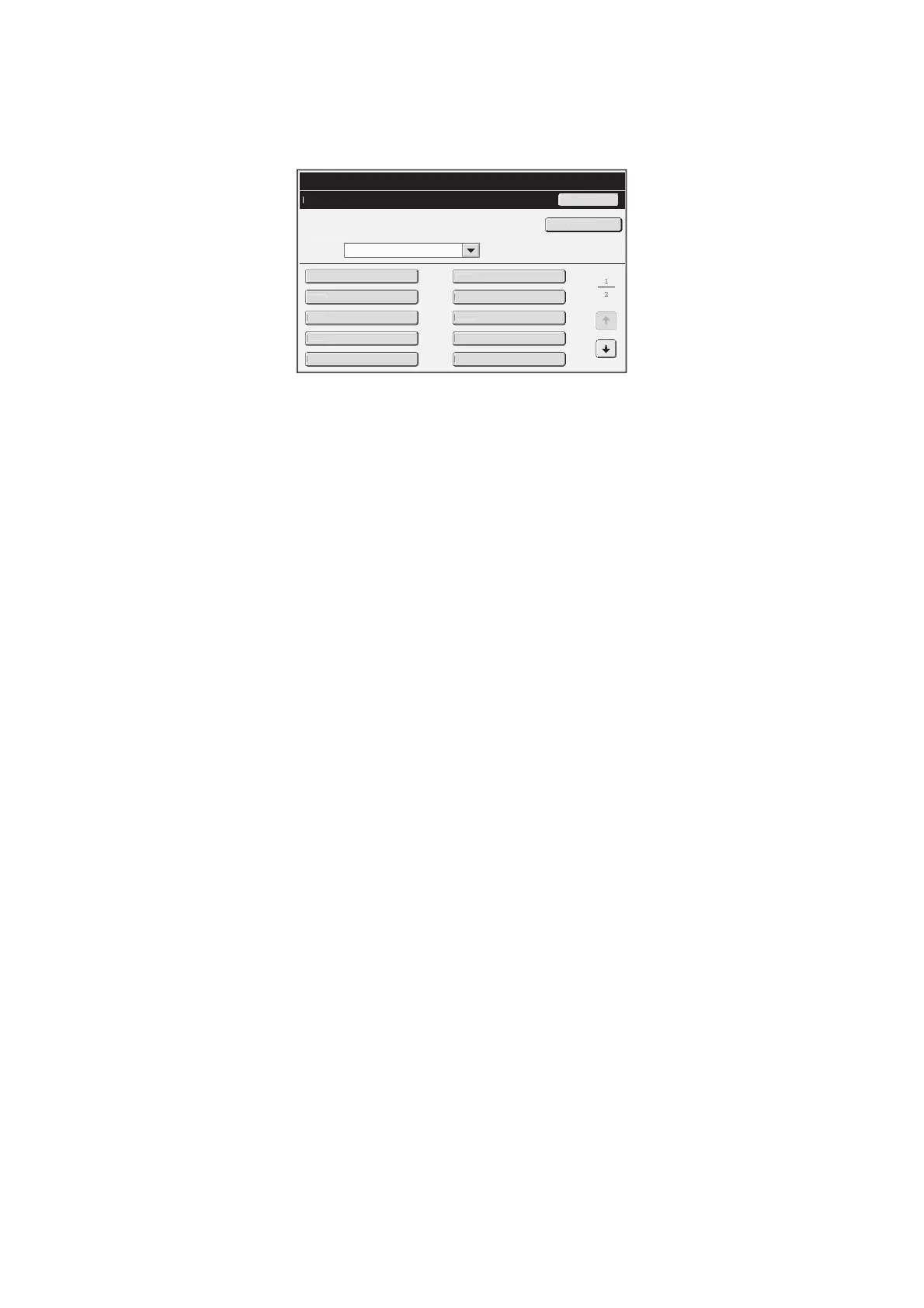
When the [F-Code Memory Box] key is touched, the following screen appears.
• [Add New] key
Use this to add a new memory box.
• List display
This displays a list of the currently stored memory
boxes. A memory box can be selected to open an
edit/delete screen for the memory box.
Storing a memory box
Touch the [Add New] key in the above screen to open a registration screen. A total of 100 F-code memory boxes for all
functions (polling memory, confidential, and relay broadcast) can be stored.
For more information, see "Settings" (page 180).
Editing and deleting a memory box
A memory box can be selected from the list in the above screen to open an edit/delete screen for the box.
For more information, see "Settings" (page 180).
Delete a memory box with the [Delete] key.
System Settings
F-Code Memory Box
B
x
B
x
r
oll
ng Memor
B
A
B
x
B
x
B
x
B
x
B
x
B
x
B
x
B
x



 To Next Page