Connections
9
1. Installation
Connections
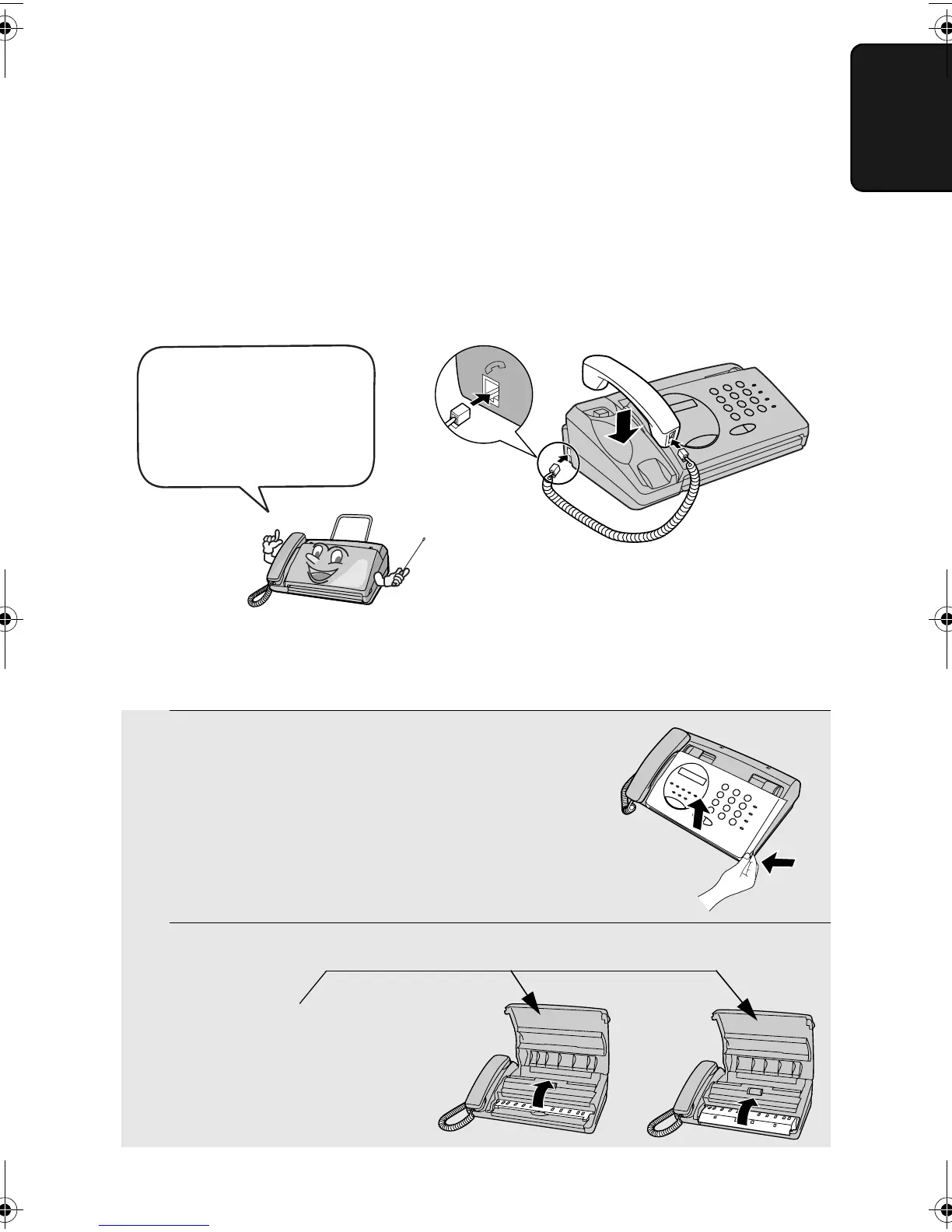
Connecting the handset
Connect the handset as shown and place it on the handset rest.
♦ The ends of the handset cord are identical, so they will go into either
socket.
Make sure the handset
cord goes into the
socket marked with a
handset symbol on the
side of the machine!
Use the handset to make ordinary
phone calls, or to transmit and receive
faxes manually.
1 Grasp the finger hold and open the
operation panel.
2 Flip up the front paper guide .
Removing the packing paper
Note: Do not
peel off or
bend this
strip of film.
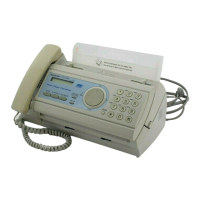
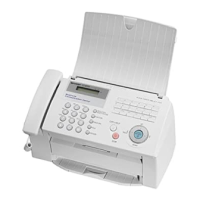
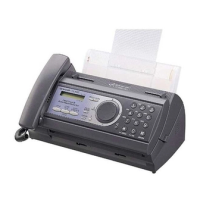
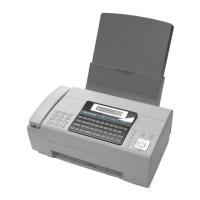
UX-73
UX-53
all.bookPage9Monday,January23,20062:05PM


 To Next Page