28 | Page
CONTROL PANEL OVERVIEW
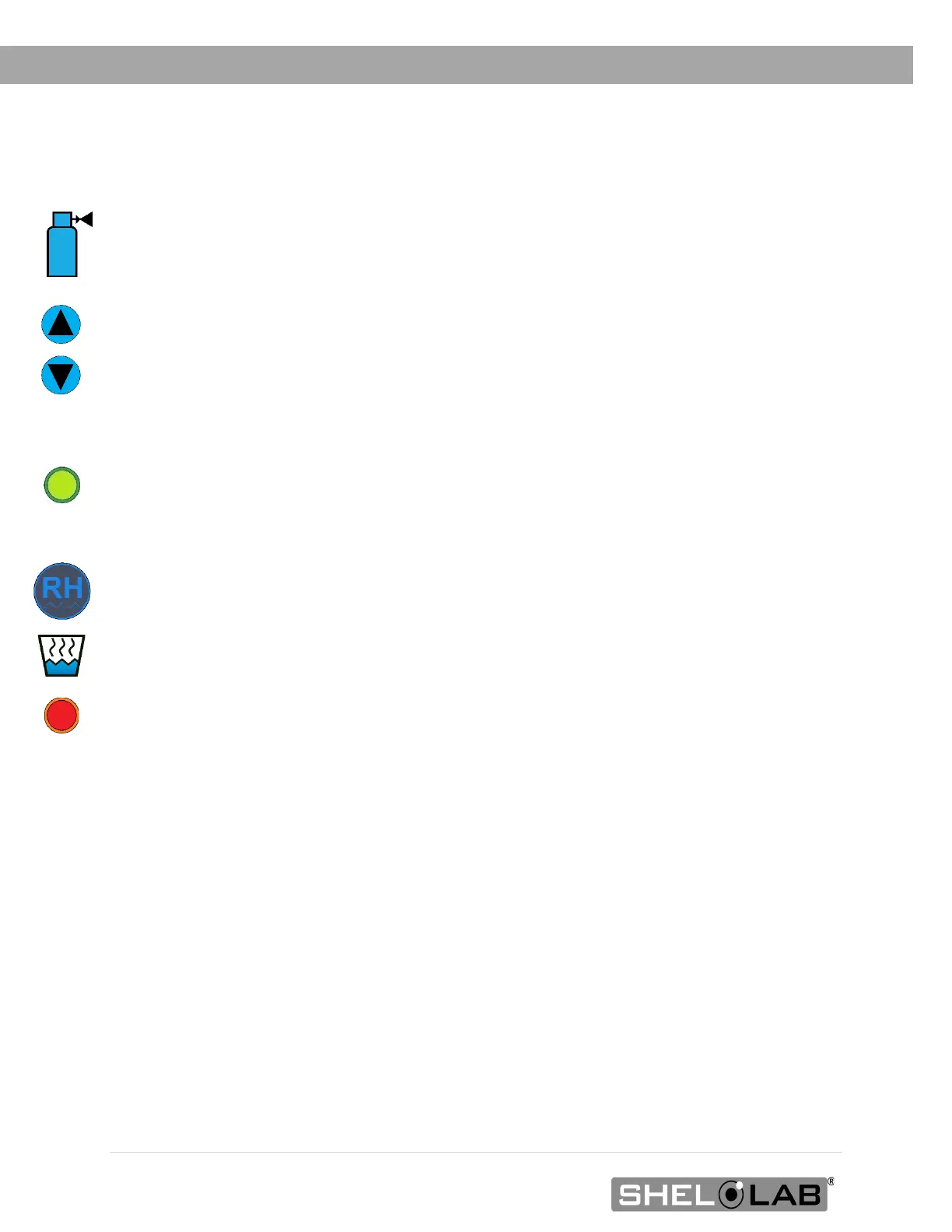
Set CO
2
Display and Controls
Shows the current concentration of CO
2
as a percentage of the incubation chamber
atmosphere. The display has a range of OFF (0%) to 20% and an accuracy of 0.1%. The
display shows “LO” until the CO
2
sensor registers a concentration in the chamber greater
than 0%. A few minutes of CO
2
injections may be required when initially starting the unit.
The Up and Down arrow buttons are used to access the CO
2
Setpoint (SP) or Calibration
Offset (C O) display modes and input the CO
2
setpoint or calibration adjustment value.
Red LED alarm indicators marked High and Low illuminate whenever the CO
2
concentration deviates
by ±1% or greater from the setpoint. The yellow LED marked Mute illuminates whenever an audible
deviation alarm is being muted. See the Muting the Audible CO
2
Alarm entry on page 38 more
information.
The green CO
2
Injecting light illuminates when the incubator is injecting CO
2
into the incubation
chamber. Injections are accompanied by a clicking sound that is the CO
2
solenoid opening and
closing.
Relative Humidity % Display
The display shows the current humidity inside the chamber as a relative percentage accurate to 1%.
The red Water Jacket Low light illuminates when the water level of the jacket has fallen to a level
that impacts the incubator temperature uniformity and stability. Add water to the jacket as soon as
this light illuminates. Fill until the light turns off. See the Fill the Water Jacket entry on page 23 for
instructions.


 To Next Page