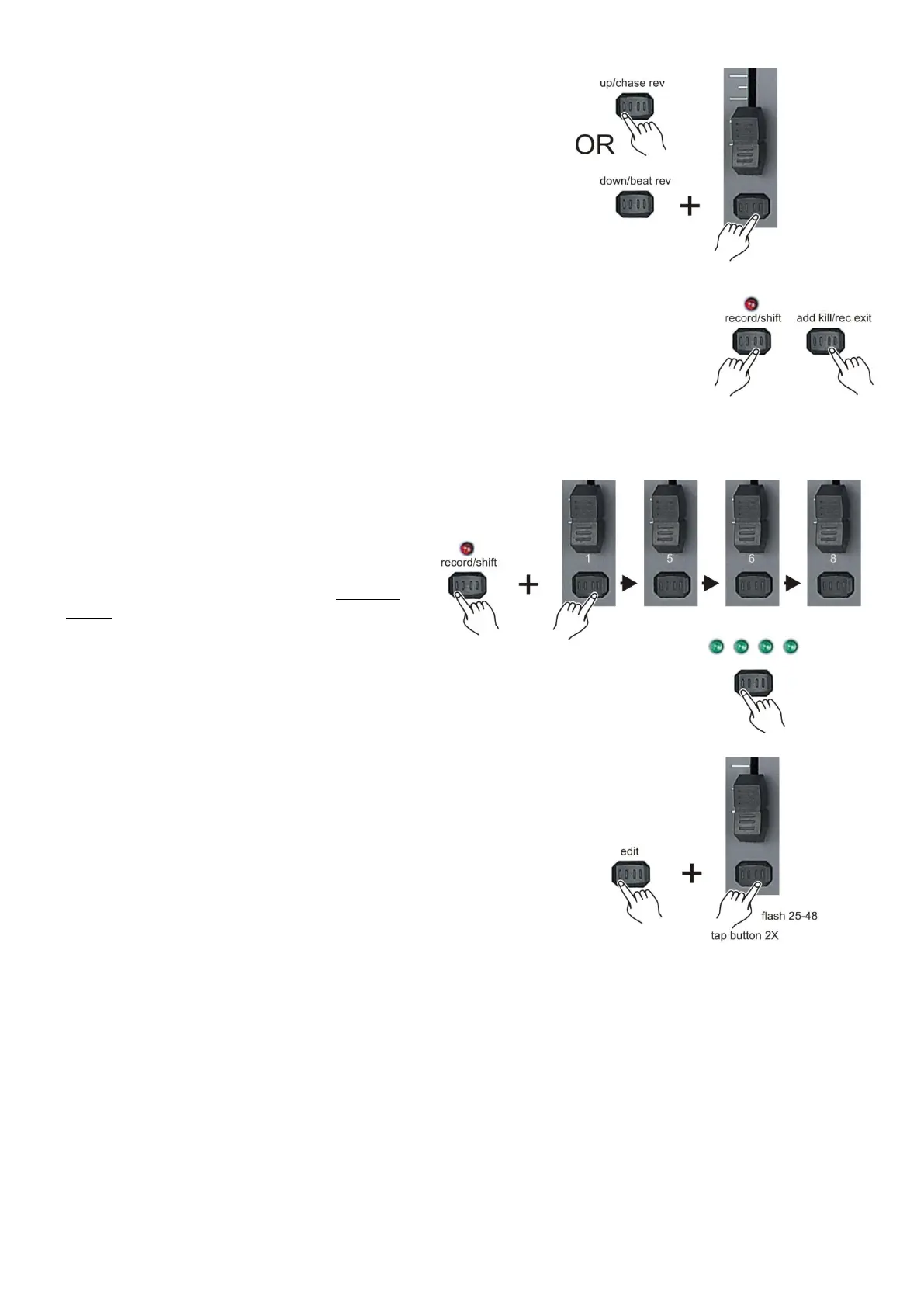
10. While holding either the up/chase rev (6) button or the
down/ beat rev (28) button, tap the corresponding flash
button to respectively increase or decrease that channel‟s
DMX output.
11. Repeat step 8 – 10 until all scenes have been edited.
12. Exit program mode, push and hold the record/shift (14)
button & tap the Add kill/Rec Exit (12) button.
Delete a scene/chase
1. While holding the record/shift (14) button,
tap the flash (3) buttons #1-5-6-8 in sequence.
2. Release the record/shift (14) button. The
record LED will light. Now you are in Program
mode (record enable).
3. Use the page (8) button to select page in which the
scene/chase you want to edit is in.
4. While holding the edit/all rev (13) button, tap the flash(3)
button corresponding with the scene/chase you want to
edit twice.
5. Release the edit/all rev (13) button. All LEDs will flash briefly,
indicating the scene/chase is erased.



 To Next Page