Auxiliary controls
This is the process of assigning the aux controls. These will act as shortcuts and are most commonly used
for DMX strobe light or DMX fog machines. However, they are not limited to these functions, such as
pan/tilt control which is very useful for follow spots.
Each aux control can be assigned in three ways:
Function 1: The aux control is not assigned.
Function 2: The aux control/button will work as a normal channel fader and it‟s corresponding flash
button.
Function 3: The aux control is used to set the maximum output level for the corresponding aux button.
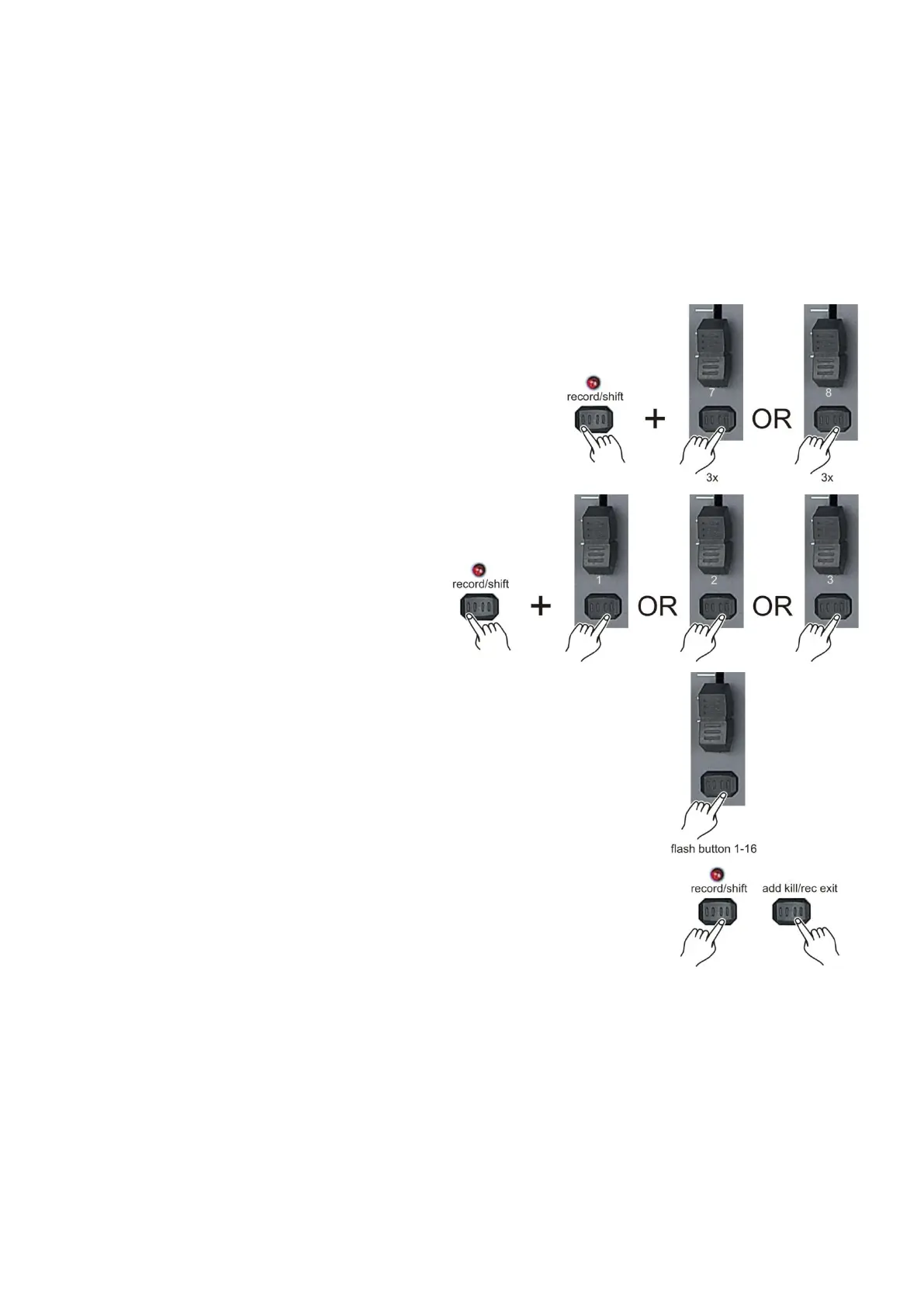
1. Press and hold record/shift (14) and tap the flash
button #7 for aux 1 (9) or #8 for aux 2 (11) three times.
The display indicates the aux mode.
2. While holding down the record button, select
the function 1, 2 or 3 for the aux control/button
by tapping respectively flash button #1, #2
or #3.
3. To assign the auxiliary to a channel, tap the
flash (3) button for the channel you wish to assign
the auxiliary control to. The corresponding LED above
the channel will light, indicating that the channel has
been assigned.
4. Exit program mode, push and hold the record/shift (14)
button & tap the add kill/rec exit (12) button.



 To Next Page