Setting up MIDI out
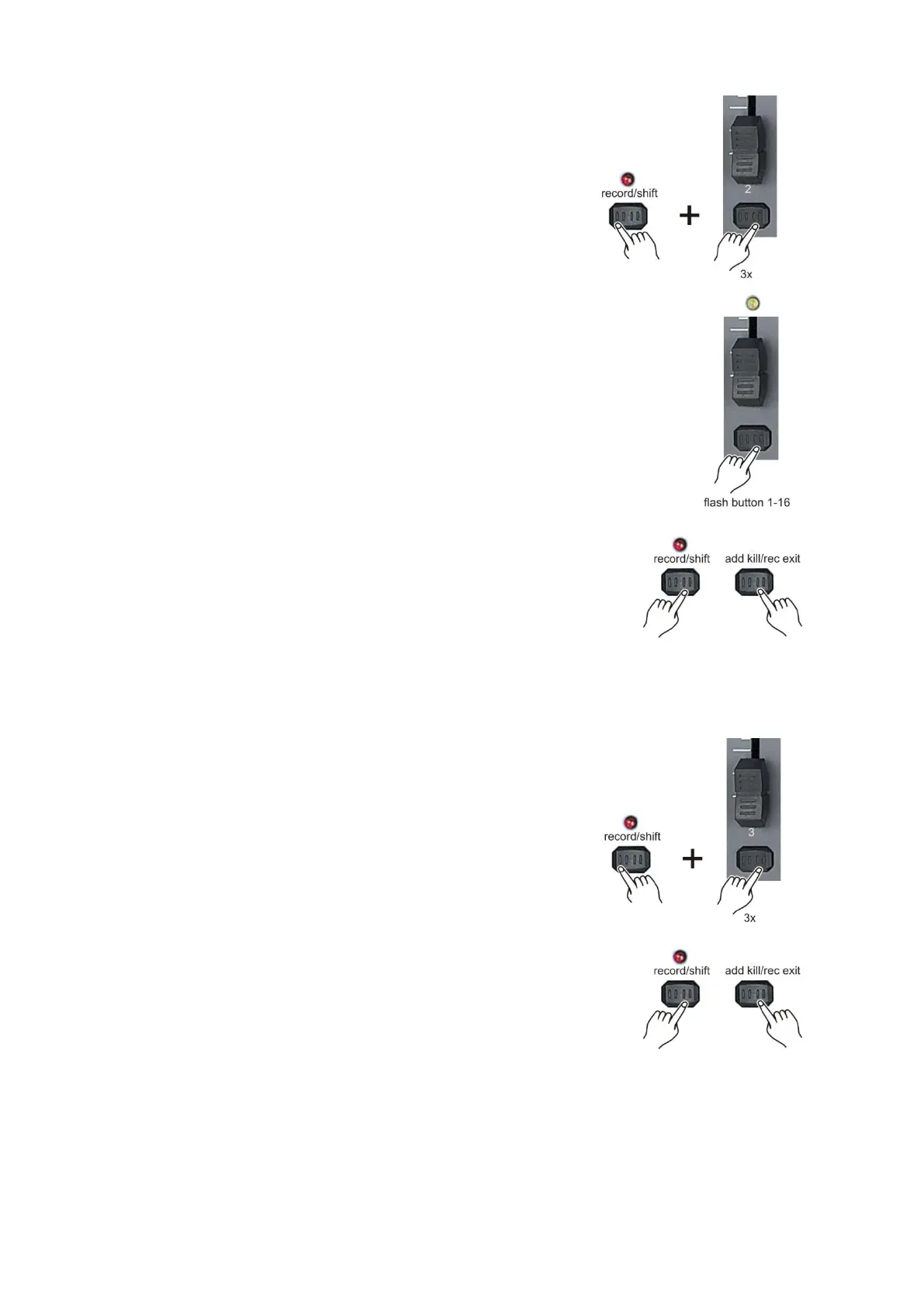
1. While holding down the record/shift (14) record button,
simultaneously tap the flash button #2 three times. The display reads
MIDI CHANNEL OUT to indicate channel setup is available.
2. Select the MIDI control channel (1-16) by tapping flash (3)
buttons #1-16. The relevant channel LED lights indicating the
MIDI IN channel is set.
3. While holding down the record/shift (14) button, tap the
add kill/rec exit (12) button to exit MIDI setting.
Note:
This is the channel on which the controller will transmit MIDI note commands.
Receiving MIDI File Dump
1. While holding down the record/shift (14) button,
simultaneously tap the flash button #3 three times. The display
reads MIDI FILEDUMP RECVING 000% and is ready to receive a
MIDI file dump.
2. When holding down record/shift (14) button tap the
add kill/rec exit (12) button to exit the MIDI setting.



 To Next Page