Shure Incorporated
14/42
1.
2.
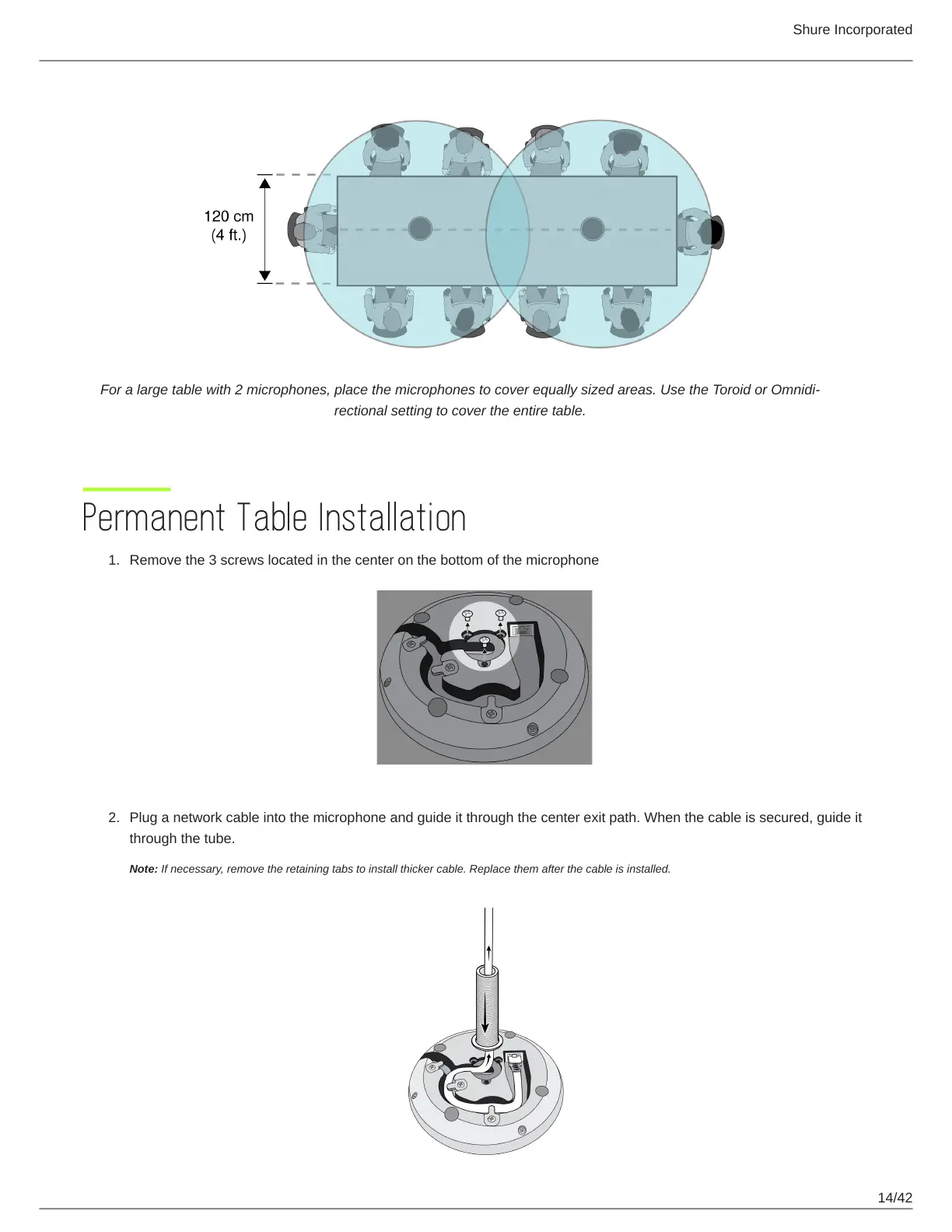
For a large table with 2 microphones, place the microphones to cover equally sized areas. Use the Toroid or Omnidi
rectional setting to cover the entire table.
Permanent Table Installation
Remove the 3 screws located in the center on the bottom of the microphone
Plug a network cable into the microphone and guide it through the center exit path. When the cable is secured, guide it
through the tube.
Note: If necessary, remove the retaining tabs to install thicker cable. Replace them after the cable is installed.












 To Next Page