Shure Incorporated
20/42
•
•
•
•
•
•
MXA310 Coverage Templates (Web Application)
Template Directional Characteristic Use When
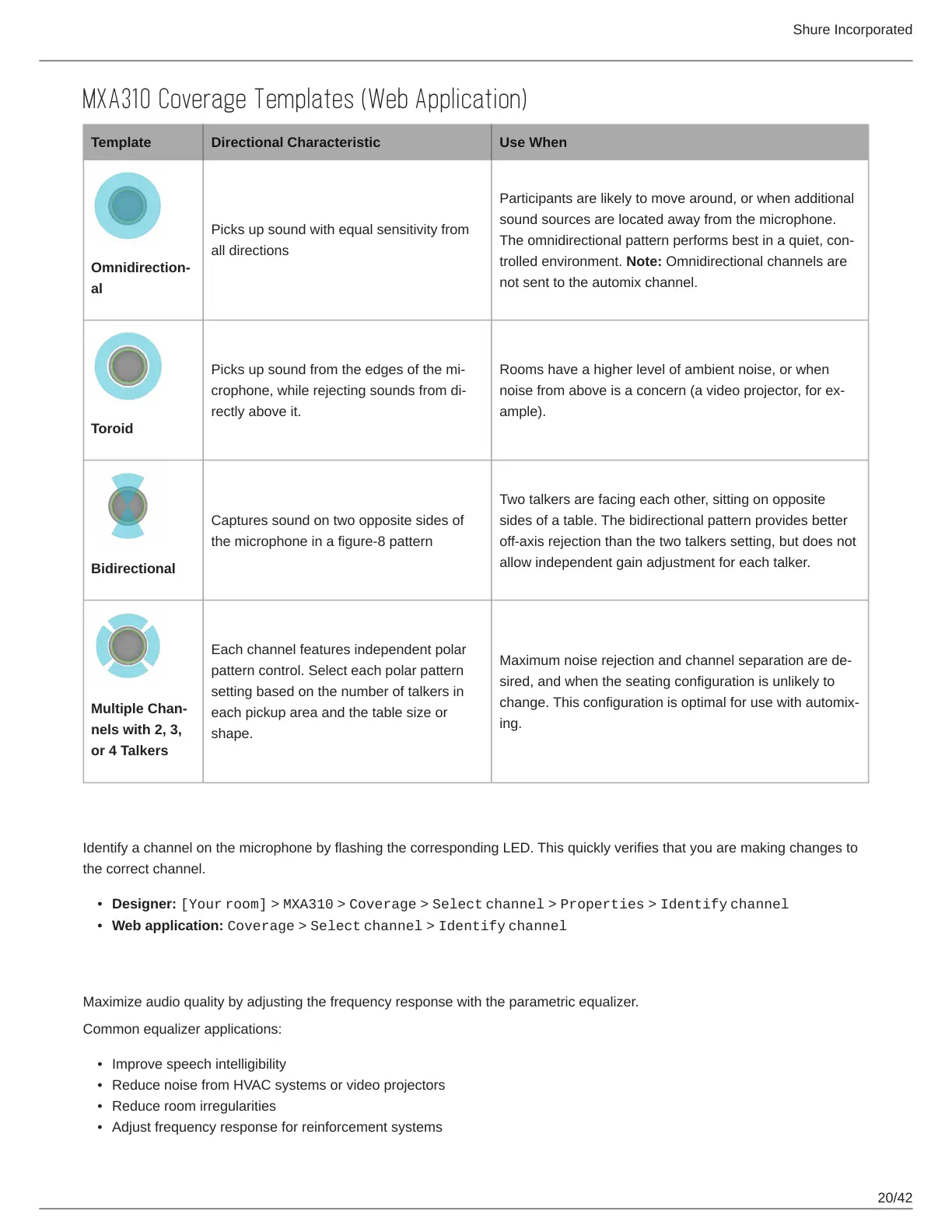
Omnidirection
al
Picks up sound with equal sensitivity from
all directions
Participants are likely to move around, or when additional
sound sources are located away from the microphone.
The omnidirectional pattern performs best in a quiet, con
trolled environment. Note: Omnidirectional channels are
not sent to the automix channel.
Toroid
Picks up sound from the edges of the mi
crophone, while rejecting sounds from di
rectly above it.
Rooms have a higher level of ambient noise, or when
noise from above is a concern (a video projector, for ex
ample).
Bidirectional
Captures sound on two opposite sides of
the microphone in a figure-8 pattern
Two talkers are facing each other, sitting on opposite
sides of a table. The bidirectional pattern provides better
off-axis rejection than the two talkers setting, but does not
allow independent gain adjustment for each talker.
Multiple Chan
nels with 2, 3,
or 4 Talkers
Each channel features independent polar
pattern control. Select each polar pattern
setting based on the number of talkers in
each pickup area and the table size or
shape.
Maximum noise rejection and channel separation are de
sired, and when the seating configuration is unlikely to
change. This configuration is optimal for use with automix
ing.
Identify Channels
Identify a channel on the microphone by flashing the corresponding LED. This quickly verifies that you are making changes to
the correct channel.
Designer: [Your room] > MXA310 > Coverage > Select channel > Properties > Identify channel
Web application: Coverage > Select channel > Identify channel
Parametric Equalizer
Maximize audio quality by adjusting the frequency response with the parametric equalizer.
Common equalizer applications:
Improve speech intelligibility
Reduce noise from HVAC systems or video projectors
Reduce room irregularities
Adjust frequency response for reinforcement systems












 To Next Page