Shure Incorporated
8/42
◦
◦
◦
◦
◦
◦
•
•
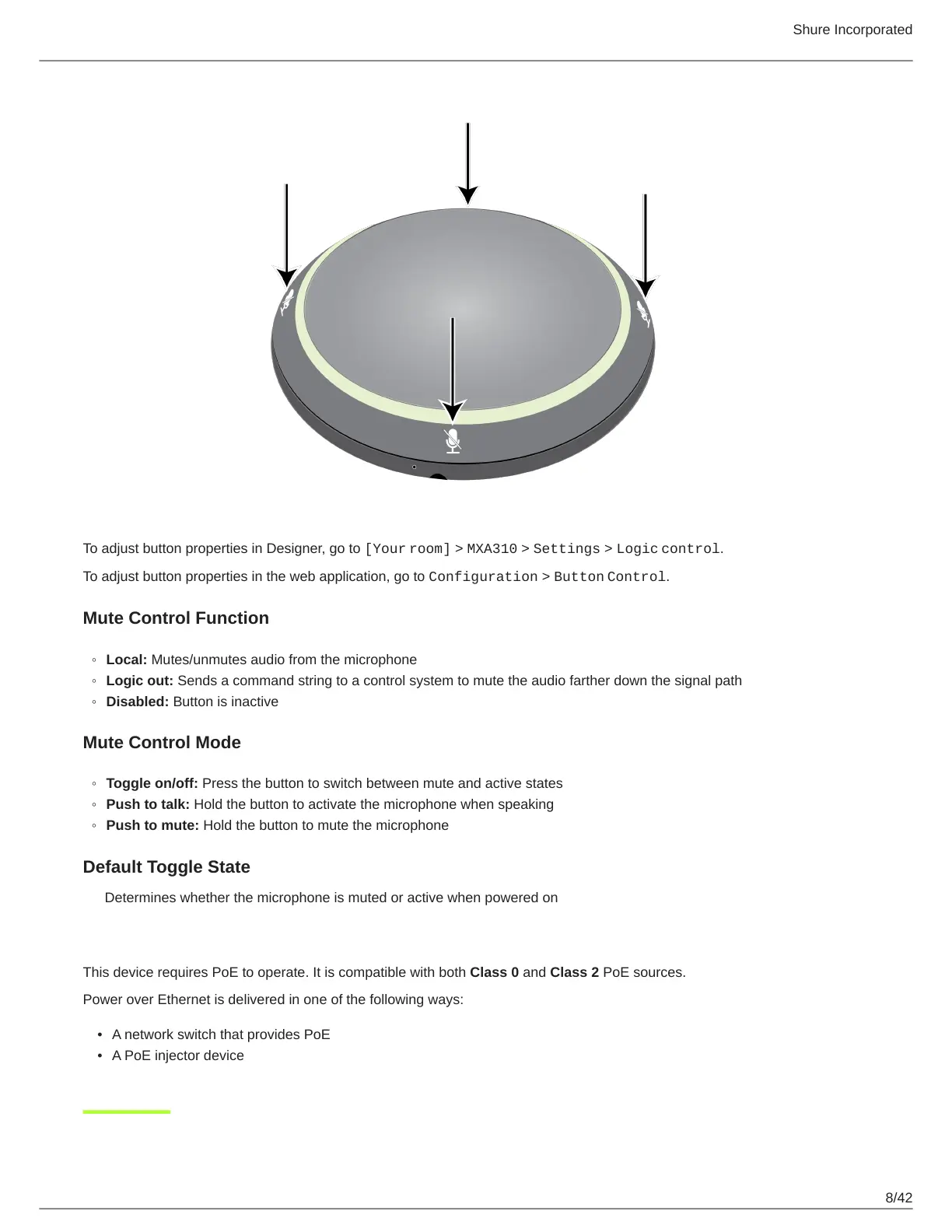
To adjust button properties in Designer, go to [Your room] > MXA310 > Settings > Logic control.
To adjust button properties in the web application, go to Configuration > Button Control.
Mute Control Function
Local: Mutes/unmutes audio from the microphone
Logic out: Sends a command string to a control system to mute the audio farther down the signal path
Disabled: Button is inactive
Mute Control Mode
Toggle on/off: Press the button to switch between mute and active states
Push to talk: Hold the button to activate the microphone when speaking
Push to mute: Hold the button to mute the microphone
Default Toggle State
Determines whether the microphone is muted or active when powered on
Power Over Ethernet (PoE)
This device requires PoE to operate. It is compatible with both Class 0 and Class 2 PoE sources.
Power over Ethernet is delivered in one of the following ways:
A network switch that provides PoE
A PoE injector device












 To Next Page