Shure Incorporated
32/56
1.
2.
3.
•
•
Updating the Transmitter Firmware
From the Device Configuration menu of the receiver: Advanced Options > Tx Firmware Update.
Align the infrared (IR) port on the transmitter with that on the receiver, and push the sync button.
Important:Alignment must be maintained during the entire update cycle.
Once the sync is complete, the system is ready for use.
Firmware Release Requirements
All devices are part of a network with multiple communications protocols that work together to ensure proper operation. The
recommended best practice is that all devices are on an identical release. To view the firmware version of each device on the
network, navigate to device configuration and look under (Settings) > Firmware.
The format for Shure device’s firmware is MAJOR.MINOR.PATCH. (Ex. 1.6.2 where 1 is the Major firmware level, 6 is the Mi
nor firmware level, and 2 is the Patch firmware level.) At a minimum, devices that operate on the same subnet should have
identical MAJOR and MINOR release numbers.
Devices of different MAJOR releases are not compatible.
Differences in the PATCH firmware release level may introduce undesired inconsistencies.
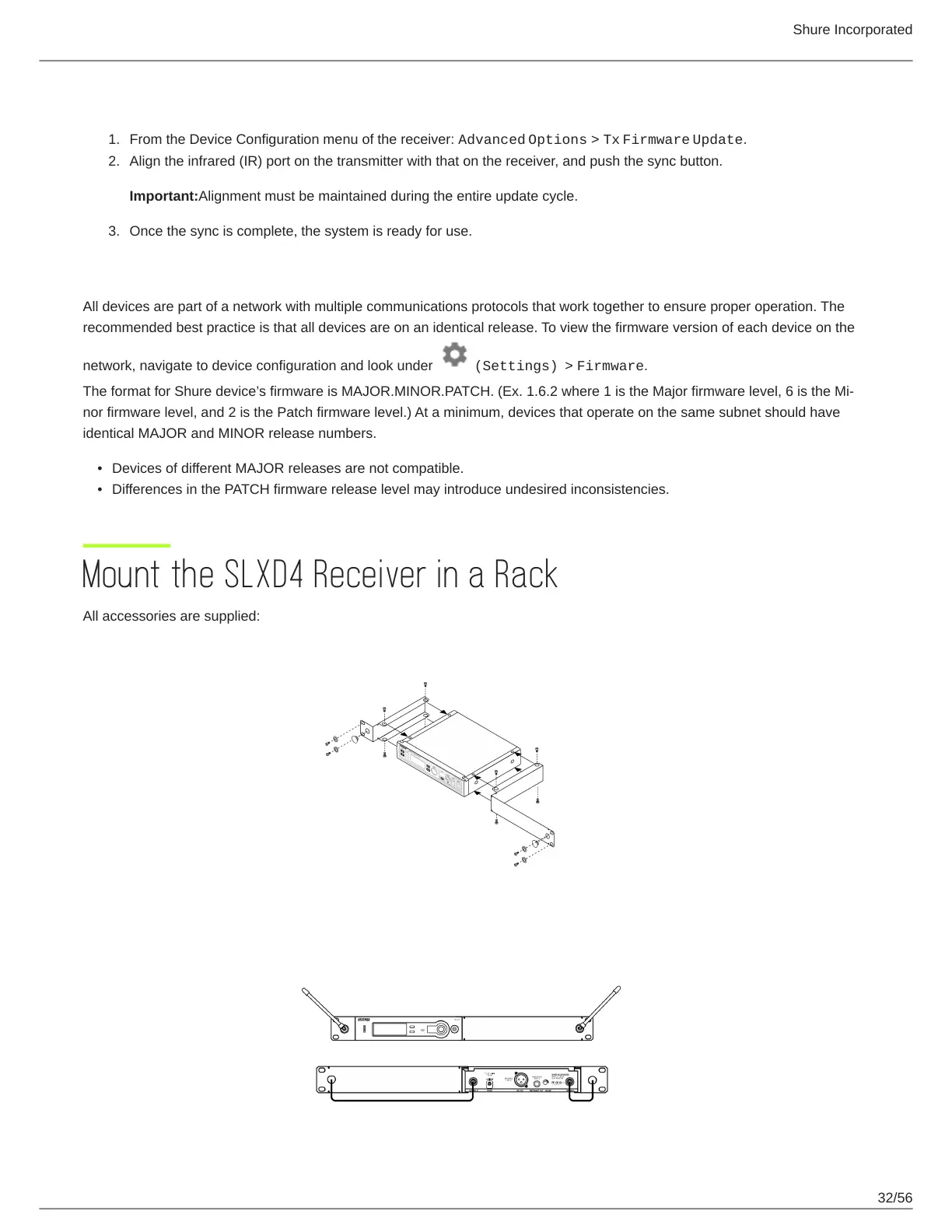
Mount the SLXD4 Receiver in a Rack
All accessories are supplied:











 To Next Page