3
25A1090 (Rev.3)
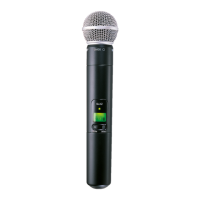
SLX2 Transmitter Programming
Manually Select a Group and/or Channel
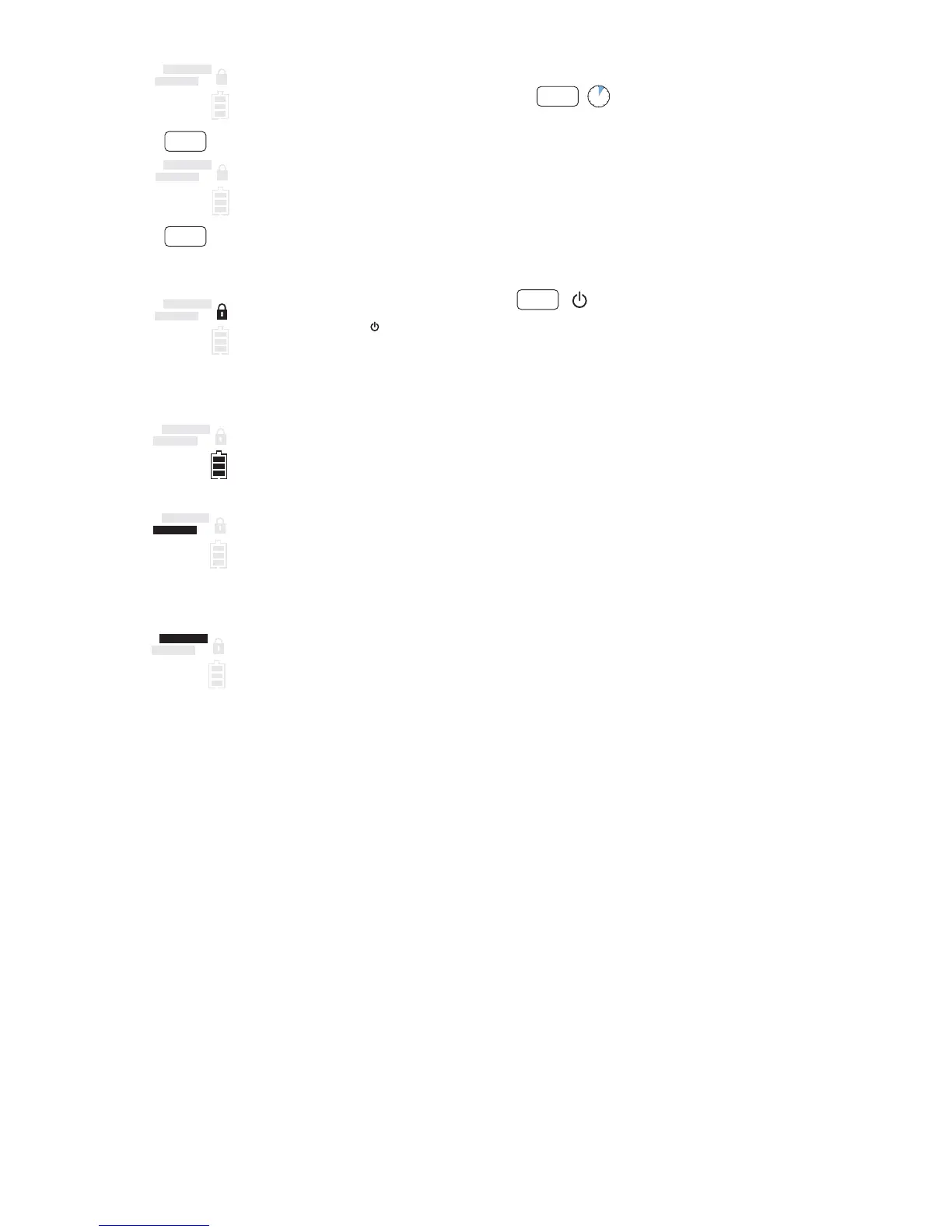
1. Press and hold the select button until the GROUP and CHANNEL displays begin to alternate.
2. To change the group setting, release the select button while GROUP is displayed
a
. While GROUP
is flashing, pressing select increases the group setting by one.
3. To change the channel setting, release the select button while CHANNEL is displayed
b
. While
CHANNEL is flashing, pressing select increases the channel setting by one.
Lock or Unlock Transmitter Settings
Press the mute/ and select buttons simultaneously to lock or unlock the transmitter settings. When
locked, the current settings cannot be changed manually. Locking the transmitter does not disable in-
frared synchronization.
Battery Status
Indicates charge remaining in transmitter batteries.
Master List Indicator
Indicates that a master list frequency is currently in use. No group or channel information is
displayed.
Note: the transmitter cannot be used to change master list settings.
INCOMPATIBLE Frequency Warning
The INCOMPATIBLE warning indicates that the receiver and transmitter are transmitting on different
frequency bands. Contact your Shure retailer for assistance.
select
5
i8 i8
MASTER LIST
Incompatible
GROUP
CHANNEL
i8 i8
MASTER LIST
Incompatible
GROUP
CHANNEL
a
b
select
select
select
+
i8 i8
MASTER LIST
Incompatible
GROUP
CHANNEL
i8 i8
MASTER LIST
Incompatible
GROUP
CHANNEL
i8 i8
MASTER LIST
Incompatible
GROUP
CHANNEL
i8 i8
MASTER LIST
Incompatible
GROUP
CHANNEL


 To Next Page