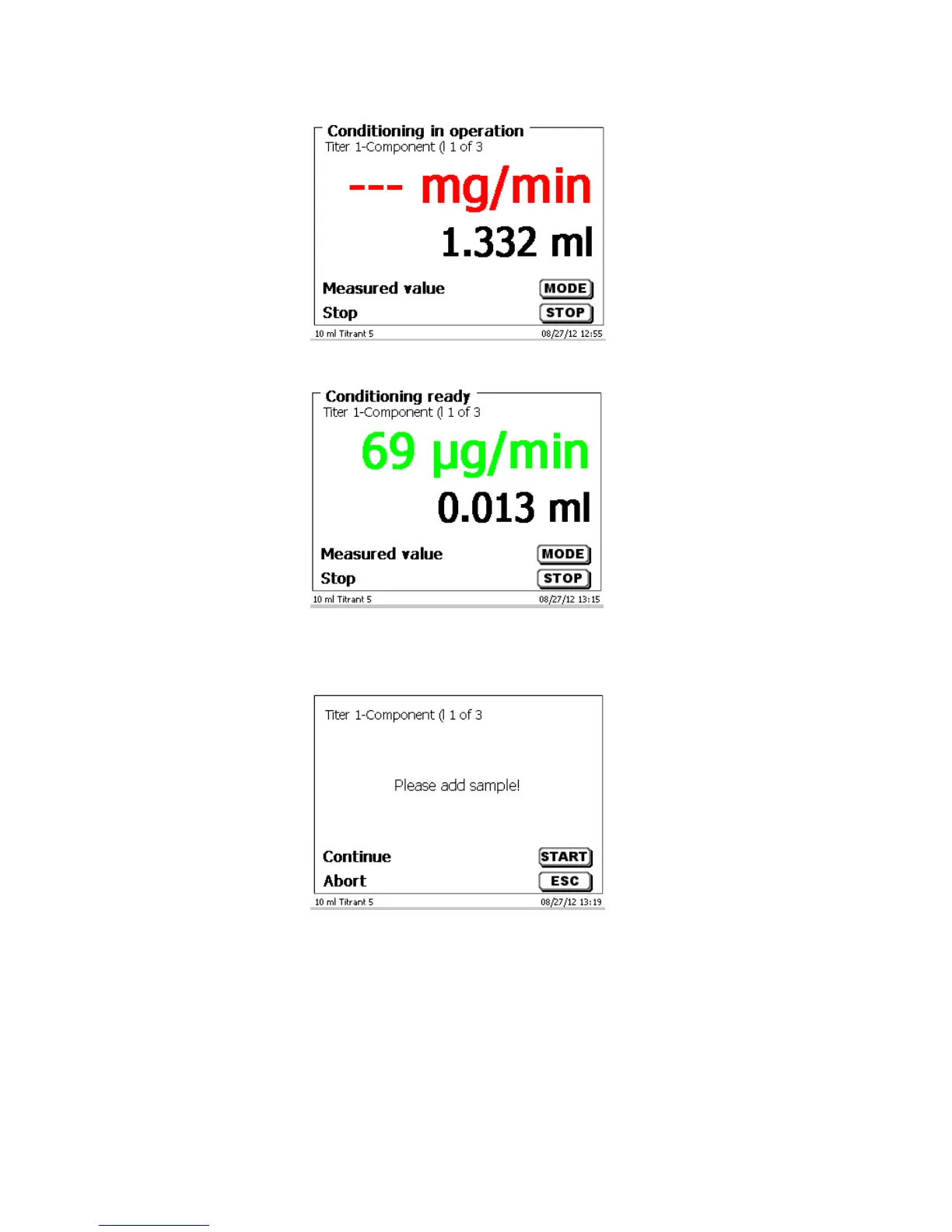
Fig. 35
When the final criteria are met, then there is an audible signal and Conditioning ready is shown on the display:
Fig. 36
The conditioning remains active until the actual titration is started by pressing <F1/START>. You are prompted
immediately to add the sample:
Fig. 37
After the sample or the standard is added, you must press <F1/START> again. Depending on the method
settings, you will be prompted for the sample identification (Fig. 38) and the weighed-in quantity (Fig. 39). You
can use an external PC keyboard for entering a 20-digit alphanumeric sample ID.



 To Next Page