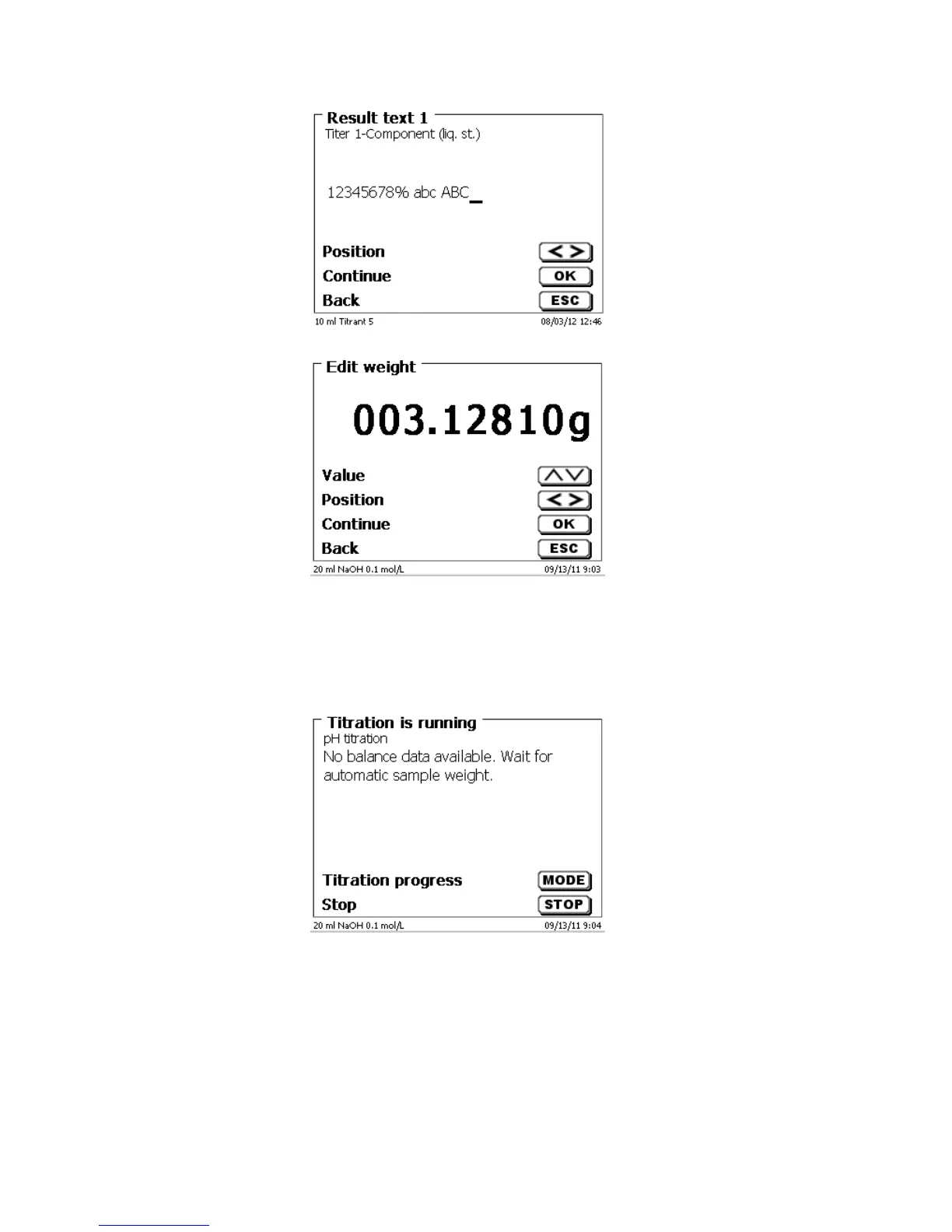
Fig. 38
Fig. 39
The balance data can be entered using the front keyboard or an external keyboard. The input is to be confirmed
with <OK>/<ENTER>.
In the case of an automatic acceptance of the balance data, the weighed-in quantities will be read in from a
memory. If the memory does not contain any balance data, a message will appear to indicate that no balance
data are present:
Fig. 40
Pressing the Print key will transfer the balance data, too. Titration will then begin directly after the transfer of the
balance data without any further confirmation being necessary. The display shows either
the use in ml with the drift in µg/min
or the drift with the measured value in µA
or the titration curve in ml/time [s].
You can switch between the individual displays with the <F6/MODE> key: The graphics are scaled automatically:



 To Next Page