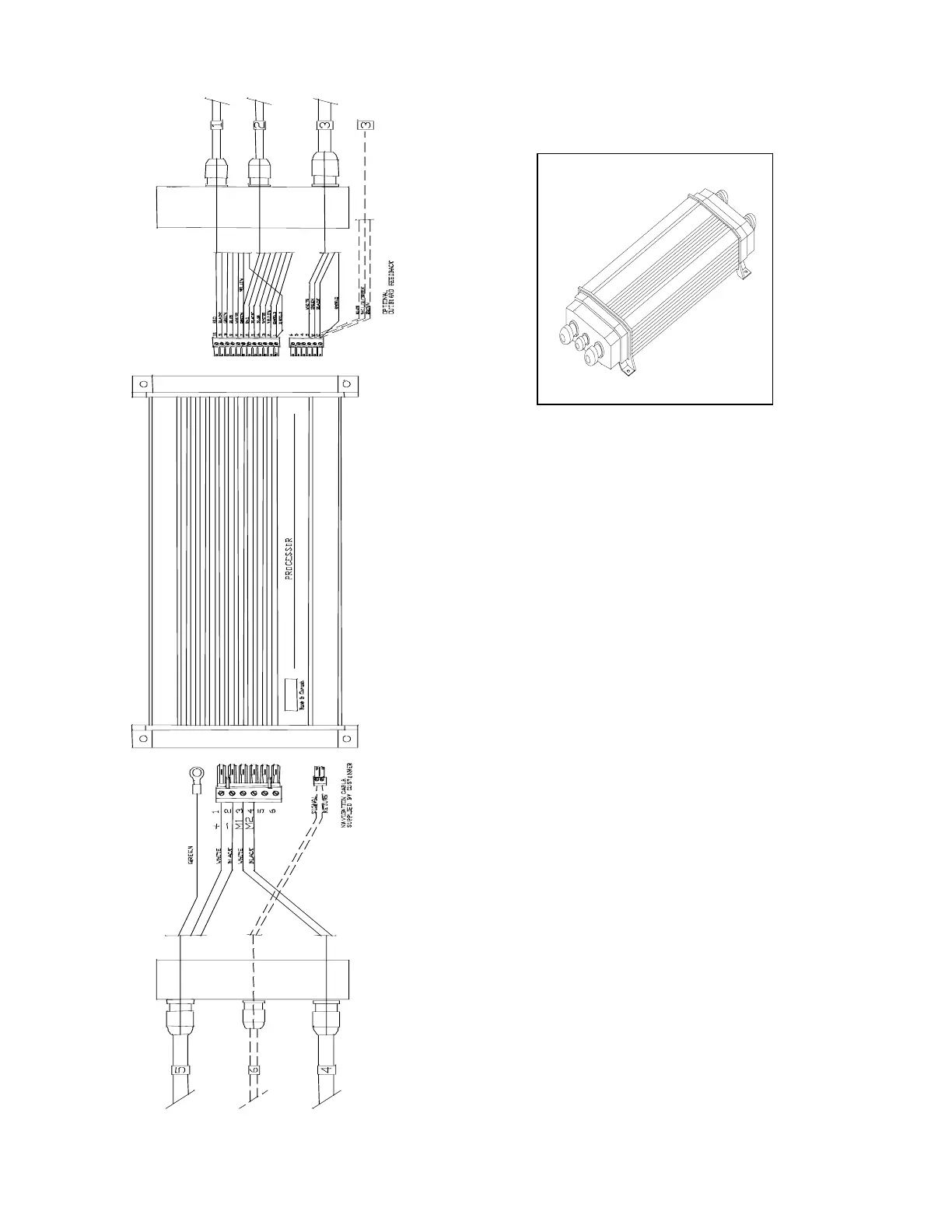
Wiring the Processor
Place the Processor in front of you with the
lettering right side up. Remove the four
Phillips screws from each end. Remove the
end pieces of the Processor enclosure.
Looking into the open ends of the Processor
you will see several green terminal strips.
These terminal strips are mounted into
sockets. You can remove the terminal strips
from the processor by gently pulling them
away from the end of the Processor.
The terminal strips are labelled with numbers
corresponding to the wiring diagrams on the
following pages.



 To Next Page