IMPORTANT
4. Move the steering wheel to the
center position.
CAUTION
In the next step, the SP-80 will move the
steering system through its full range of
motion. Pressing and holding the
SBY/OFF KEY will stop the steering
movement immediately.
5. Press the Set Key.
The steering gear will move from side to side.
As the Autopilot tests the drive system the
display will show [d’tSt]. As the Autopilot
checks the rudder the display will show [r’tSt].
The Output marks at the top of the display will
show the direction of rudder movement. The
display may also show [O’Cur] and other
timing marks.
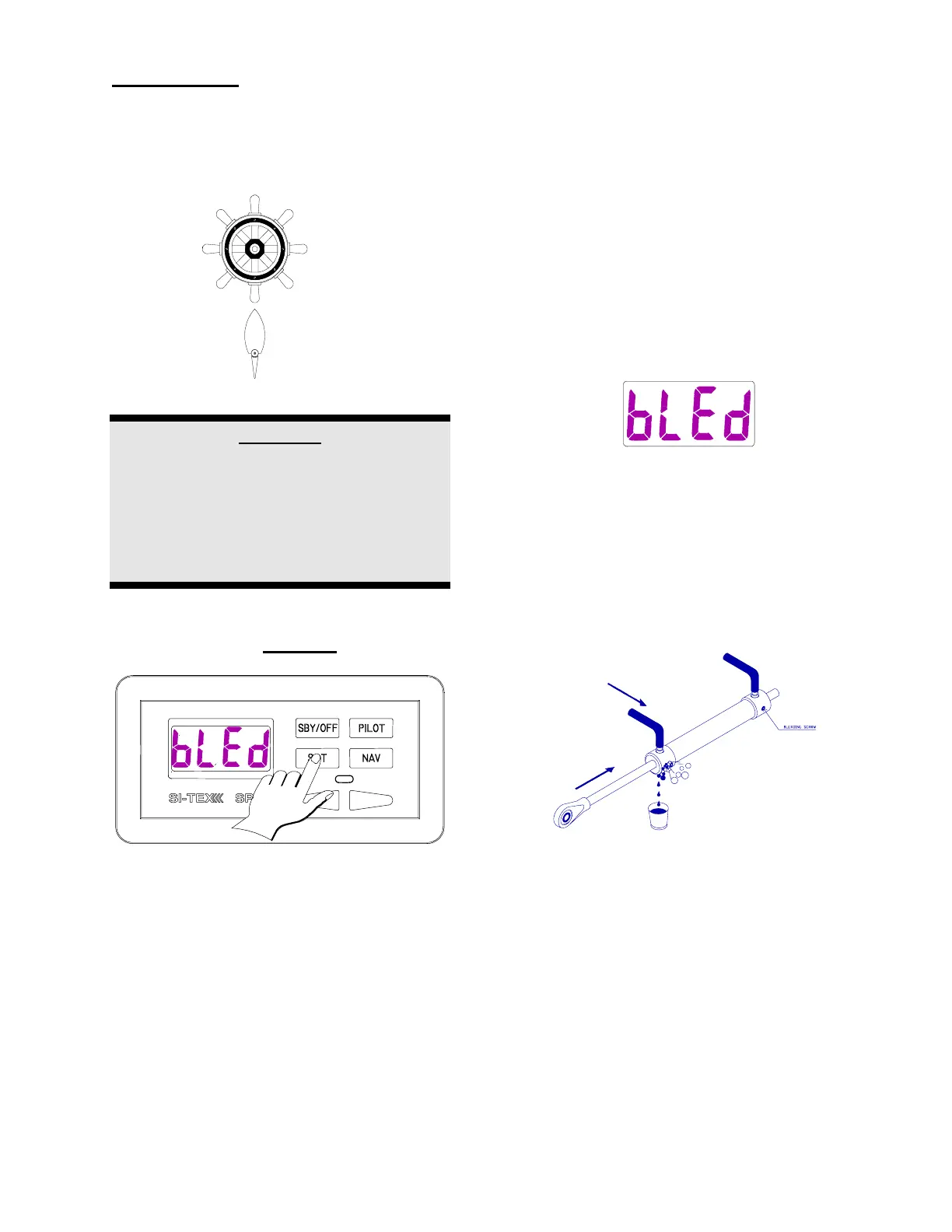
6. The display will now show [bLEd}
(Bleed). You are now in the bleed
mode.
If you have a hydraulic system and if you
opened the hydraulic lines during the
Autopilot installation, then you must now
bleed and/or time your pump. Please see the
section titled Pump Bleeding Instructions.
NOTE:
IF YOU DO NOT NEED TO BLEED YOUR
SYSTEM, GO TO STEP SEVEN.



 To Next Page