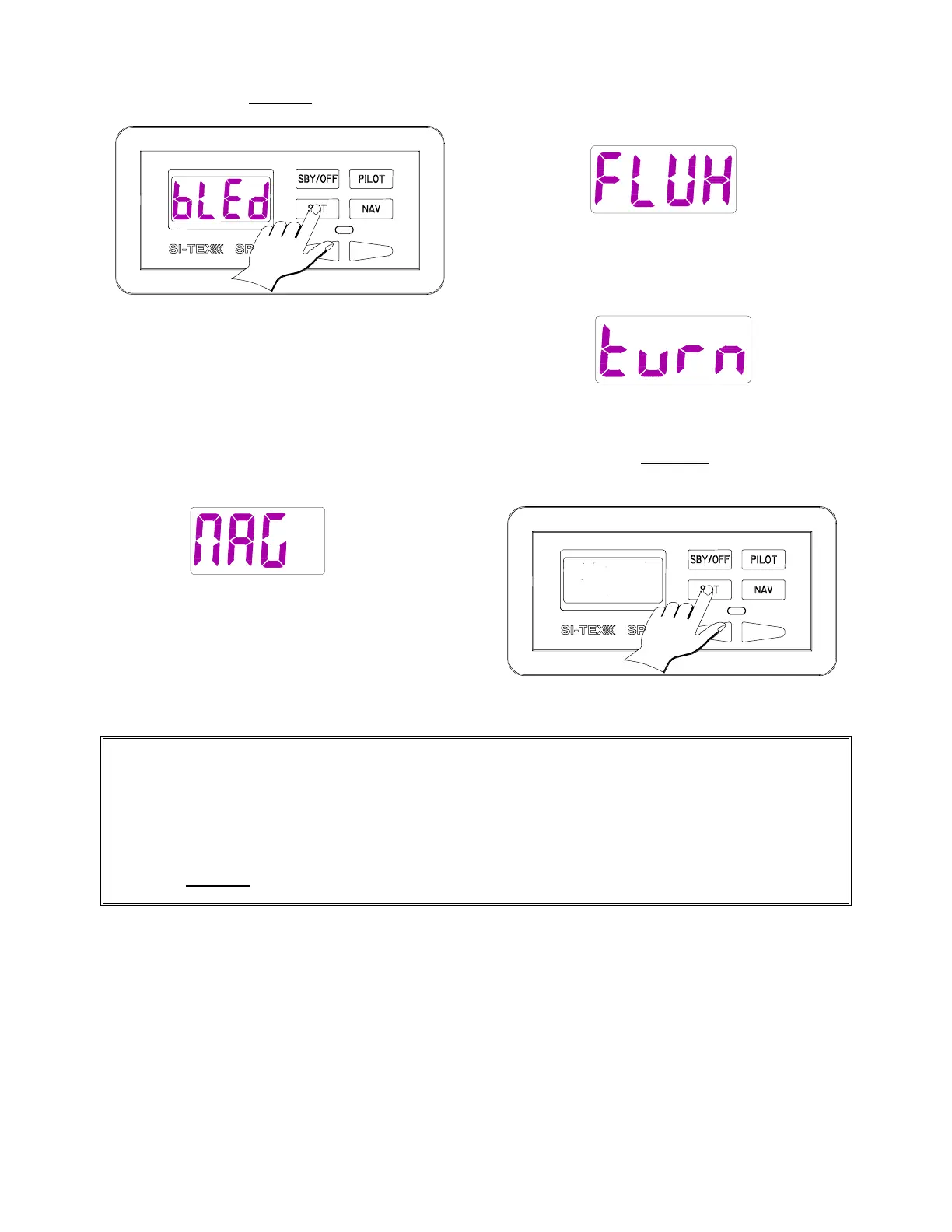
7. Press the Set Key.
The Autopilot will next display a message
about the compass type.
If you have a magnetic compass the display
will show [nAG] (magnetic).
Go to Step twelve.
If the compass is a Fluxgate Compass the
display will show [FLUH].
The Autopilot will next display [tUrN] (Turn).
You must now adjust your compass.
8. Press the Set Key. The Autopilot
will turn off.
The error message for this step is [nC:Er] (No Compass Error). Ensure that:
• The Compass cable is connected to the correct Processor terminals.
• There are no poor or loose connections on the Compass cable.
• When using a Magnetic Compass Sensor, the sensor reads the Compass card position
properly. Some Magnetic Compasses have magnets so weak that the Sensor will not function
properly.
Press the Pilot Key to clear the alarm. Correct the problem. Try the step again.



 To Next Page