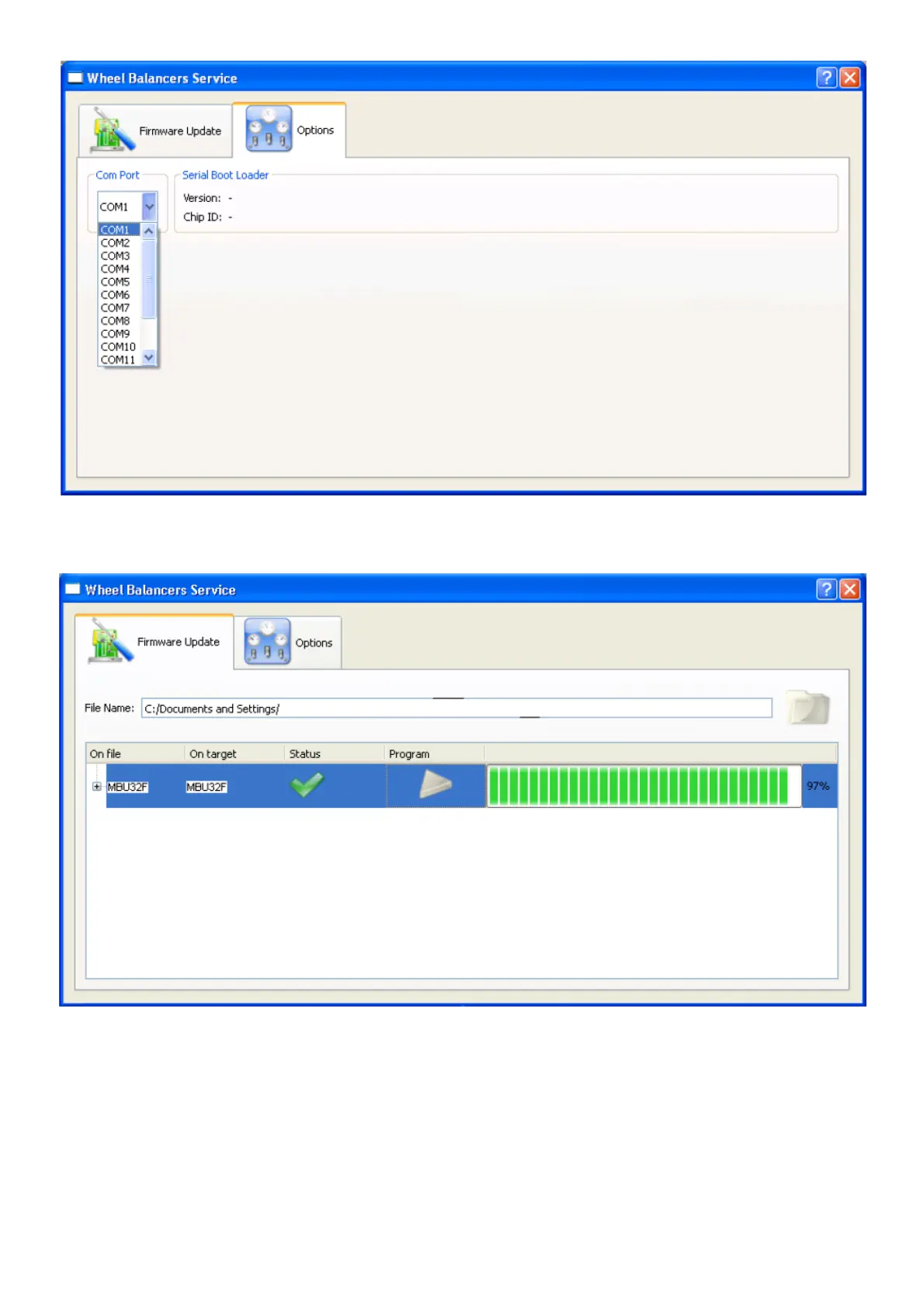
Fig.5C
Select Firmware Update (icon B, figure 5B) to start the programming procedure.
Fig.5D
- “100%” is displayed when programming has been completed successfully.
- After the programming procedure, close the application, switch off the machine and return the dip-switch to the original position (all switches
OFF).
- If an error message is displayed, check the serial cable wiring harness and repeat the programming procedure, turning the machine off and
then on.
SAB32F program
- Launch the SAB32F program.
- The following control window of the SAB32F program will now open.



 To Next Page