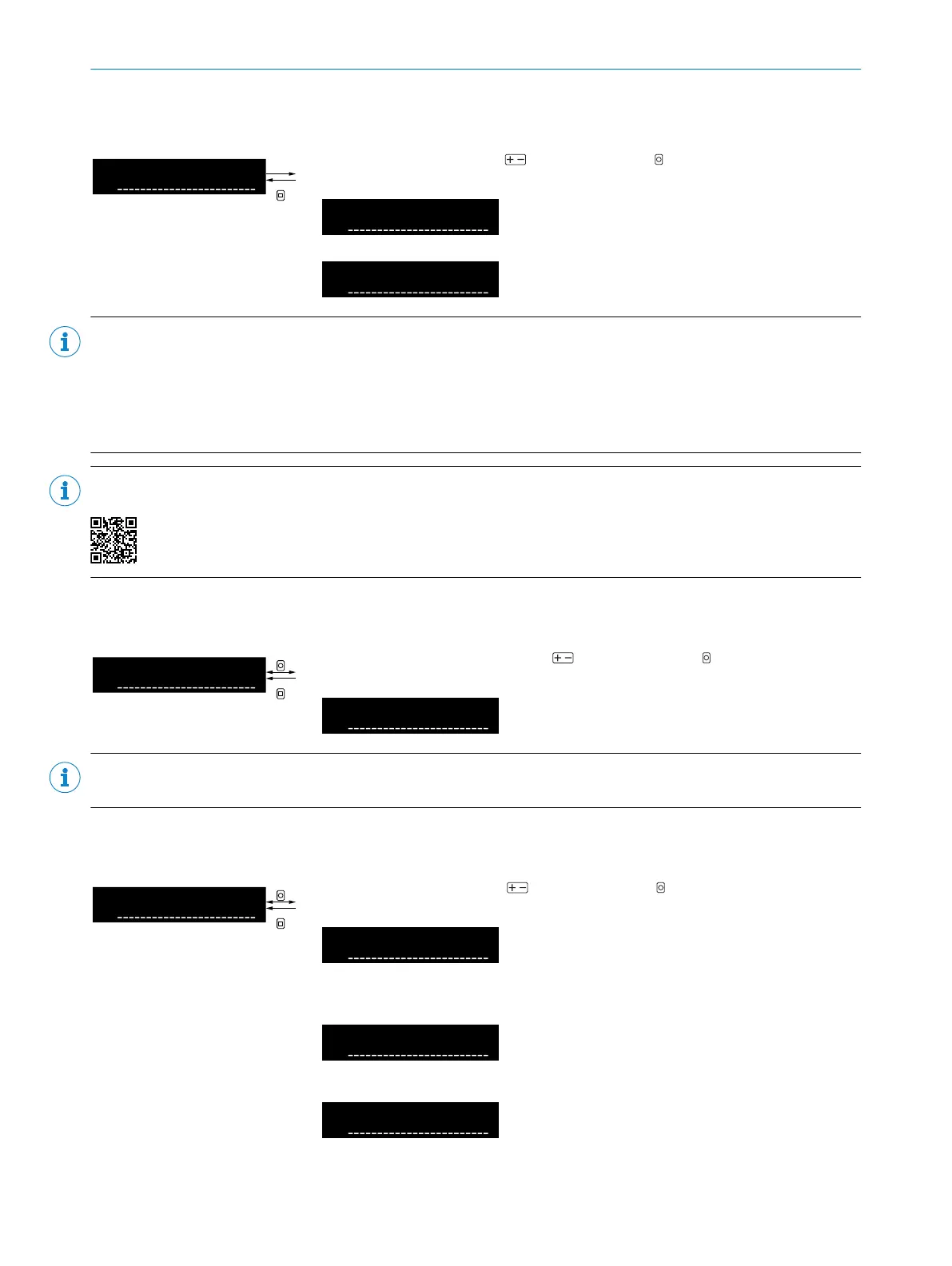
8.7.7 Counter mode
Table 33: Counter mode
Select counter mode using and confirm using OK. After confirming the
count compare value, the display returns to the higher-level menu.
Off
No counting function activated
On
Counting function activated
NOTE
After confirming the counter mode, the display jumps directly to the setting of the count compare value. After
confirming the count compare value, the display returns to the higher-level menu.
When the counter mode is enabled, the display mode automatically changes to counter (display of current counter
value and count compare value) and a signal change occurs at the digital output when the configured count
compare value is reached.
NOTE
The counter function is also shown in a video:
8.7.8 Count compare value
Table 34: Count compare value
Select count compare value using and confirm using OK. After confirming
the count compare value, the display returns to the higher-level menu.
Count compare value (1 ... 16,383)
NOTE
Setting the count compare value is only available if counter mode is activated.
8.7.9 Edge direction
Table 35: Edge direction
Select edge direction using and confirm using OK. After confirmation, the
display returns to the higher-level menu.
Both edge directions
Both positive and negative edges
(increase and decrease of the
received light value) are detected.
Positive edge direction
Positive edges (increase of the
received light value) are detected.
Negative edge direction
Negative edges (decrease in
received light value) are detected.
OPERATION 8
8027947 /2022-12-14 | SICK O P E R A T I N G I N S T R U C T I O N S | WLL80 Analog
37
Subject to change without notice









 To Next Page