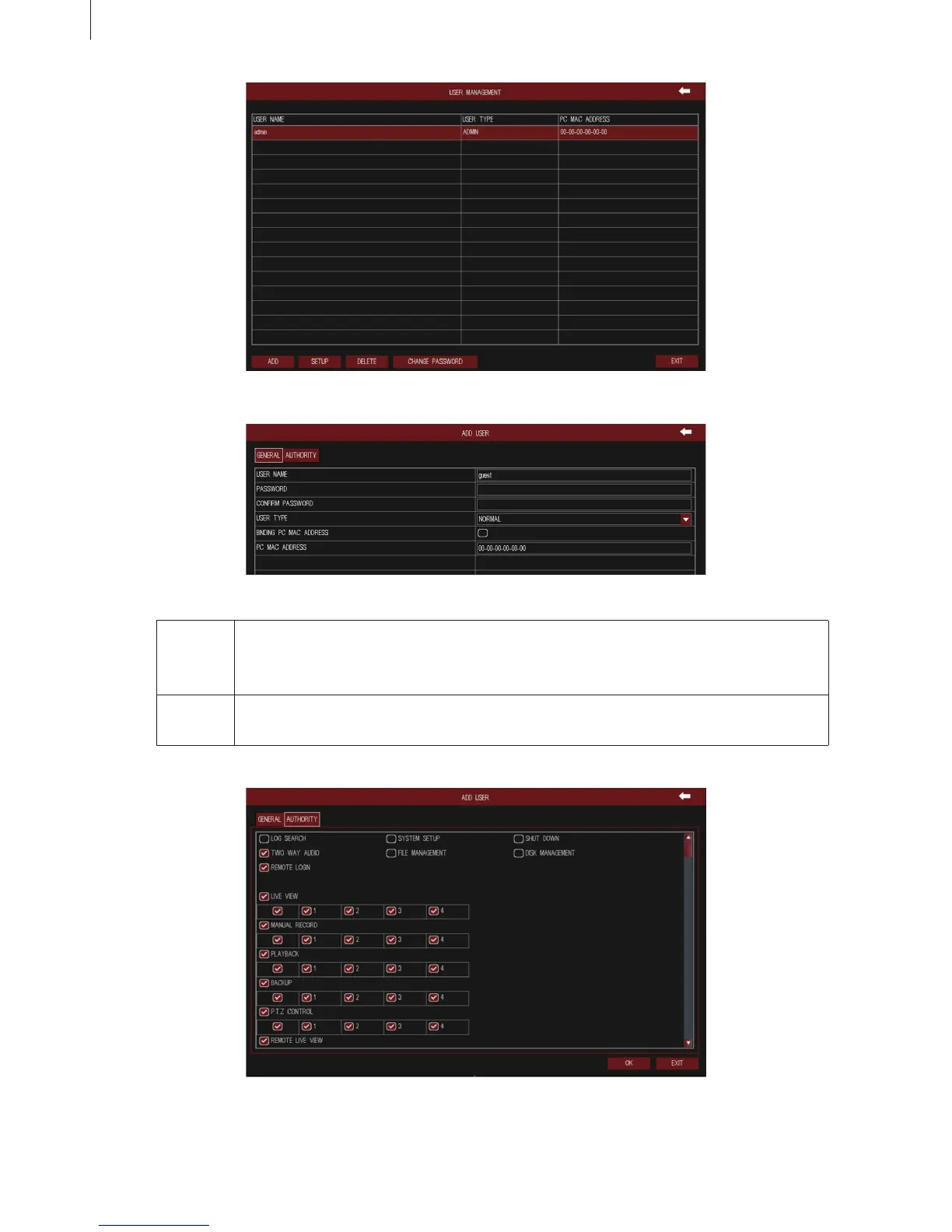
Fig 3-13
Fig 3-14
Fig 3-15
29
General Enter the new user’s name and password; select user type: normal and advanced; or tick
off “Binding PC Mac Address”, input the MAC address of PC as required; click OK button
to add this user into the user list; click Exit button to exit the current interface.
Authority As shown in Fig 3-16, assign the appropriate authority for new user. Click OK button to
save the setting; click Exit button to exit the current interface.
Menu Setup Guide



 To Next Page