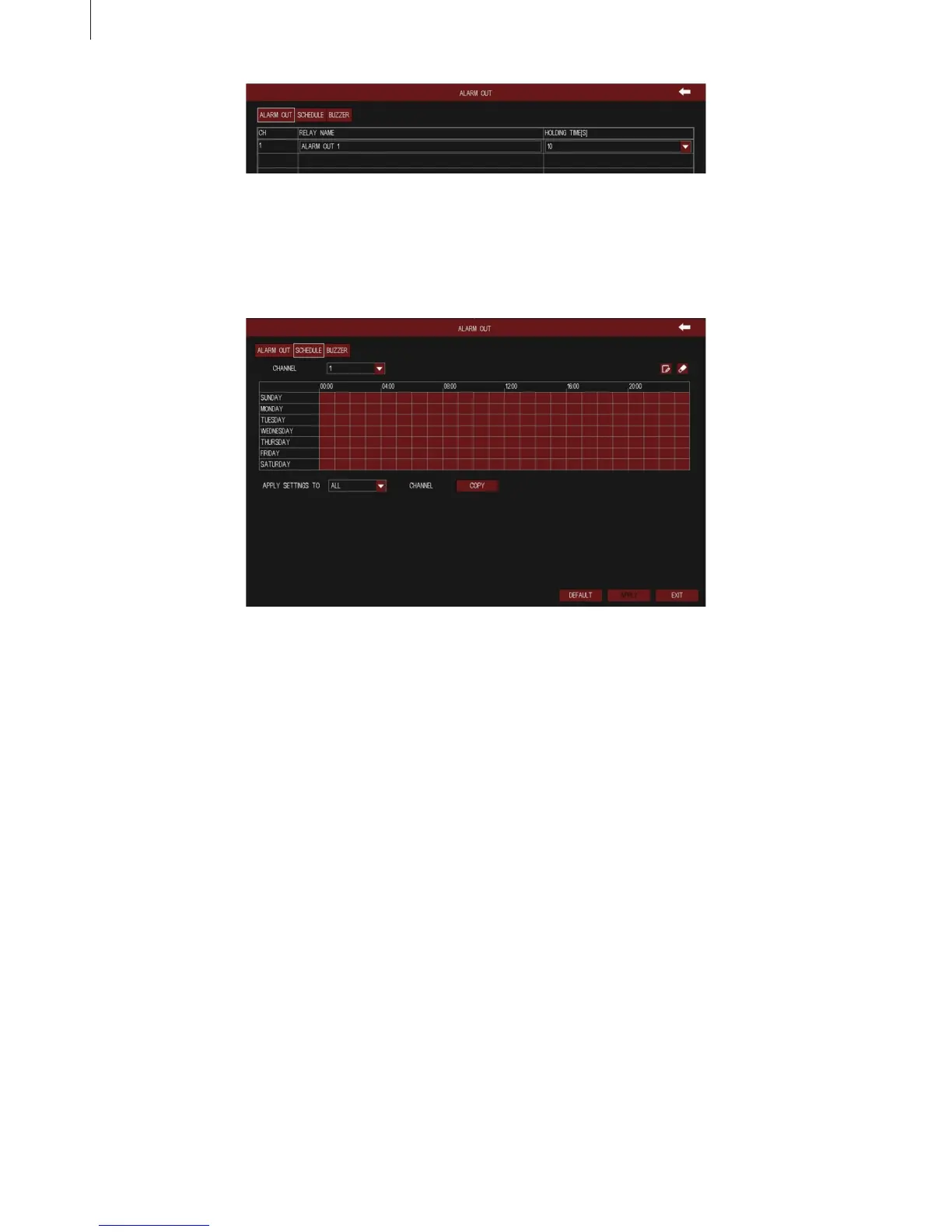
Fig 3-45
Fig 3-44
41
·
Schedule
The detecting schedule of alarm out is shown in Fig 3-45. The setup steps of alarm out schedule
are familiar with schedule.
·
Buzzer
Tick off “Buzzer” to turn on the switch of alarm sound, set the hold time of buzzer alarm. It will make
sounds when alarm is triggered.
2.4.5 Event
(1) Sensor
1) Basic
User can enable sensor alarm of alarm input, select the alarm type according to alarm trigger type:
N.O. (normally open) and N.C. (normally closed), and self-dene the alarm device’s name. As shown
in Fig 3-46:
Menu Setup Guide



 To Next Page