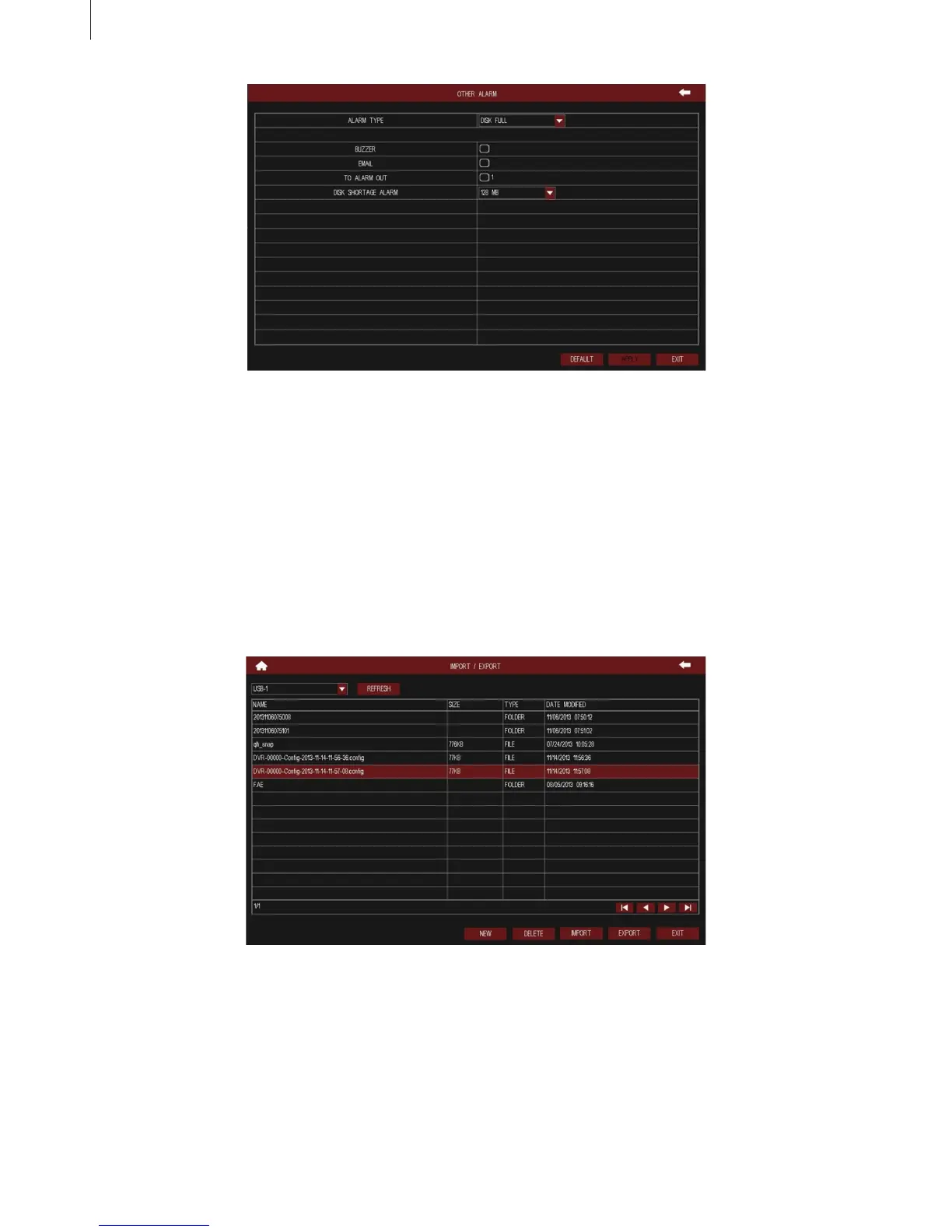
Fig 3-57
Fig 3-58
46
Menu Setup Guide
2.4.6 Reset
Click “Reset” button to pop up a warning window, then click OK button to restore factory settings and
restart the device automatically; click Cancel button to exit the warning window.
2.4.7 Import/Export
User can export the data les into mobile storage device as backup function, as shown in Fig 3-58, or
import specied data les from mobile storage device to DVR, as shown in Fig 3-59.



 To Next Page