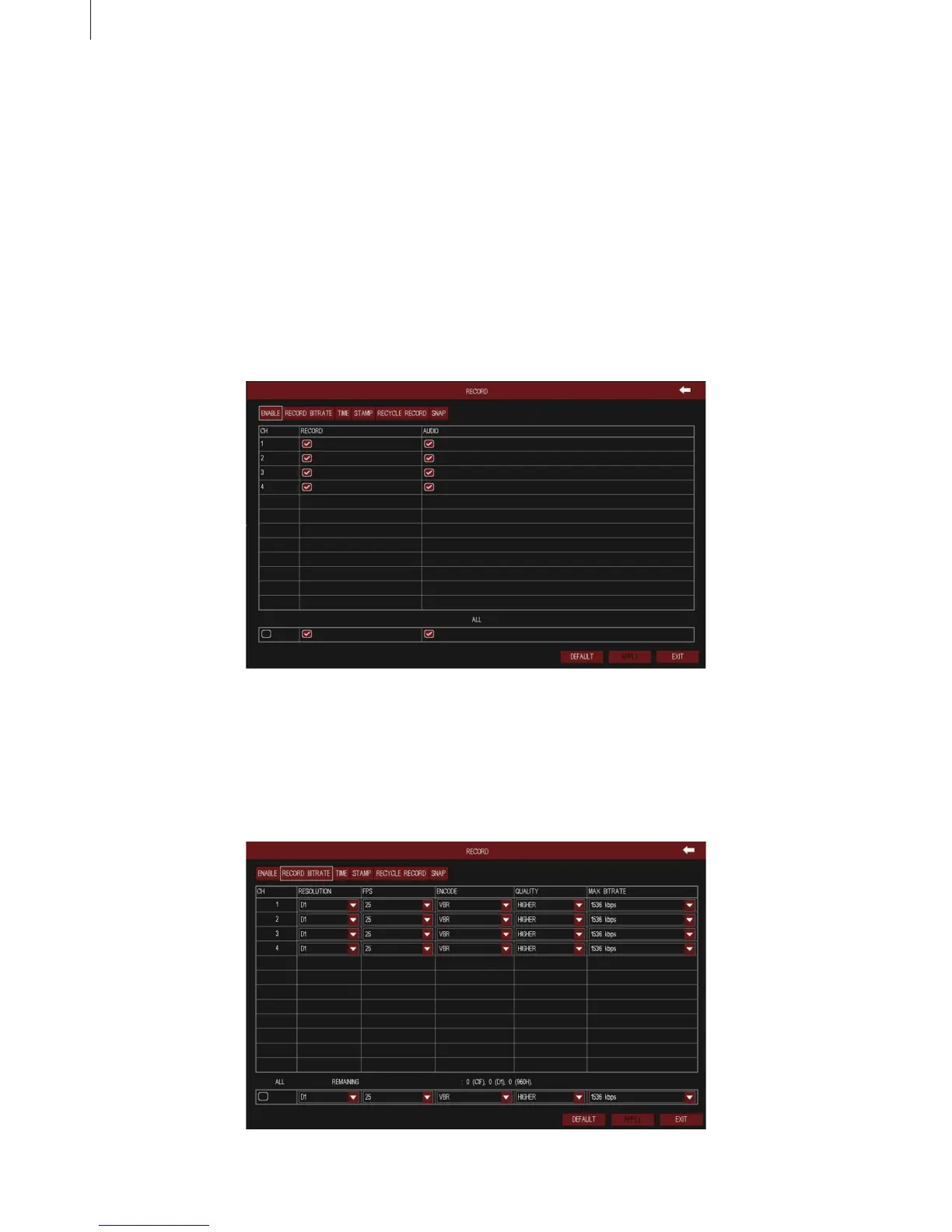
Fig 3-16
Fig 3-17
30
Menu Setup Guide
2.4.2 Record
(1) Record
1) Enable
As shown in Fig 3-16, tick off “Record” and “Audio” to enable the record and audio switch.
2) Record Bitrate
As shown in Fig 3-18, set the resolution, frame rate, encode, quality and max bitrate.
Select a user in the user list, click “Setup” button to modify user type, binding PC MAC address and user
authority.
Select a user in the user list, click “Delete” button to delete this user.
Click “Change Password” button to modify the password.
Tick off “all” and then do relevant setup, user can set all channels with same parameters.



 To Next Page