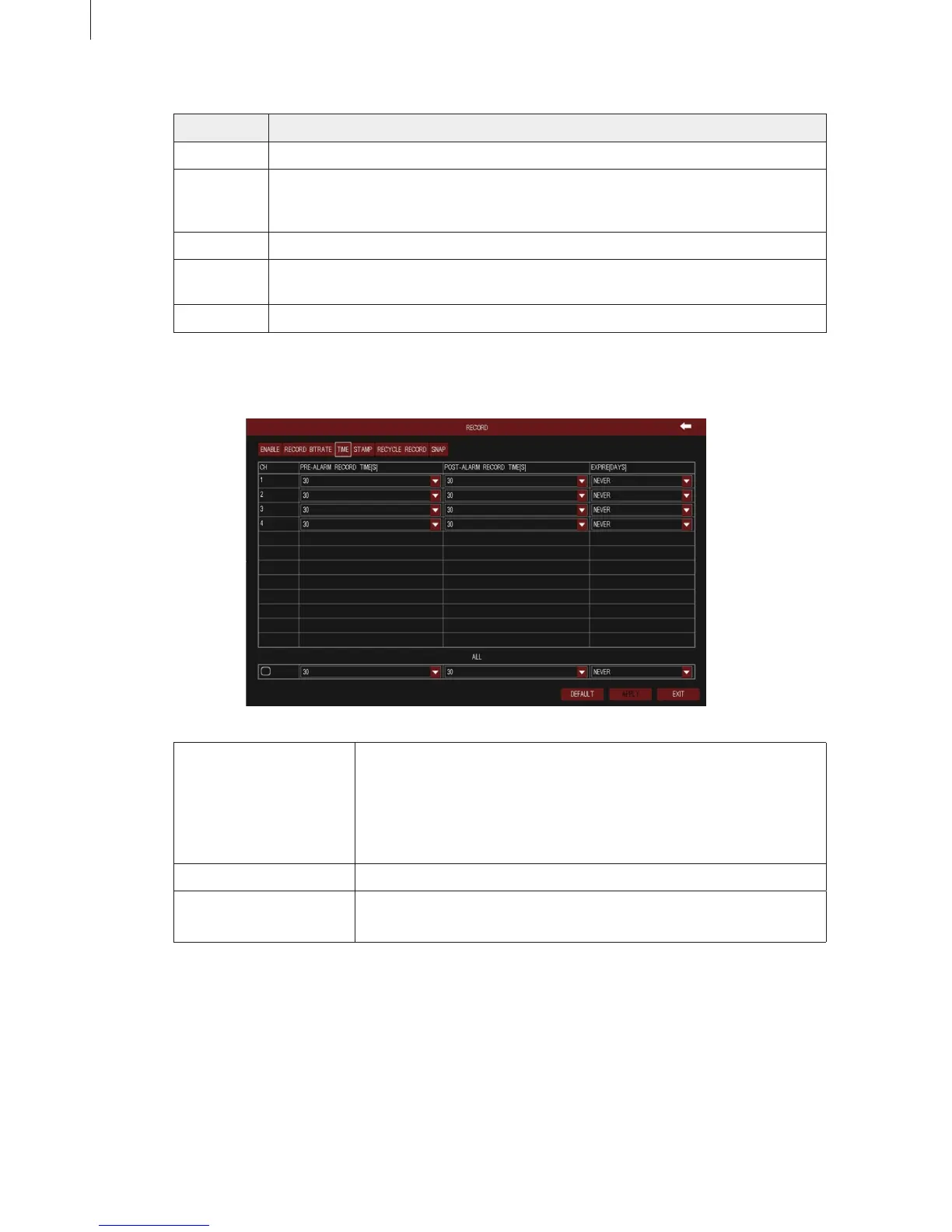
Fig 3-18
31
Menu Setup Guide
Tick off “all” and then do relevant setup, user can set all channels with same parameters.
Parameter Meaning
Resolution The range of options: synchronize with congured device, such as 960H, D1
Fps Range from 1~30 (NTSC) or 1~25(PAL)
(Resolution and frame rate are determined by the parameter specications of
specic type)
Encode Two options: VBR and CBR
Quality The higher the grade is, the clearer the recorded image is. Six grades: lowest,
lower, low, medium, higher and highest.
Max Bitrate The range of options: synchronize with congured device, such as 512~2048kbps
3) Time
Pre-alarm Record Time Alarm signal needs a little time to process and trigger recording, it
may not record some important information before alarm activation.
This function can save pre-recording and improve monitoring
reliability. Set the record time before event happen (motion detection
or sensor alarm).
Post-alarm Record Time The delay time to stop recording after the alarm is nished.
Expire The hold time of recorded les. If the video les are overdue, they will
be deleted automatically.
4) Stamp
As shown in Fig 3-19. User can set the stamp’s position on video. Enable the switch of “Camera
Name” and “Time Stamp”, click “Setting” button, then drag the camera name and time stamp to the
random position, right click to exit. As shown in Fig 3-20 and Fig 3-21.



 To Next Page