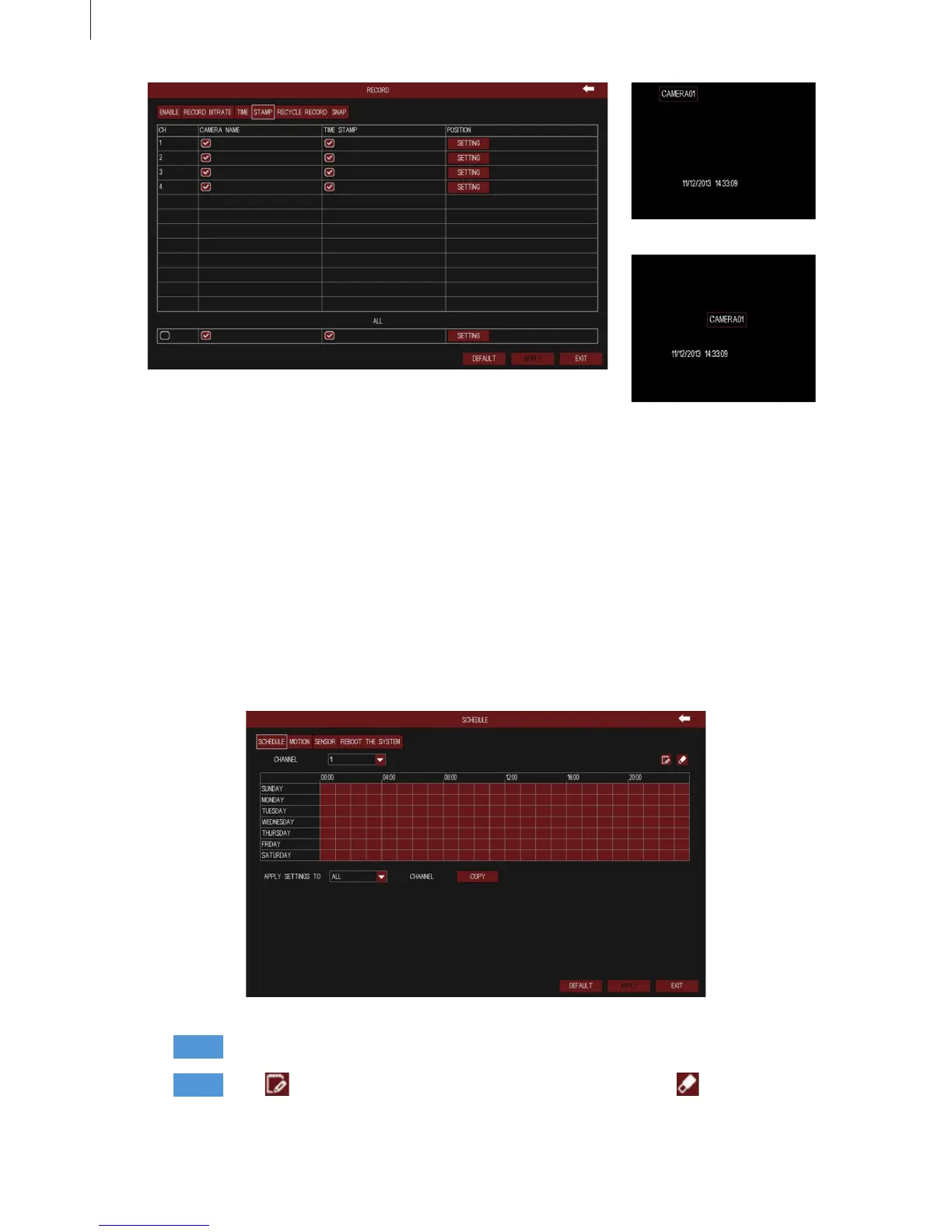
Fig 3-19
Fig 3-20 Before drag
Fig 3-21 After drag
Fig 3-22
32
5) Recycle Record
When the HDD space is full, “Recycle Record” will cover the earliest storage les and keep recording,
otherwise it will stop recording and generate alarm automatically.
Tick off “all” and then do relevant setup, user can set all channels with same parameters.
(2) Schedule
1) Schedule
Step1
Step2
Select a channel.
Click button, then click the time grid to add recording time; click button, then click
the time grid to delete recording time. Red means selected area, black means unselected
area.
Menu Setup Guide



 To Next Page