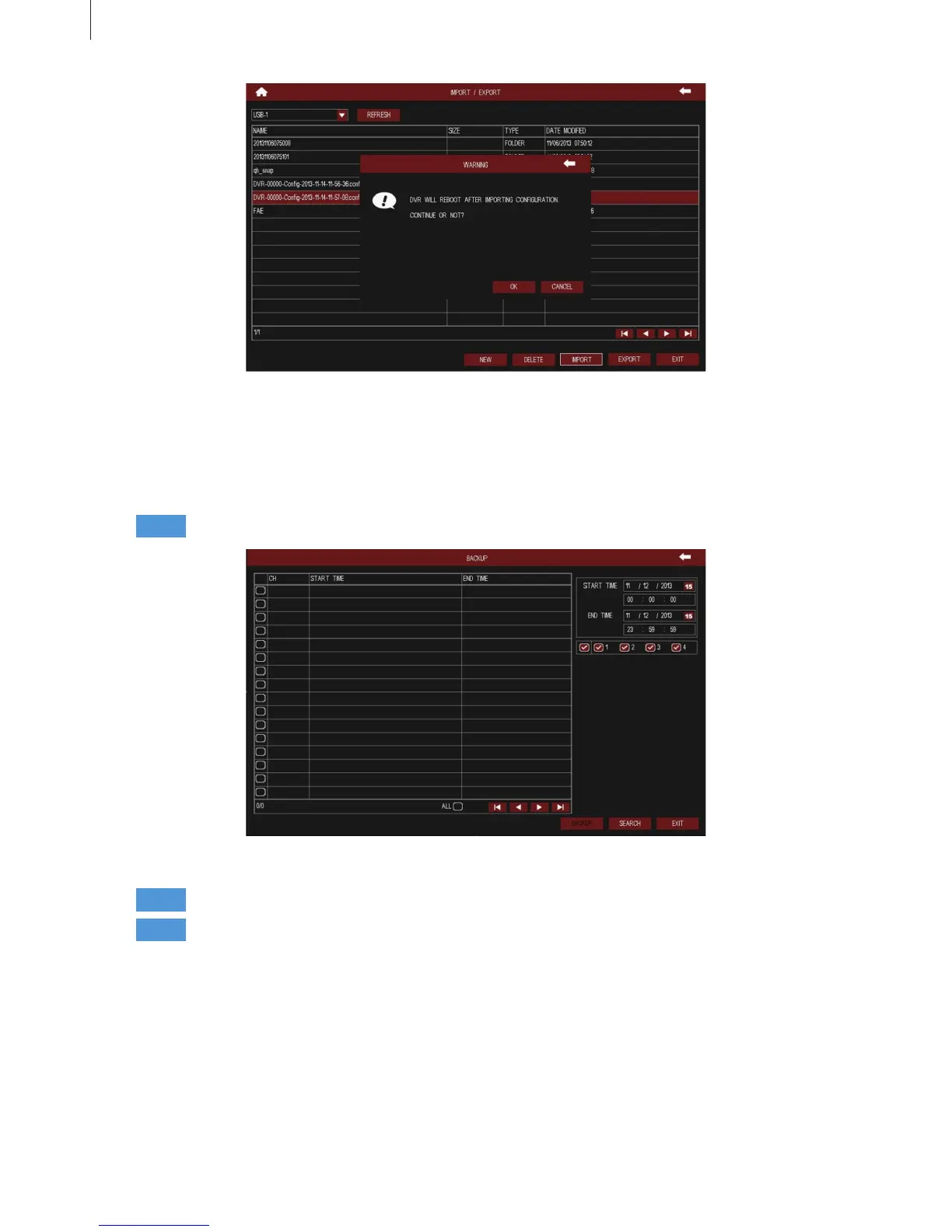
Fig 3-59
Fig 3-60
47
Menu Setup Guide
2.5 Backup
DVR support backup the data les by USB disk and remote backup by web browser.
Step1
Step3
Step2
Insert a USB disk on the DVR; as shown in Fig 3-60:
Press Search button, the searched data information will be displayed in the list.
Select the start & end time and channels which need to backup data.
Select the data les, click “Backup” button to pop up the backup information dialog box.
Check the le information, then click “Start” button to start backup.



 To Next Page