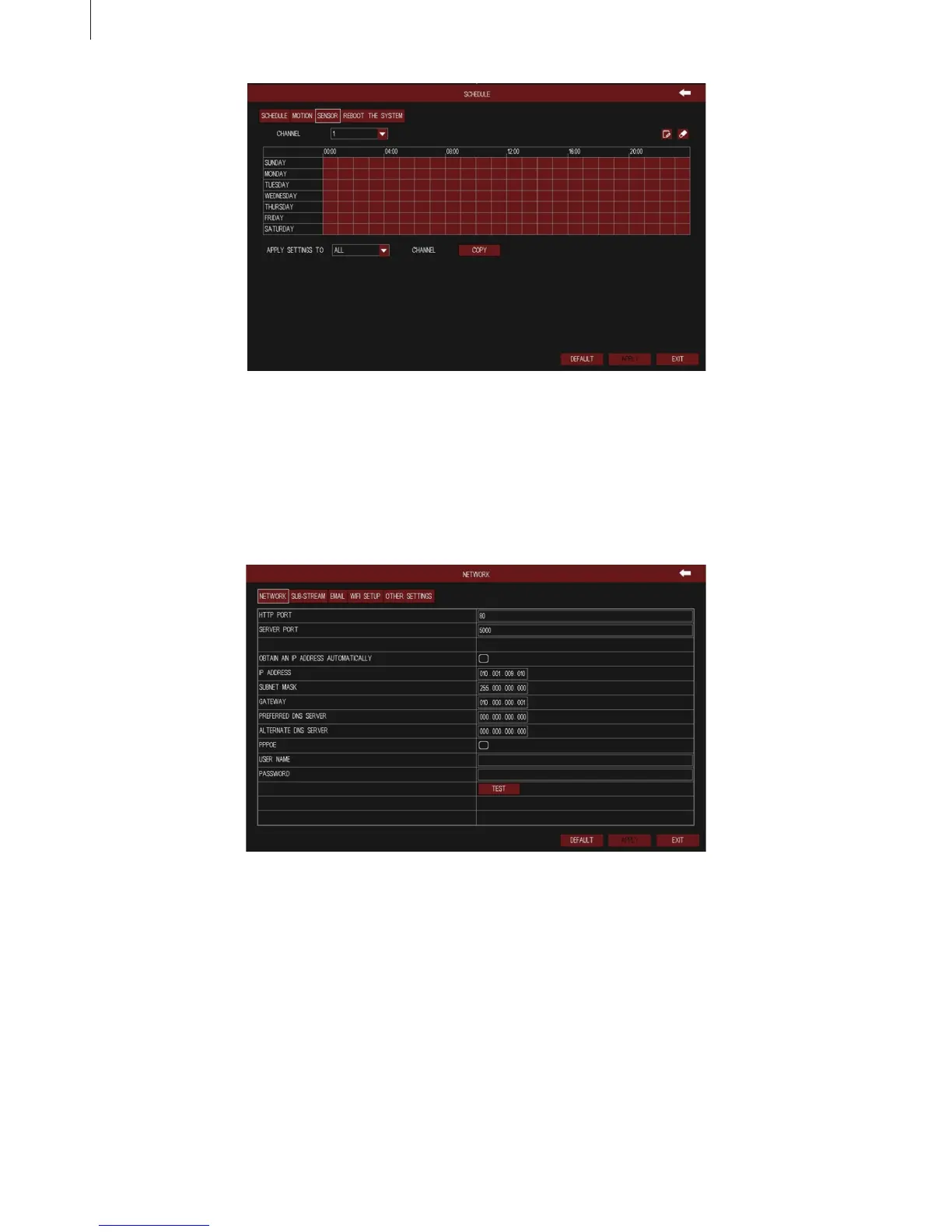
Fig 3-25
Fig 3-27
34
2.4.3 Network
(1) Network
The interface of network congure is shown in Fig 3-27.
(2) Sub-stream
The interface of network sub-stream congure is shown in Fig 3-28. Select the sub-stream
parameters of each channel according to the following table.
Menu Setup Guide
User can set the device’s server port. If DHCP function of router is enabled, selecting “Obtain an
IP address automatically” will automatically obtain IP address, subnet mask and gateway from the
router.
Enable PPPoE dial-up function, user needs to enter the user name and password of ADSL dial-up
obtained from the internet service provider. Click “Test” button to test the effectiveness of the relevant
information.



 To Next Page