Fig 3-61
48
2.6 Tools
2.6.1 Storage Manager (Disk Management)
Select a HDD which needs to be formatted, click “Format” button.
In the disk management interface, user can modify the property of selected disk; click “Refresh” button
to refresh the disk information; click “Browse” button to enter the system information interface, view the
HDD’s system information and the number of images, click “Clear” button to clear all pictures stored in
the HDD.
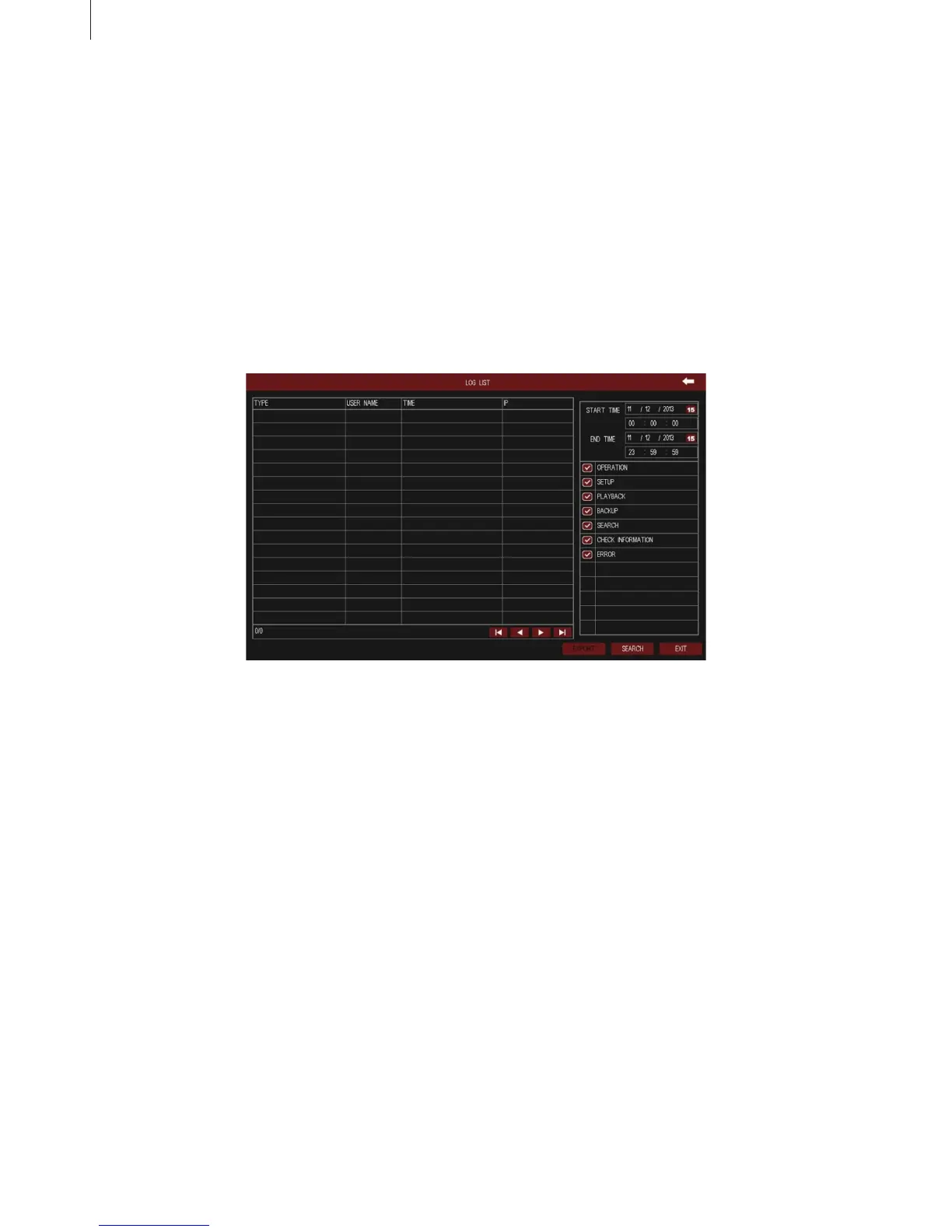
2.6.2 System Log
(1) Select the log type and start & end time.
(2) Press Search button, the searched log information will be listed in chronological order in the log list.
(3) Click Export button to open the Save As dialog box, select storage path of data export; click OK to
start exporting data.
2.7 System Info
In this interface, user can check the device name, rmware version, launch date, etc.
2.8 Logout
Click OK button to log off, click Cancel button to exit the warning window. If wants to login again, user
needs to enter the user name and password in the login screen to login device.
2.9 Reboot
Click OK button to reboot DVR, click Cancel button to exit the warning window.
Menu Setup Guide



 To Next Page