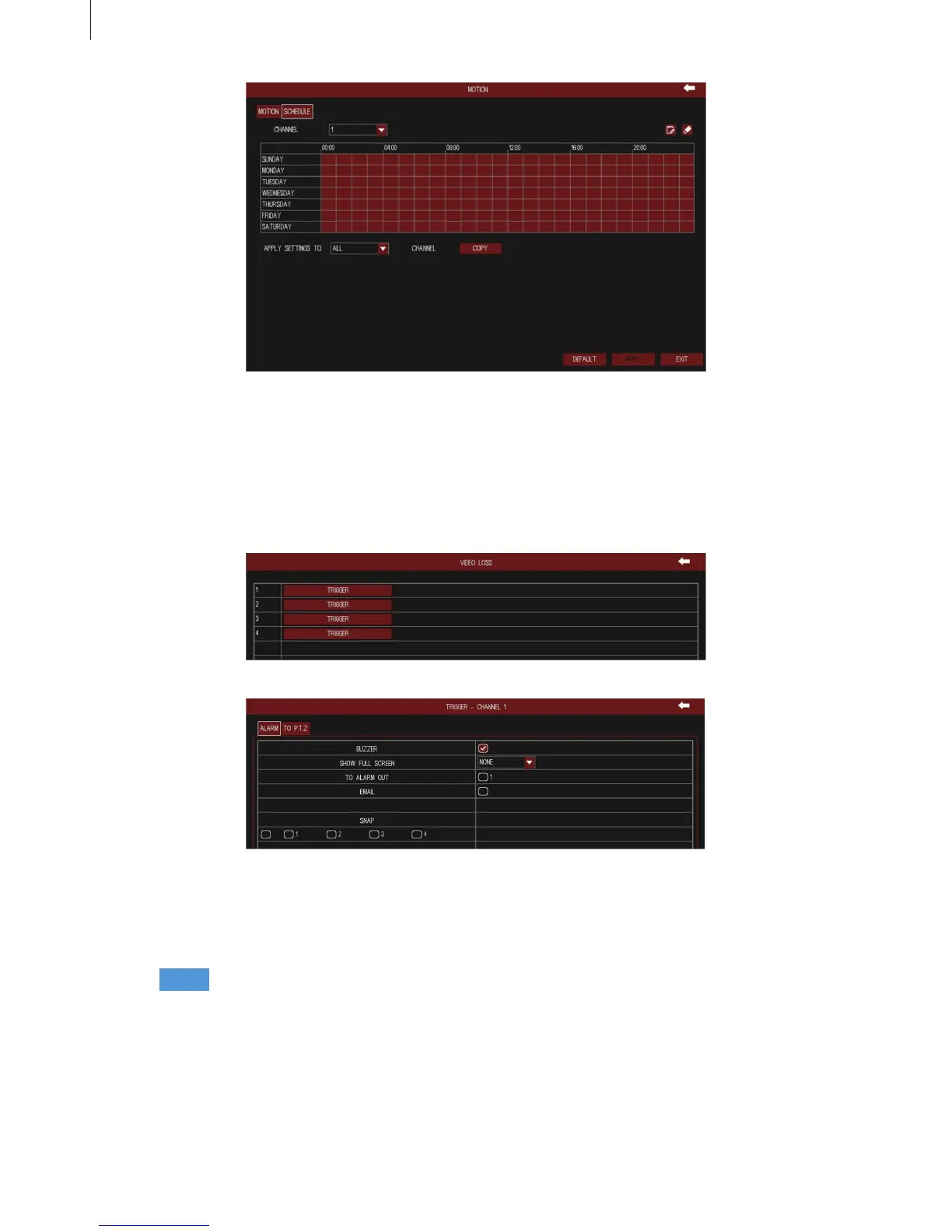
Fig 3-54
Fig 3-55
Fig 3-56
45
Menu Setup Guide
Step1 The interface of other alarm congure is shown in Fig 3-57. Select the alarm type, and set the
trigger options. When the selected alarm is occurred, it will trigger the relevant alarm.
(3) Video Loss
The interface of video loss congure is shown in Fig 3-55. Click “Trigger” button to pop up a window,
as shown in Fig 3-56, the setup steps of trigger are familiar with sensor alarm handling.
(4) System Event



 To Next Page