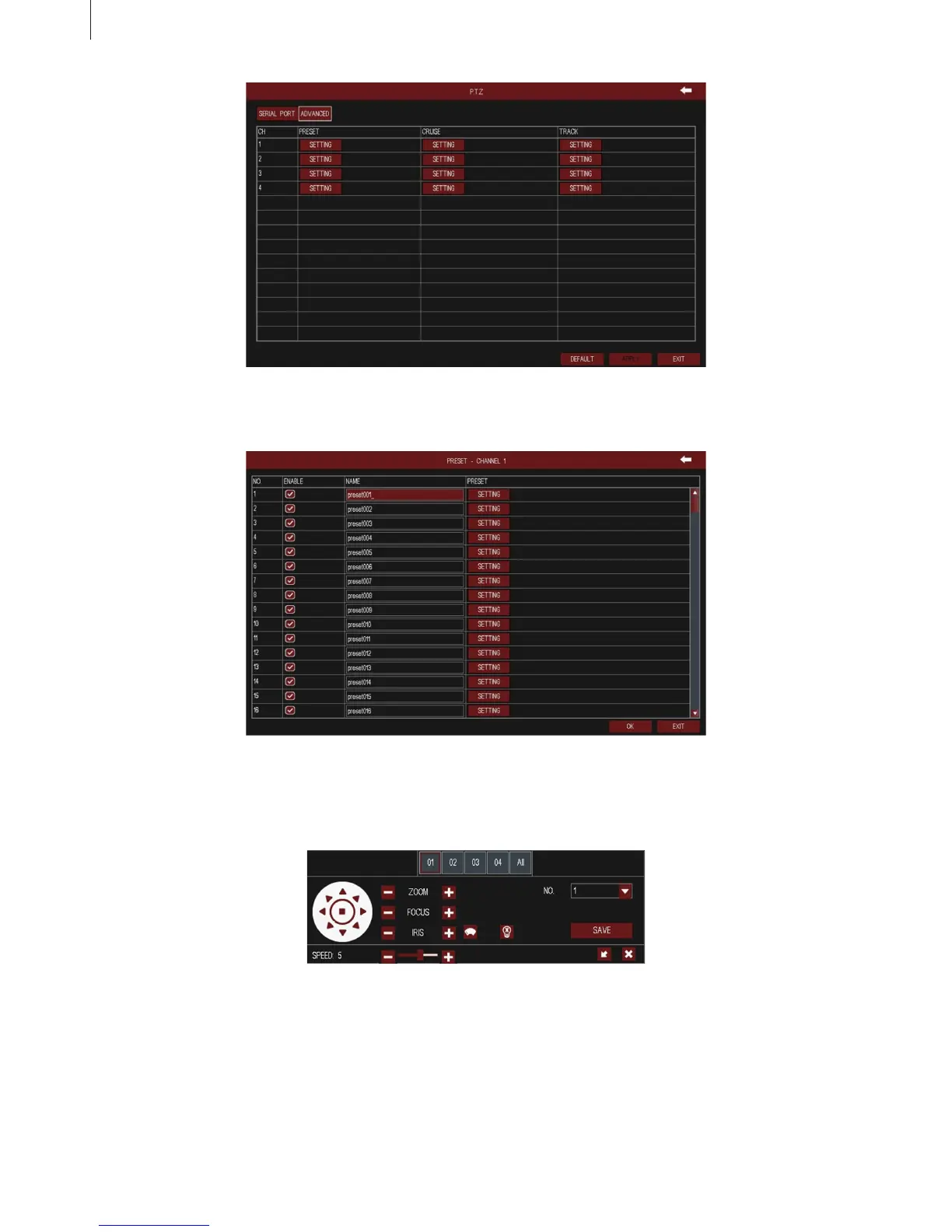
Fig 3-38
Fig 3-39
Fig 3-40
39
·
Preset
·
Cruise
Click “Setting” button of cruise in Fig 3-38, then click “Add” button to add cruise line in the list (8
cruise lines can be added at most), as shown in Fig 3-41.
Menu Setup Guide
Click “Setting” button of preset to pop up a window. User can enable the preset function, self-dene
the preset name, and click “Setting” button to pop up the preset interface, as shown in Fig 3-40.



 To Next Page