Making Calls
88
Release Trunk
If your telphone is configured as an attendant con-
sole (AC), you can release busy external trunks. Ac-
tive calls on that trunk are disconnected. The trunk
is free again and can be used for new external
calls.
You can call up the busy trunks on the display.
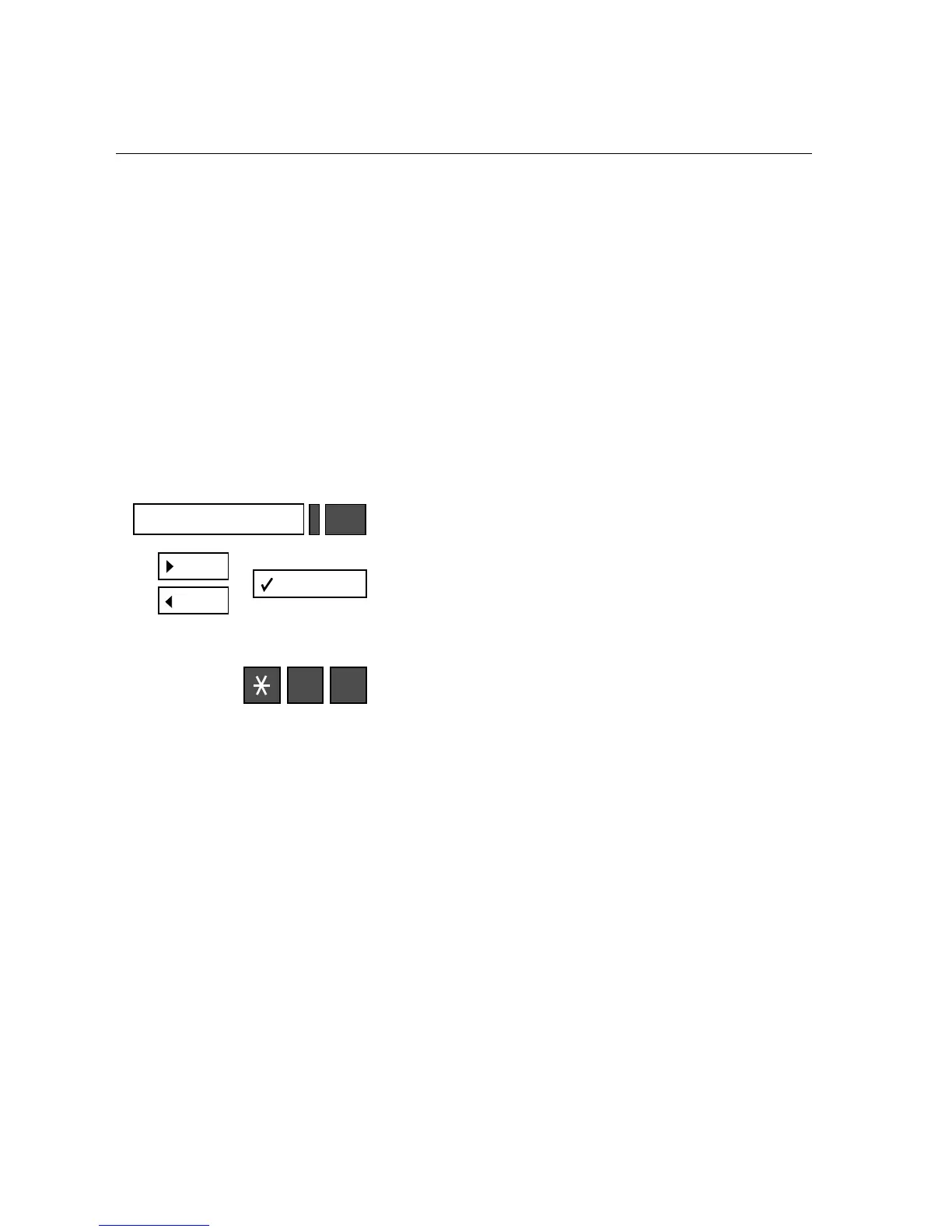
Calling up and releasing busy trunks
1.
Press the Program/Service key; the LED lights up.
Scroll to “Release trunk?“ and confirm your selec-
tion.
or
Enter the code for “Release trunk.”
2.
From this point on, simply follow the user
prompts.
(Select trunk and “Release.” On the optiset E
memory phone, use the cursor keys to select the
individual display lines.)
Program/Service
4 3







 To Next Page