Cellular Modem Modules
6.5RUGGEDCOM RX1500PN LM W32
1. Mount the antenna to a pole or wall in an area that provides good signal
coverage and is away from any signal noise emanating from other
communications equipment.
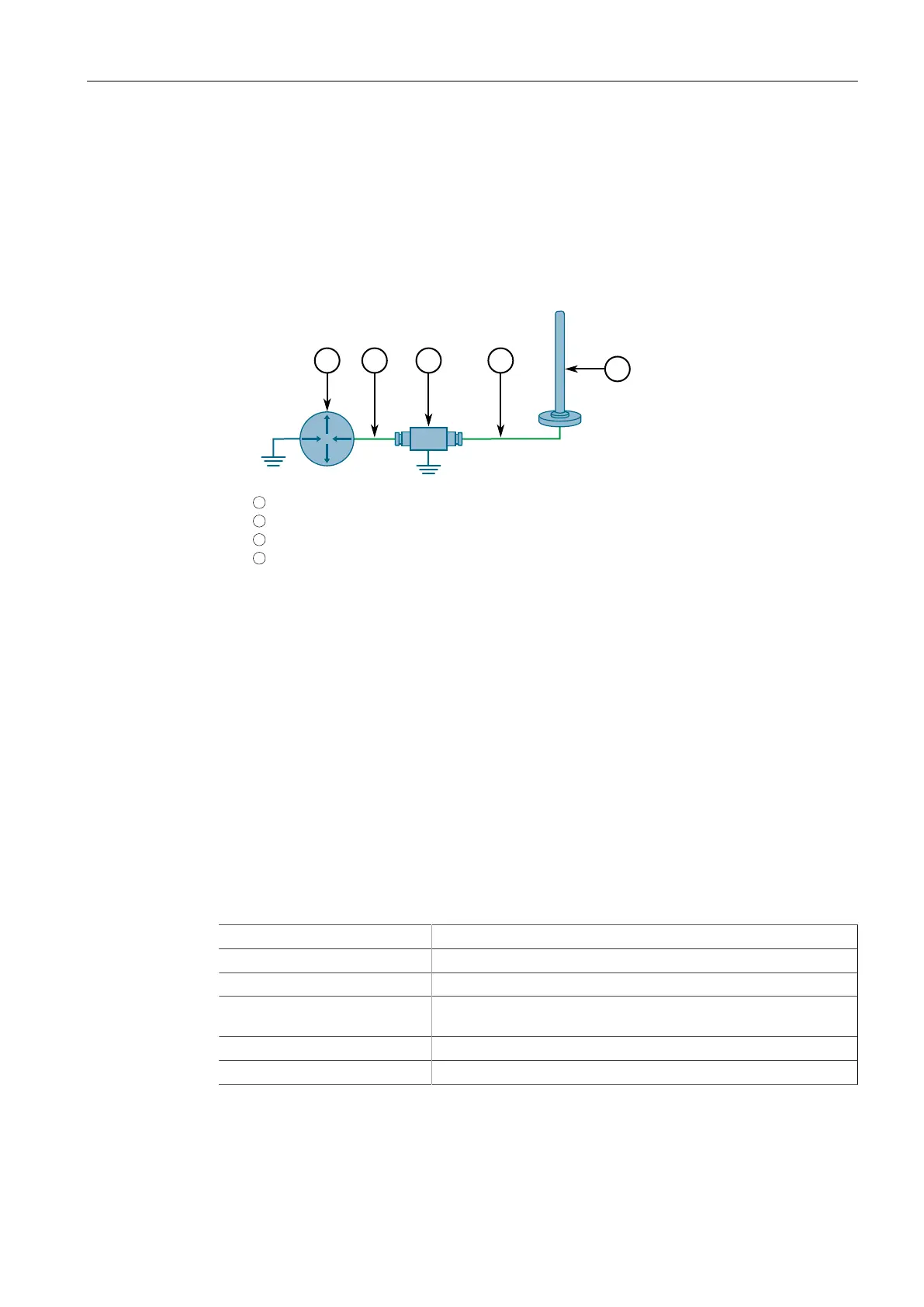
2. Using shielded coaxial cables, connect the antenna to the lightning protector.
Make sure the cables are routed away from any noise sources, such as Switch-
Mode Power Supplies (SMPS).
1
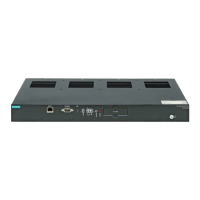
RUGGEDCOM RX1500
2
Shielded Coaxial Cable
3
Lightning Protector
4
Antenna
Figure6.15 Antenna and Lightning Protector Assembly
3. Connect the lightning protector to the appropriate antenna port on the module.
• For a primary GSM/EDGE/HSPA+ antenna, connect the cable to the ANT1
port
• For a primary EVDO Rev A antenna, connect the cable to the ANT 2 port
• For a GSM/EDGE/HSPA+ diversity (secondary) antenna, connect the cable to
the RX DIV 1 port
• For a EVDO Rev A diversity (secondary) antenna, connect the cable to the RX
DIV 2 port
Technical Specifications
General
Services GSM/EDGE/HSPA+ and EVDO Rev. A
Region North America (AT&T and Verizon)
Connector 50 Ω SMA
Antennas 1 x GSM/EDGE/HSPA+, 1 x EVDO Rev A, 2 x Receive Diversity
(Secondary)
SIM Dual Mini-SIM (2FF)
Power Consumption 7 W
144
RUGGEDCOM Modules
Catalog, 07/2021, C79000-G8976-1320-16



 To Next Page